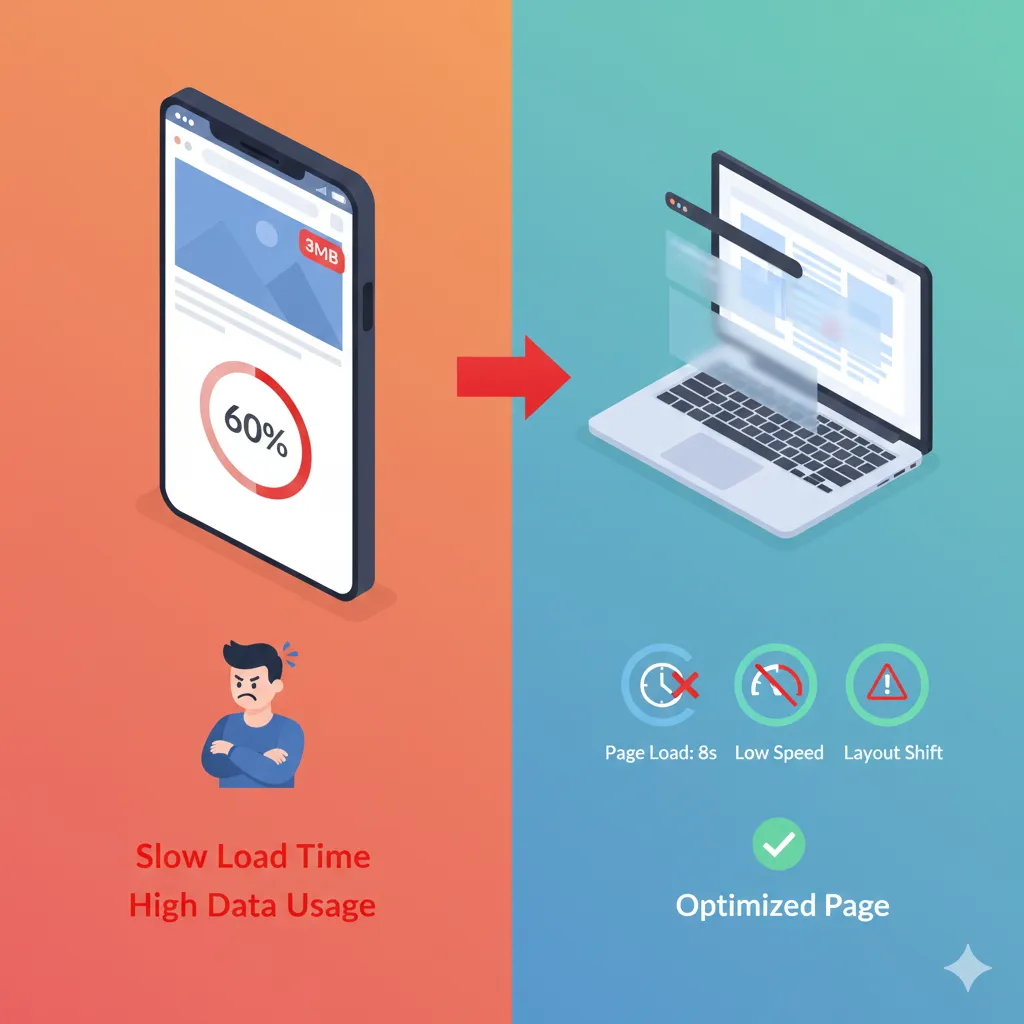
Images make a website look beautiful—but they’re also one of the biggest reasons pages load slowly. If your site feels heavy or takes too long to open, chances are your images are the problem. The good news? You don’t have to sacrifice visual quality to fix it. With the right image optimization approach, you can compress images for web use and still keep them sharp and professional.
In this article, we’ll talk about why image size affects website performance, how it impacts Core Web Vitals, and how controlled compression helps you speed up your site without blur or pixelation.
Why Images Play a Big Role in Website Performance
Most modern websites rely heavily on images—banners, product photos, blog visuals, and UI elements. When these images are uploaded straight from a camera or design tool, they’re often far larger than necessary.
Large image files:
- Increase page load time
- Use more bandwidth
- Slow down mobile performance
- Negatively affect SEO
Even a single oversized image can delay your entire page from loading.
Image Optimization and Core Web Vitals
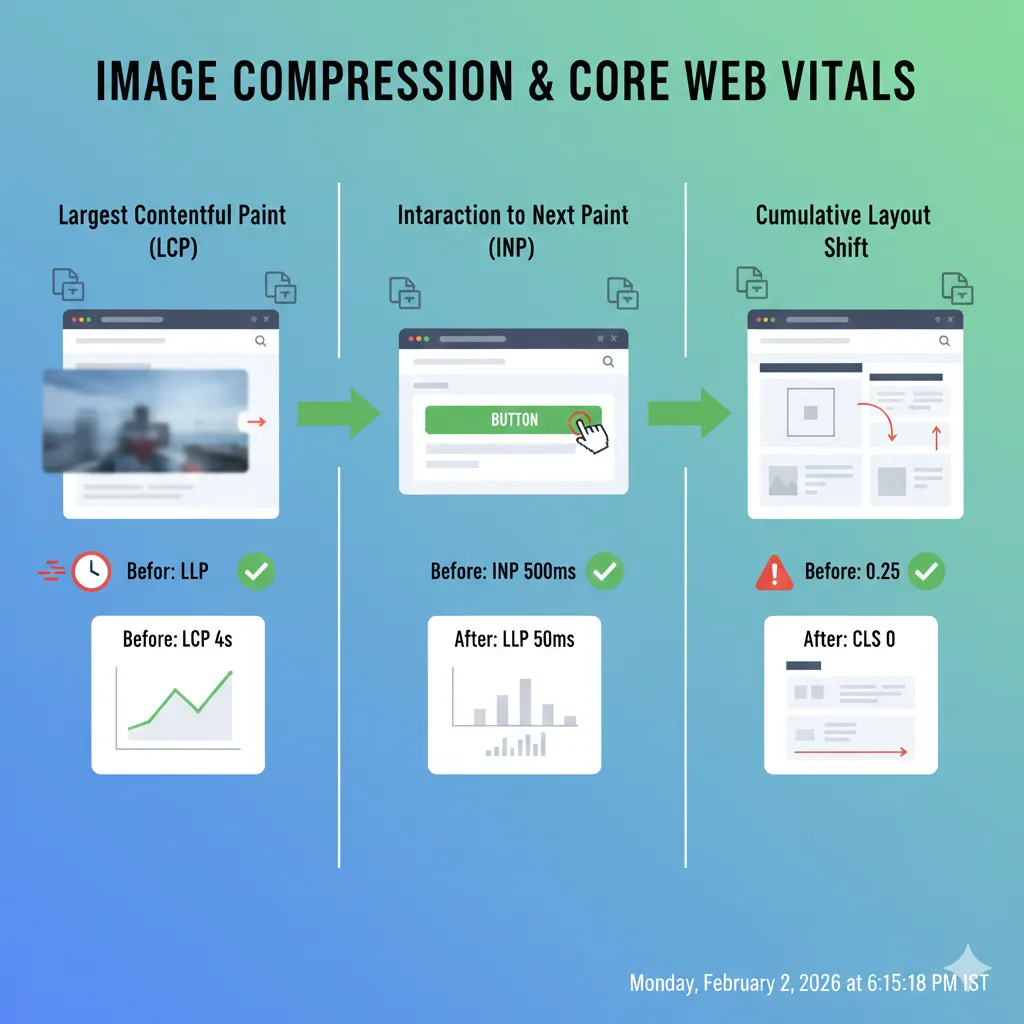
Google’s Core Web Vitals measure how users experience your website. Images directly influence all three key metrics:
Largest Contentful Paint (LCP) Large hero images or banners can delay when the main content appears.
Interaction to Next Paint (INP) Heavy pages slow down responsiveness, especially on mobile devices.
Cumulative Layout Shift (CLS) Unoptimized images without proper sizing can cause layout jumps as they load.
When you compress images for the web, you reduce load time, improve responsiveness, and create a smoother browsing experience—exactly what search engines reward.
Why Simply Resizing Images Isn’t Enough
Many people resize images by changing width and height—but leave file size untouched. The result?
- Images still weigh several MBs
- Pages remain slow
- Quality sometimes looks worse
True image optimization means controlling file size, not just dimensions.
Controlled Compression: The Key to Speed Without Blur
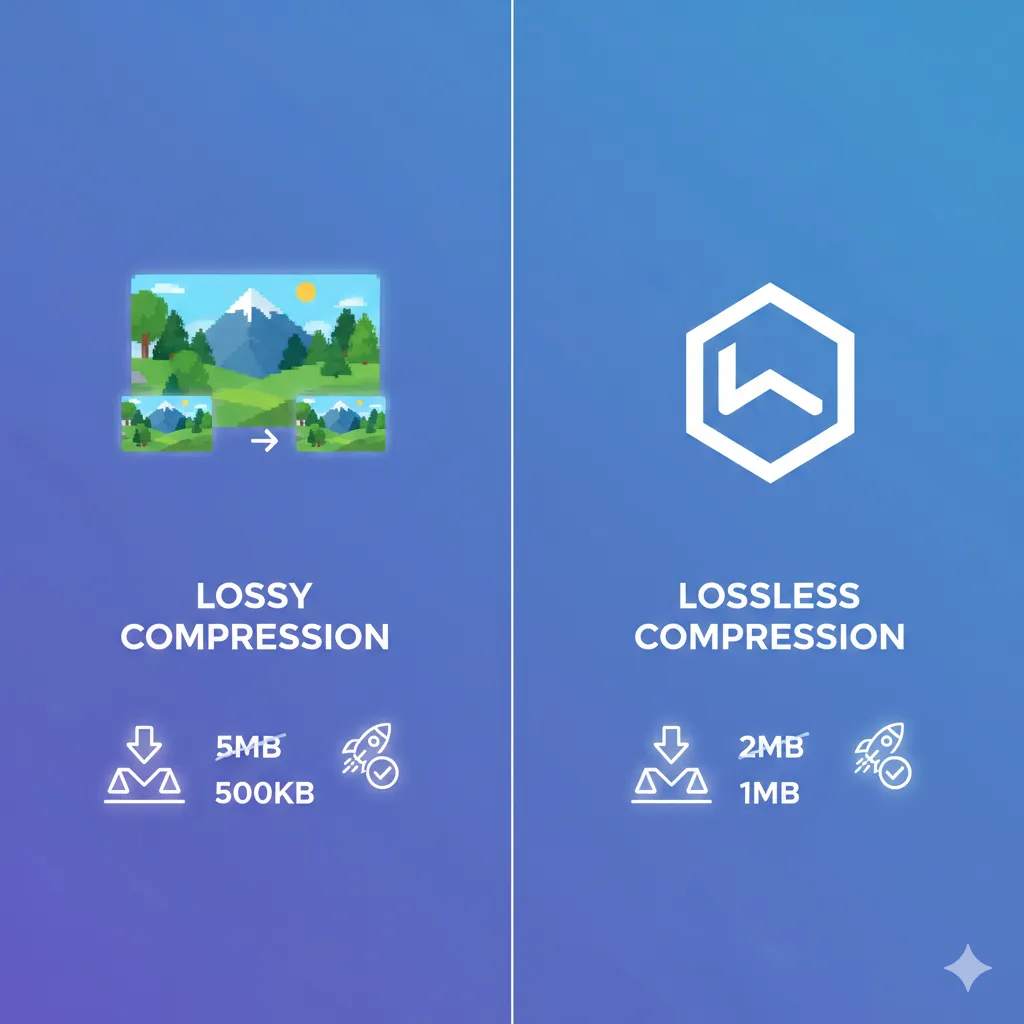
Controlled compression focuses on reducing file size intelligently, not aggressively. Instead of randomly lowering quality, it:
- Removes unnecessary metadata
- Optimizes colors and pixels
- Maintains sharpness where it matters
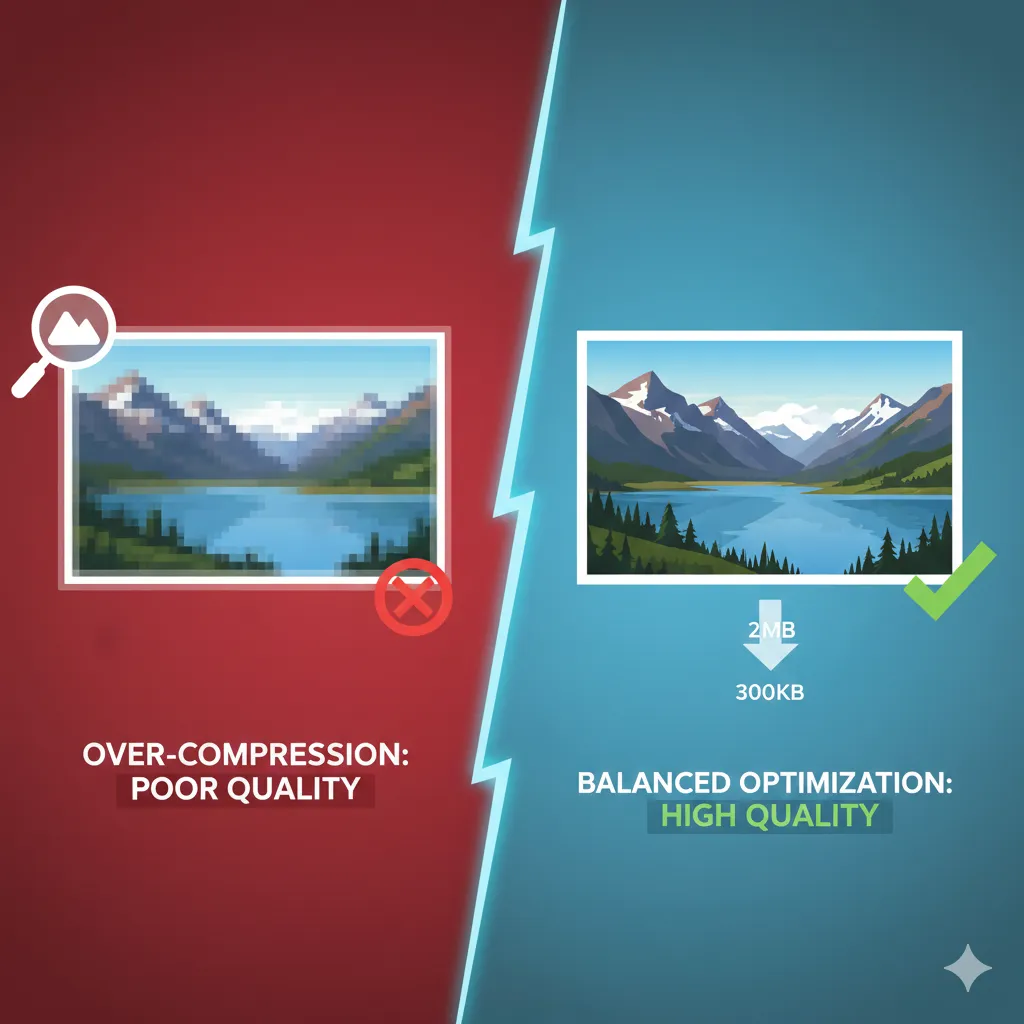
This ensures images load faster while still looking clean and detailed on all screen sizes.
How to Compress Images for Web the Right Way
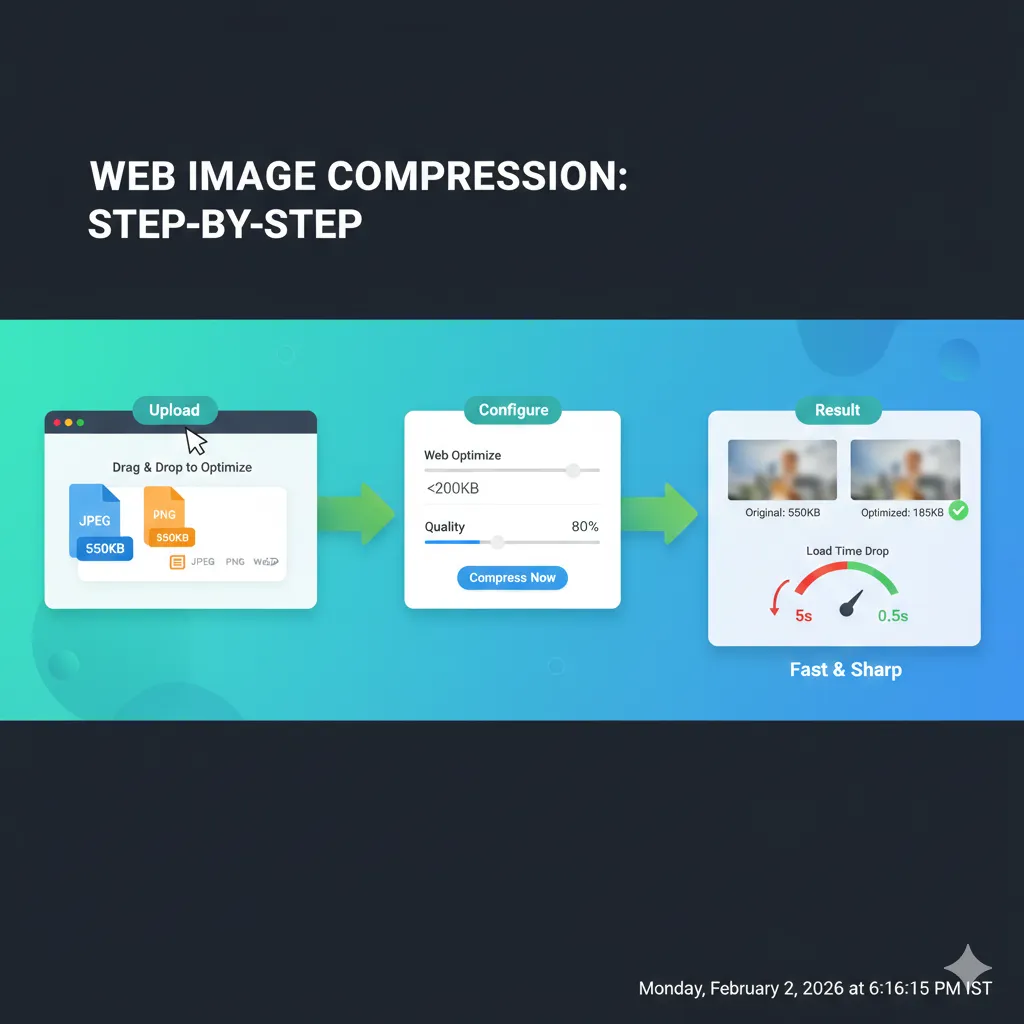
Using ImgCompressors, you can optimize images specifically for websites without technical complexity.
Start With the Free Image Compressor
For general website images, begin here: 👉 https://imgcompressors.com/image
This tool automatically optimizes images for web use and works well when you’re dealing with mixed formats.
Use Format-Specific Compression for Better Results
Different images need different treatment:
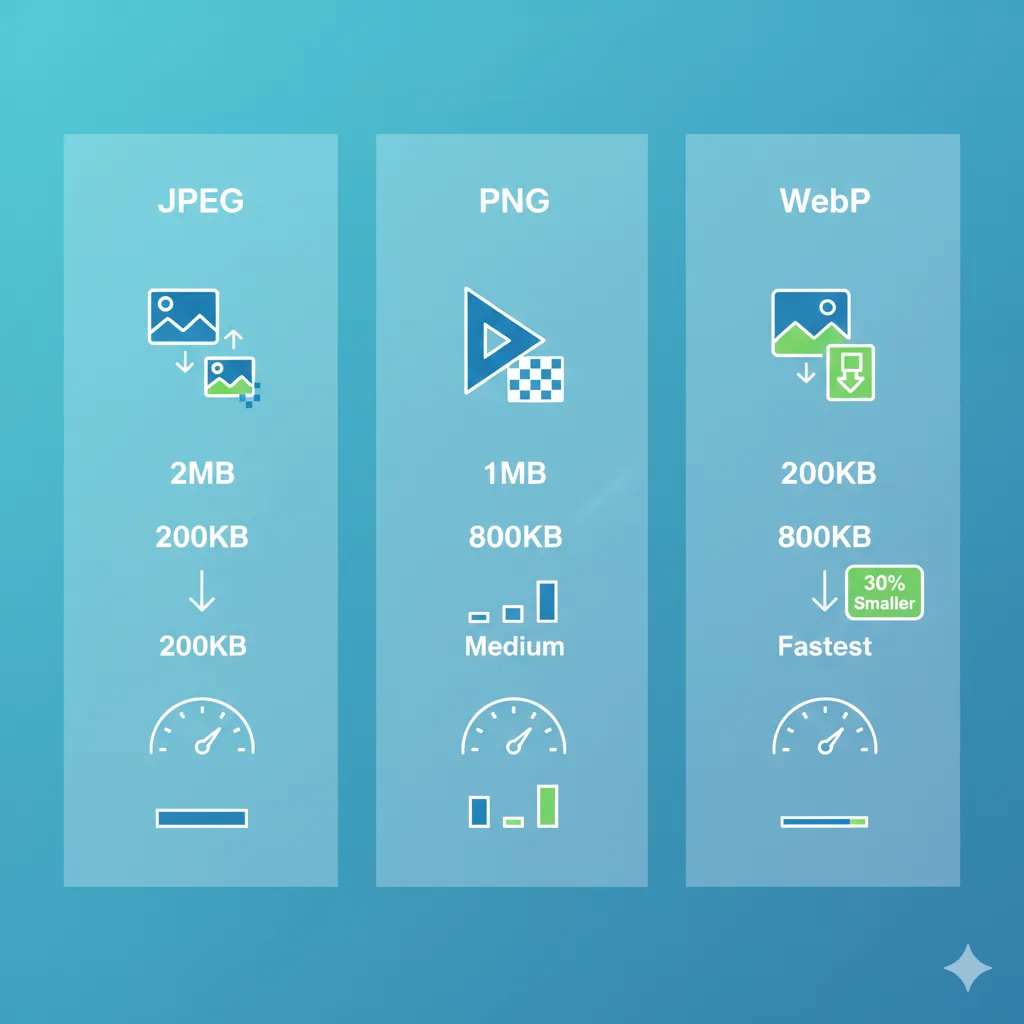
JPEG images (photos, blog images): 👉 https://imgcompressors.com/jpeg Ideal for reducing file size while keeping photos sharp and natural.
PNG images (logos, UI, transparency): 👉 https://imgcompressors.com/png Perfect for preserving crisp edges and transparent backgrounds.
GIF images (animations, loaders): 👉 https://imgcompressors.com/gif Helps reduce animation size without breaking smooth motion.
Using the right tool for each format ensures maximum compression with minimal quality loss.
Compress Images to a Specific Size for Consistency
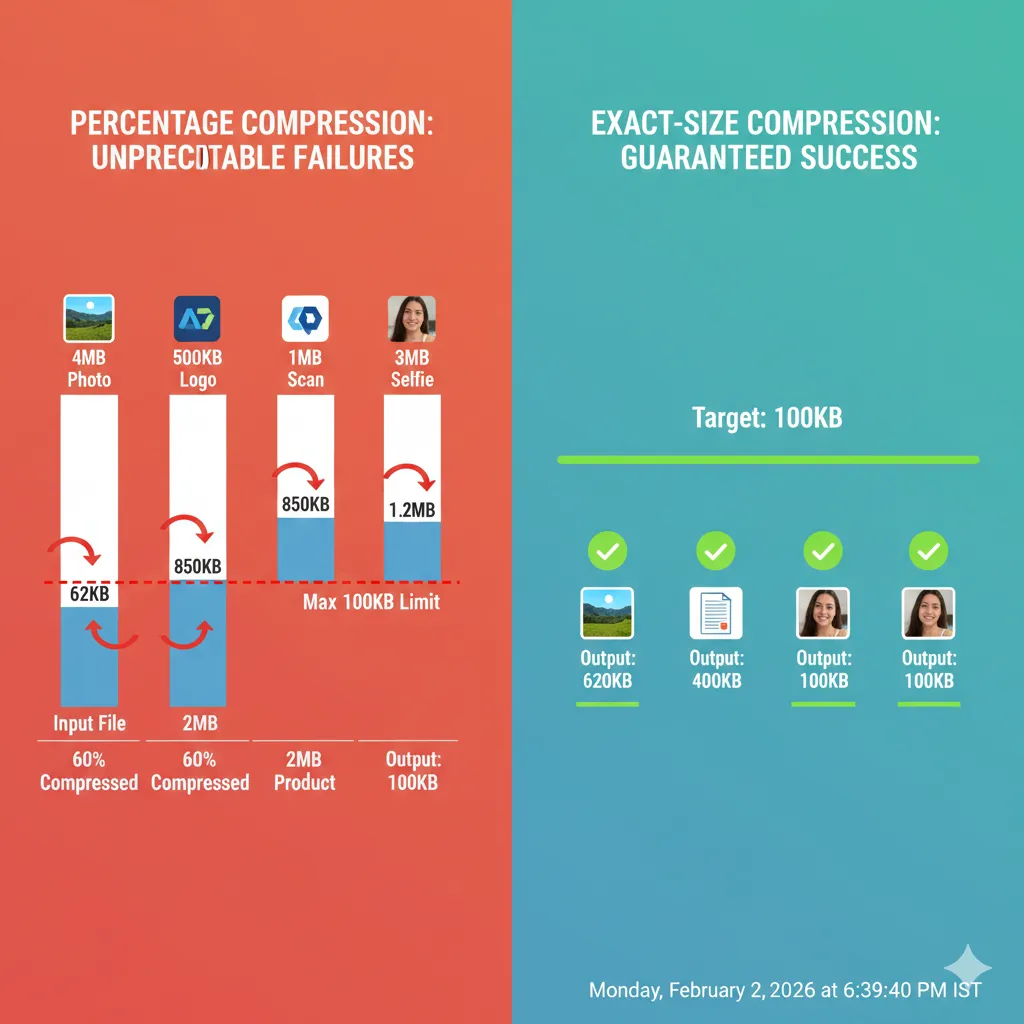
For performance-focused websites, consistency matters. You can use: 👉 https://imgcompressors.com/image-to-specific-size
This lets you compress images to:
- Under 100KB for blog images
- Around 200KB for banners
- Custom KB or MB sizes for different sections
Exact-size compression helps maintain uniform load speed across your site.
Real Benefits of Optimized Images
When you properly optimize images for web use, you’ll notice:
- Faster page load times
- Improved Core Web Vitals scores
- Better mobile performance
- Lower bounce rates
- Clearer, sharper visuals
Most importantly, users stay longer because your site feels fast and smooth.
Why Online Image Compression Tools Make Sense
Design software is powerful—but it’s often overkill for simple optimization. Online tools:Work instantly in the browser
- Require no technical knowledge
- Deliver predictable file sizes
- Save hours of manual work
This makes them ideal for bloggers, developers, marketers, and business owners.
Final Thoughts
Reducing image size for websites doesn’t mean lowering quality—it means optimizing smartly. By using controlled compression, you can significantly improve website speed, protect visual clarity, and boost Core Web Vitals without compromising design.