FAQ's
What does a 10 MB image limit actually mean?
A 10 MB limit means the image file must be 10 MB or smaller to meet that requirement. It refers to the size of the image file itself, not its width, height, or resolution. This distinction is important because an image can have large pixel dimensions while still having a relatively small file size.
How much reduction is needed to bring an image under 10 MB?
It depends on the starting file size. A 10.5 MB image needs only a small reduction, while a 25 MB or 40 MB image requires a much greater reduction to reach the same target. The tool handles the compression toward the 10 MB target rather than requiring you to calculate the reduction yourself.
Can I compress a 10.1 MB image to meet a 10 MB limit?
Yes. When an image is only slightly above the target, the required reduction may be relatively small. This can be useful when an upload system rejects a file simply because it exceeds its 10 MB maximum.
What happens if my image is already 9 MB?
A 9 MB image is already below the 10 MB target, so there is no size-limit reason to reduce it further. The tool can identify that the image is already within the target. You can keep the existing file if it also satisfies the destination's format and other requirements.
Can a very large photo be reduced to 10 MB?
The tool is designed to work toward a 10 MB-or-lower result even when the original image is considerably larger. However, the greater the required reduction, the more likely you are to notice changes in image quality. Always review the processed image before using it for an important purpose.
Does compressing an image to 10 MB reduce its width and height?
Not necessarily. File size and image dimensions are different properties, so reaching a 10 MB target should not be treated as resizing the image to specific pixel dimensions. If a website requires both a maximum file size and particular dimensions, you need to satisfy both requirements separately.
Can an image be under 10 MB but still be too large for my website?
Yes. If your website has a limit such as 5 MB, a 9 MB image still exceeds that requirement even though it is below 10 MB. Always use the exact maximum specified by the website rather than assuming that meeting the 10 MB target will work everywhere.
Does the original image format affect compression to 10 MB?
Yes. JPG, PNG, WebP, and other image formats store visual information differently, so the same image content can have different file sizes depending on its format. The amount of reduction needed to reach 10 MB can therefore vary between files.
Is 10 MB a reasonable target for a high-resolution photograph?
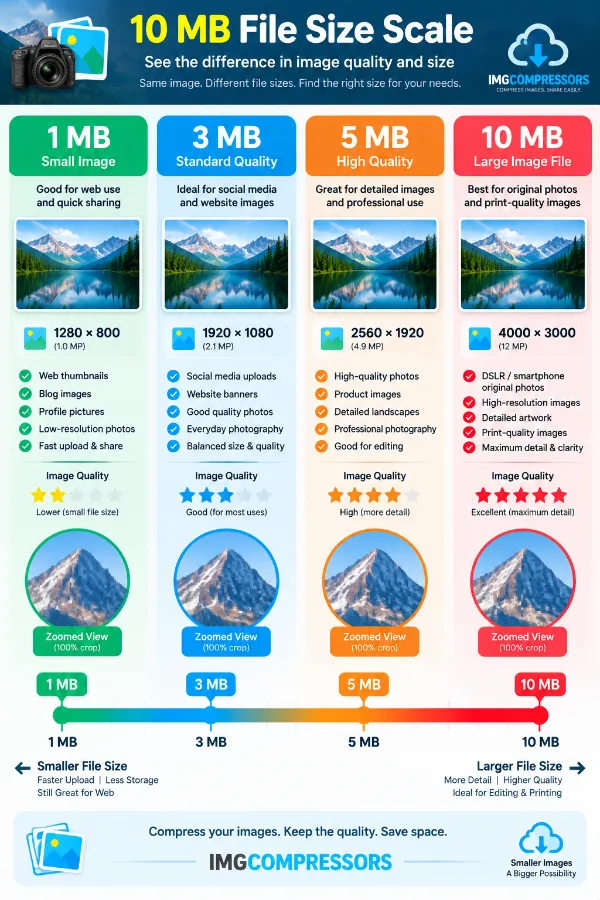
It can be, particularly when a website or application allows files up to 10 MB. A high-resolution photograph may already be below that limit, while a very large camera or edited image may need compression first. Whether the result is suitable depends on how much detail your intended use requires.
Can I use the 10 MB compressor for images from a professional camera?
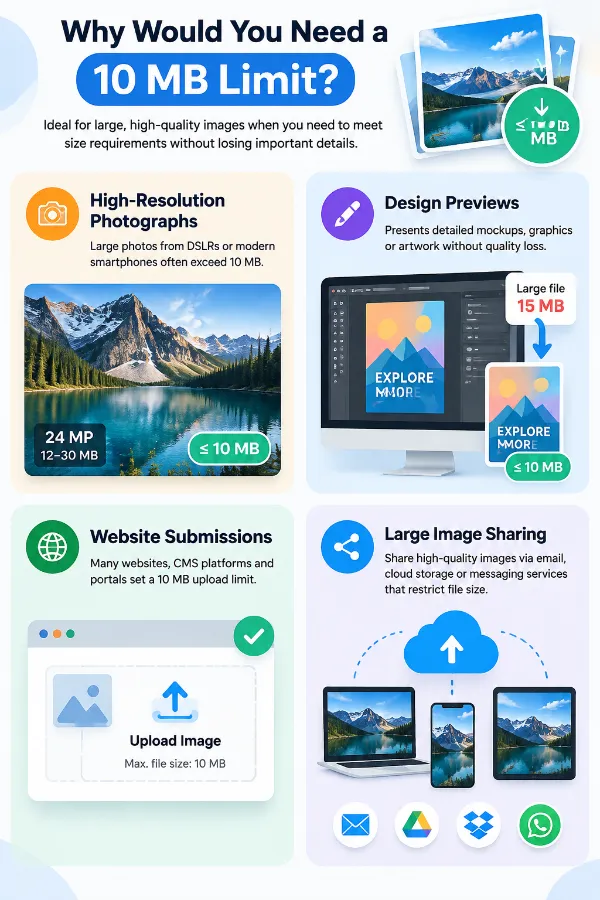
Yes, provided the image is in a supported format. High-resolution camera images can have large file sizes, so a 10 MB target can help prepare them for websites or upload systems with size restrictions. After compression, check the result carefully if the image needs to retain fine details.
Can I compress an image before sending it through email or a messaging service?
Yes. Reducing a large image can make the file easier to share when the service has a file-size restriction or when you want to avoid sending unnecessarily large files. Check the compressed image before sending it if maintaining visual quality is important.
Can reducing an image to 10 MB noticeably affect its quality?
It can, particularly when the original is much larger than 10 MB and requires substantial compression. Detailed photographs may show changes in fine textures or other visual elements after a large reduction. The best way to judge the result is to compare the compressed image with the original.
Why should I check the new file size after compression?
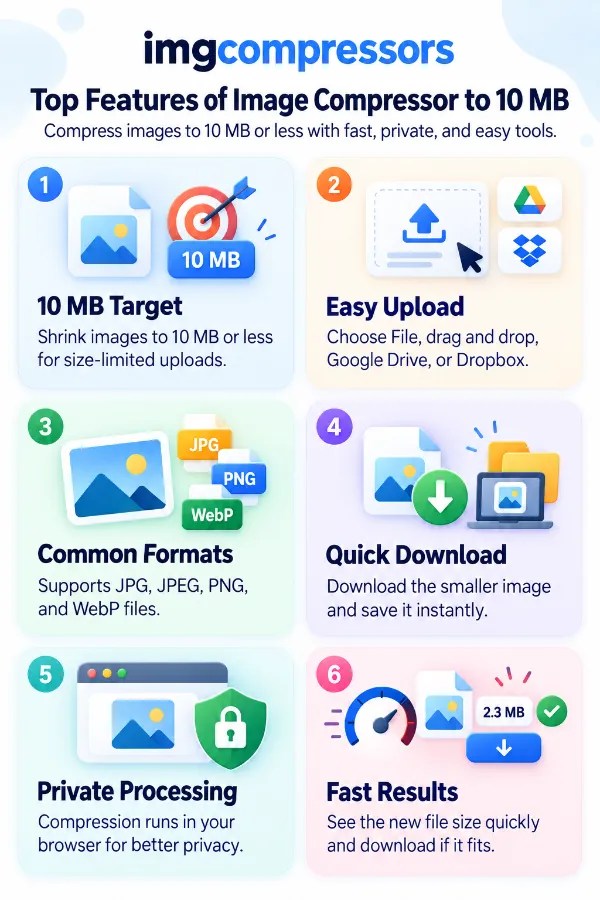
The displayed file size lets you verify that the processed image actually meets your intended requirement. This is especially useful when a website has a strict maximum rather than simply preferring smaller files. You can check the result before downloading and submitting the image.
Is compressing an image to 10 MB the same as reducing its resolution?
No. Compression primarily concerns the file size, while resolution describes the amount of image detail represented by its pixel dimensions. An image can be compressed without treating the 10 MB target as a specific resolution requirement.
Can I use the compressed image for printing?
A 10 MB file can potentially be used for printing, but file size by itself does not determine print quality. The image's pixel dimensions, resolution, and the required print size are also important.