FAQ's
Why would I specifically need an image that is 1.8 MB or smaller?
A website, application, document portal, or other online platform may set 1.8 MB as its maximum image size. A photo that is only slightly above this limit can be rejected even though it works normally on your device. Compressing it to 1.8 MB or below helps prepare the file for that specific requirement.
My image is 1.81 MB. Will the website reject it?
If the website enforces a strict 1.8 MB maximum, even a small amount above the limit can prevent the upload. In this situation, reducing the file slightly can be enough to bring it within the permitted range. Check the final file size after compression rather than relying on the difference being small.
What if my image is 1.8 MB exactly?
If the requirement says “1.8 MB or less,” a file at the stated limit may be acceptable. However, different systems may calculate or display file sizes differently, so an upload portal could still interpret the size differently. If you experience a rejection, creating a result slightly below 1.8 MB can provide some margin.
Can I compress a 2 MB image to 1.8 MB without a major quality change?
The required reduction is relatively small because the original is already close to the target. In many cases, a modest reduction may be enough to meet the limit, although the actual visual result depends on the image and its format. Always compare the processed image with the original before replacing it.
What happens when I compress a 10 MB image to 1.8 MB?
A 10 MB image requires a much greater reduction than a 2 MB image. Because more file data needs to be removed or simplified, the resulting image may show more noticeable changes in quality. For important photographs, keep the original and inspect the 1.8 MB version carefully before using it.
Does the 1.8 MB target mean my image will be resized?
No. File size and image dimensions are different properties. The 1.8 MB target describes how much storage space the image file uses, while dimensions describe its width and height in pixels. If your destination requires specific pixel dimensions as well, those need to be checked separately.
Why is my 4000 × 3000 image still large even after compression?
Large pixel dimensions can contribute to a larger file, but they are not the only factor. The image format, amount of visual detail, color information, and existing compression can all affect file size. Therefore, an image can remain relatively large even after other changes have been made.
Can I compress a high-resolution phone photo to 1.8 MB?
Yes. Modern phones often produce photographs that are several MB because they capture a large amount of image data. If an online form has a 1.8 MB maximum, compressing the photo can make it suitable for submission while allowing you to keep the original high-resolution photograph separately.
Is 1.8 MB the same as 1800 KB?
Not always. File-size units can be represented using different conventions, with decimal and binary measurements producing slightly different values. Because websites and operating systems may display these measurements differently, follow the exact unit and limit used by the website or application you're uploading to.
Can an image be compressed below 1.8 MB instead of exactly reaching 1.8 MB?
Yes. The target is 1.8 MB or below, so the result does not need to be exactly 1.8 MB. A file of 1.7 MB, 1.5 MB, or another smaller size can still satisfy a maximum-size requirement, provided the image remains suitable for its intended use.
What if the compressed image becomes much smaller than 1.8 MB?
A smaller result is not necessarily a problem when the destination specifies a maximum file size. However, if the reduction is much greater than necessary, you may notice more changes in image quality than needed. Check the result before deciding whether it is appropriate for your particular use.
Why does a photo sometimes lose more quality than another image at the same 1.8 MB size?
Different images contain different amounts and types of visual information. A detailed photograph with textures and fine variations may require more data than a simple graphic, even when both are compressed to the same target size. This is why two images at 1.8 MB can have noticeably different visual quality.
Can I compress a scanned document to 1.8 MB?
Yes, if the scan is provided in a supported image format. This can be useful when a document portal places a 1.8 MB limit on scanned images. After compression, carefully check small text, signatures, stamps, and other details that need to remain readable.
What should I do if my image is already below 1.8 MB?
If the image already meets the 1.8 MB maximum, additional compression may not be necessary. For example, a 1.6 MB file already satisfies a 1.8 MB-or-lower requirement. Keeping it as it is can help avoid unnecessary changes to its quality.
Can I compress an image for email or online sharing using the 1.8 MB target?
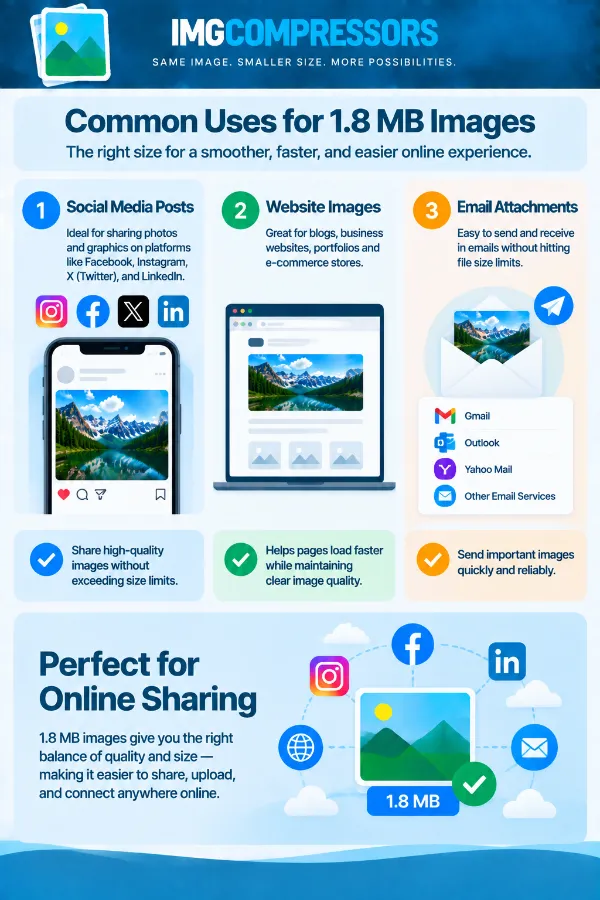
Yes. A 1.8 MB target can make a large image more manageable when a particular email or sharing platform has a file-size restriction. If there is no 1.8 MB requirement, however, you may not need to reduce a high-quality image simply for sharing.
Does compressing an image to 1.8 MB remove important image information?
Compression can affect visual information, particularly when a much larger file is reduced significantly. Fine textures, small details, or subtle image elements may be affected more than large, simple areas. For documents, signatures, or images containing important details, always inspect the processed version before submitting it.
Why should I check the displayed file size after compression?
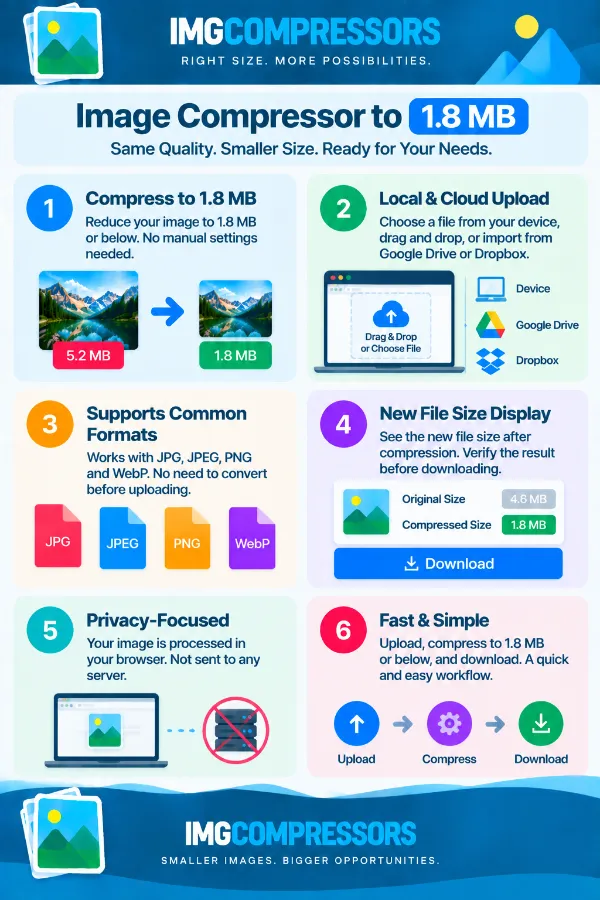
The displayed size tells you whether the processed file has actually reached the 1.8 MB target. This is particularly important when the destination has a strict maximum and being even slightly over the limit could cause an upload failure. Checking the result before downloading gives you a chance to confirm that the file is ready.
Should I compress the original image repeatedly if I need it even smaller later?
It is better to keep the original and create compressed versions from it when needed. Repeatedly processing an already-compressed image can result in additional quality changes. Keeping the original gives you a clean source for creating a 1.8 MB version or another size-specific copy later.