## Bulk Image Compression: How to Compress Multiple Images at Once Online
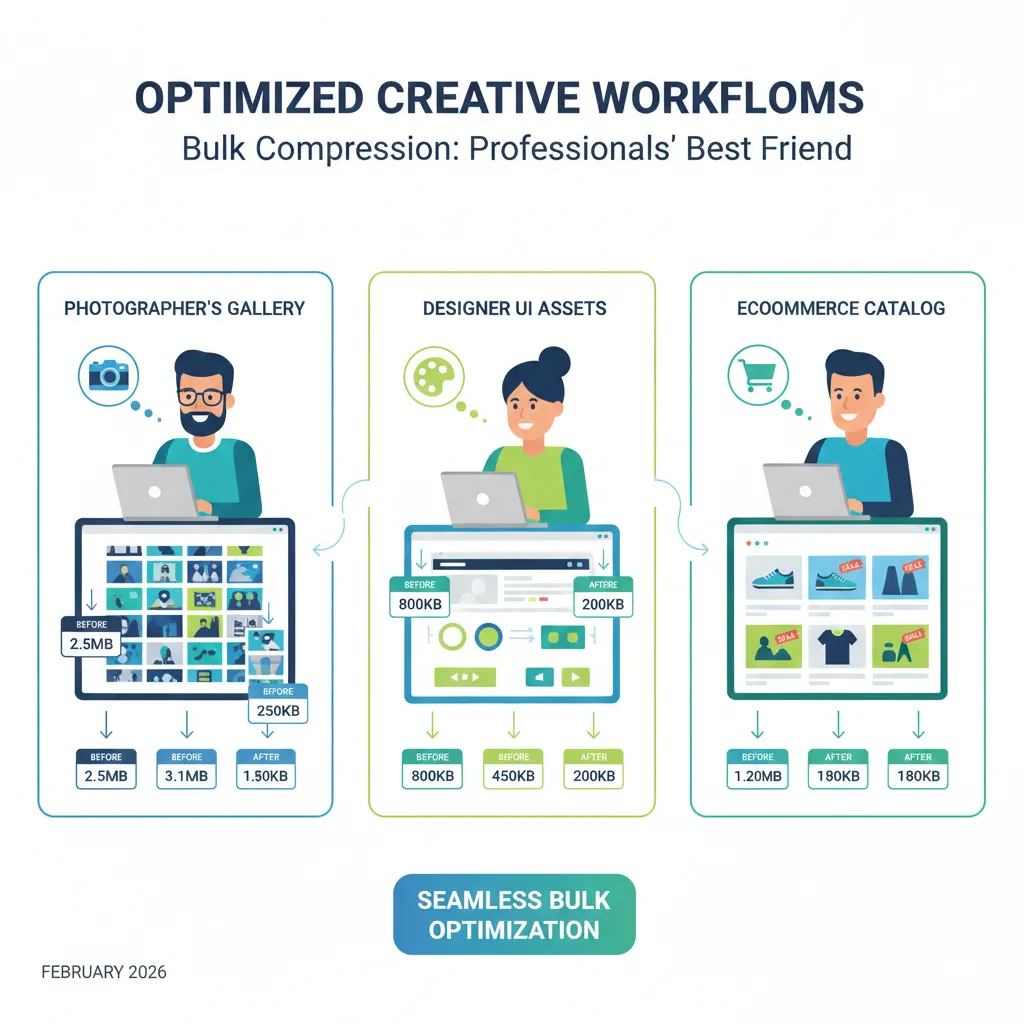
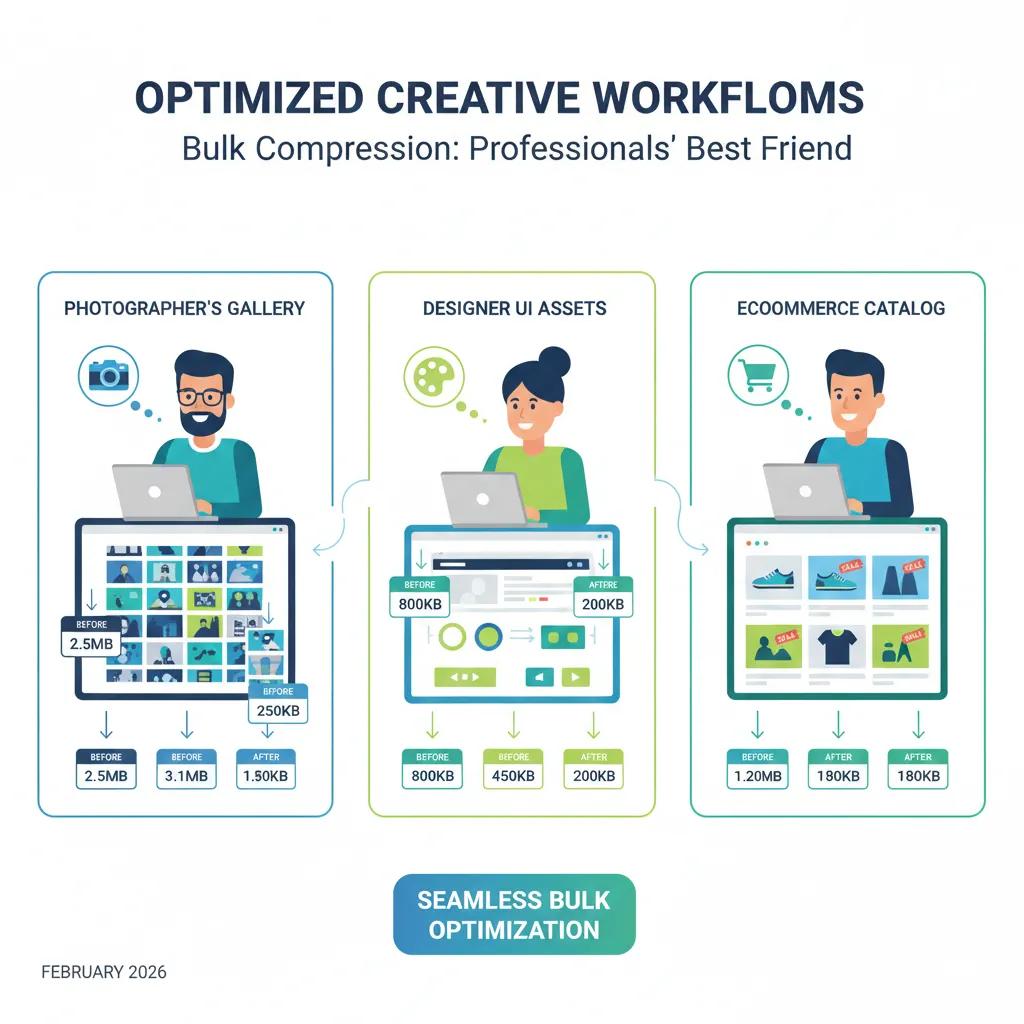
If you work with images regularly, compressing them one by one can quickly become frustrating. Photographers exporting galleries, designers preparing website assets, or ecommerce sellers uploading hundreds of product images all face the same problem—too many images, not enough time.
That’s where bulk image compression comes in. Instead of handling files individually, you can compress multiple images at once, save hours of work, and keep file sizes consistent across your entire project.
In this article, we’ll explore why bulk compression matters, how it helps different professionals, and why size-based compression works better than guessing percentages.
Why Bulk Image Compression Is a Game Changer
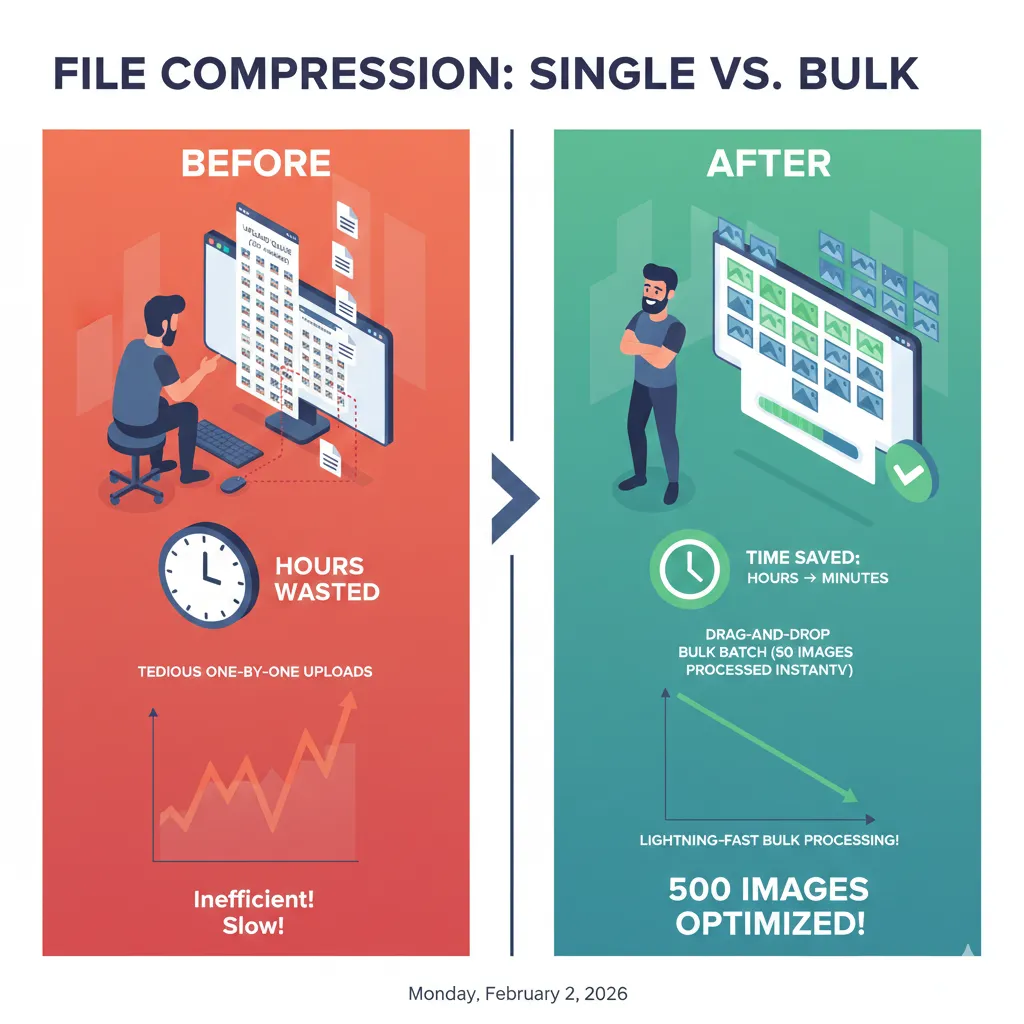
Compressing images individually might be manageable for 2–3 files. But when you’re dealing with 20, 50, or 500 images, it becomes inefficient and error-prone.
Bulk image compression helps you:
- Save significant time
- Maintain consistent image quality
- Keep file sizes uniform
- Avoid repetitive manual work
Most importantly, it removes guesswork from the process.
Who Benefits Most From Compressing Multiple Images?
Photographers After a shoot, photographers often export dozens of high-resolution images. Bulk compression allows them to reduce file size for client delivery, web galleries, or email sharing—without ruining image quality.
Designers & Developers Web assets like banners, blog images, and UI elements need to be lightweight and consistent. Compressing multiple images at once ensures faster load times and better performance.
Ecommerce Sellers Product listings often require images under a specific size. Bulk compression helps sellers optimize entire catalogs quickly while keeping visuals sharp and professional.
The Problem With “Compress by %” in Bulk
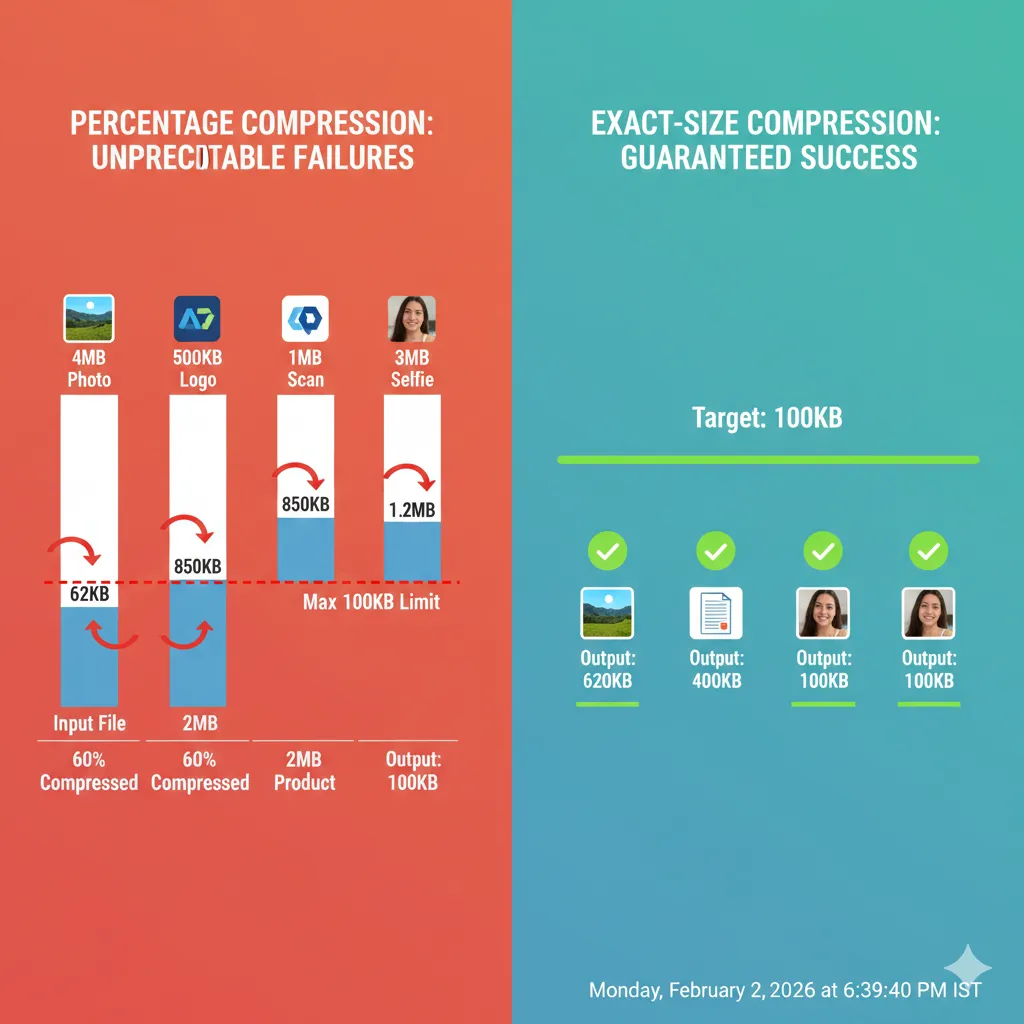
Many tools compress images by percentage—like reducing quality by 40%. This might sound convenient, but it creates serious issues when working in bulk.
Here’s why percentage compression fails:
- Each image compresses differently
- Final file sizes are unpredictable
- Some images end up too large
- Others lose unnecessary quality
In bulk workflows, inconsistency is a big problem.
Why Size-Based Compression Works Better
Instead of guessing, size-based compression lets you compress images to a specific size. This approach gives you full control and predictable results.
When you compress images to a specific size:
- Every image stays under your required limit
- Uploads don’t fail unexpectedly
- Quality remains consistent across files
This is especially useful for websites, marketplaces, and platforms with strict size rules.
How to Compress Multiple Images Online the Right Way
Using ImgCompressors, you can handle both bulk image compression and exact-size control in one place.
Start With the Free Image Compressor
For quick bulk optimization across formats, use: 👉 https://imgcompressors.com/image
This tool supports multiple uploads and works well when you’re compressing a mix of JPG, PNG, and GIF images.
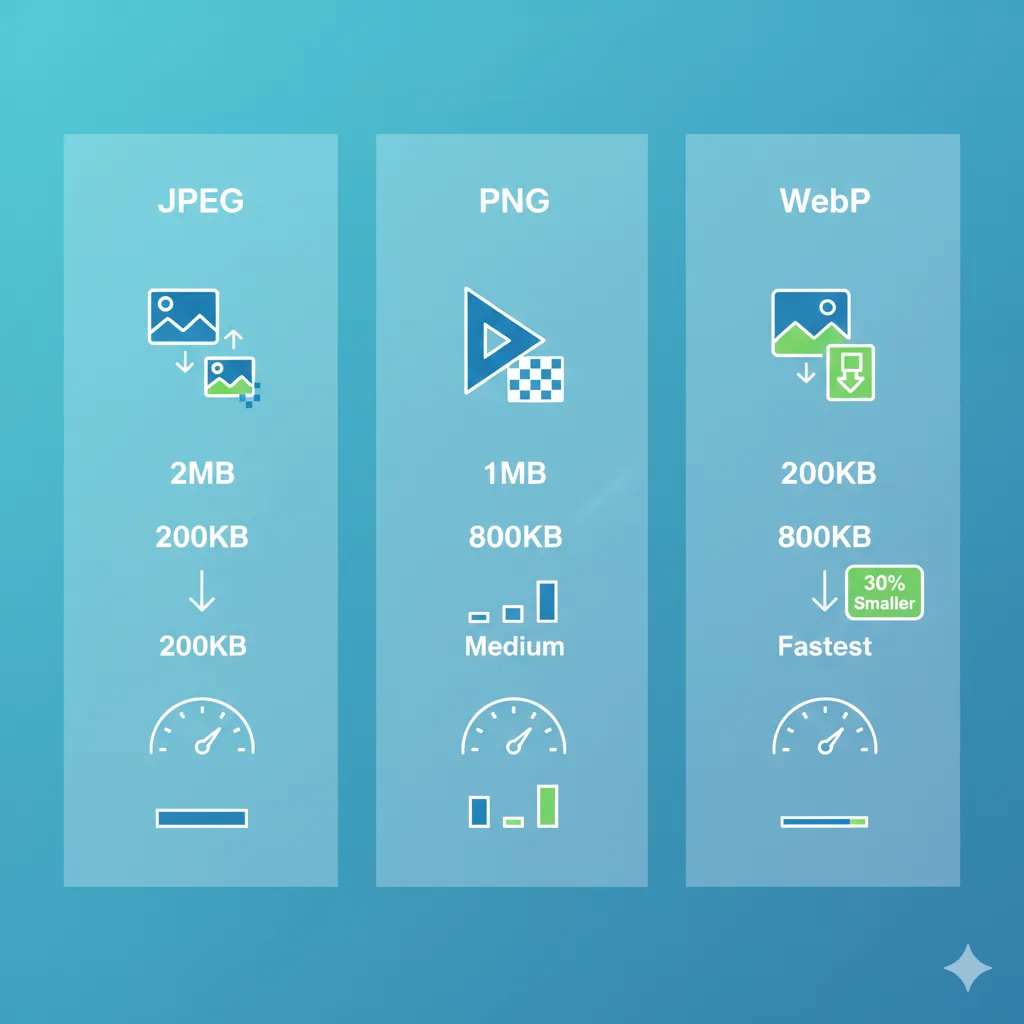
Use Format-Specific Tools for Best Results
When quality matters, using the right tool for each format makes a difference:
JPEG images (photos, product images): 👉 https://imgcompressors.com/jpeg Ideal for reducing large photo files while preserving clarity.
PNG images (logos, screenshots): 👉 https://imgcompressors.com/png Perfect for keeping sharp edges and transparency intact.
GIF images (animations): 👉 https://imgcompressors.com/gif Helps reduce animation size without breaking smooth motion.
These tools ensure that each image format is optimized correctly—even in bulk.
Compress Images to a Specific Size (No Guesswork)
For consistent results, especially in large batches, use: 👉 https://imgcompressors.com/image-to-specific-size
Here, you can:
- Compress multiple images to the same KB or MB limit
- Avoid random file sizes
- Meet platform requirements with confidence
Whether you need images under 100KB for a website or under 2MB for uploads, size-based compression keeps everything predictable.
Time Savings You’ll Actually Notice
Bulk compression isn’t just convenient—it’s practical.
Instead of:
- Uploading images one by one
- Exporting repeatedly
- Checking file sizes manually
You can:
- Upload all images together
- Set your size or format
- Download optimized files in minutes
For professionals, this translates directly into saved time and smoother workflows.
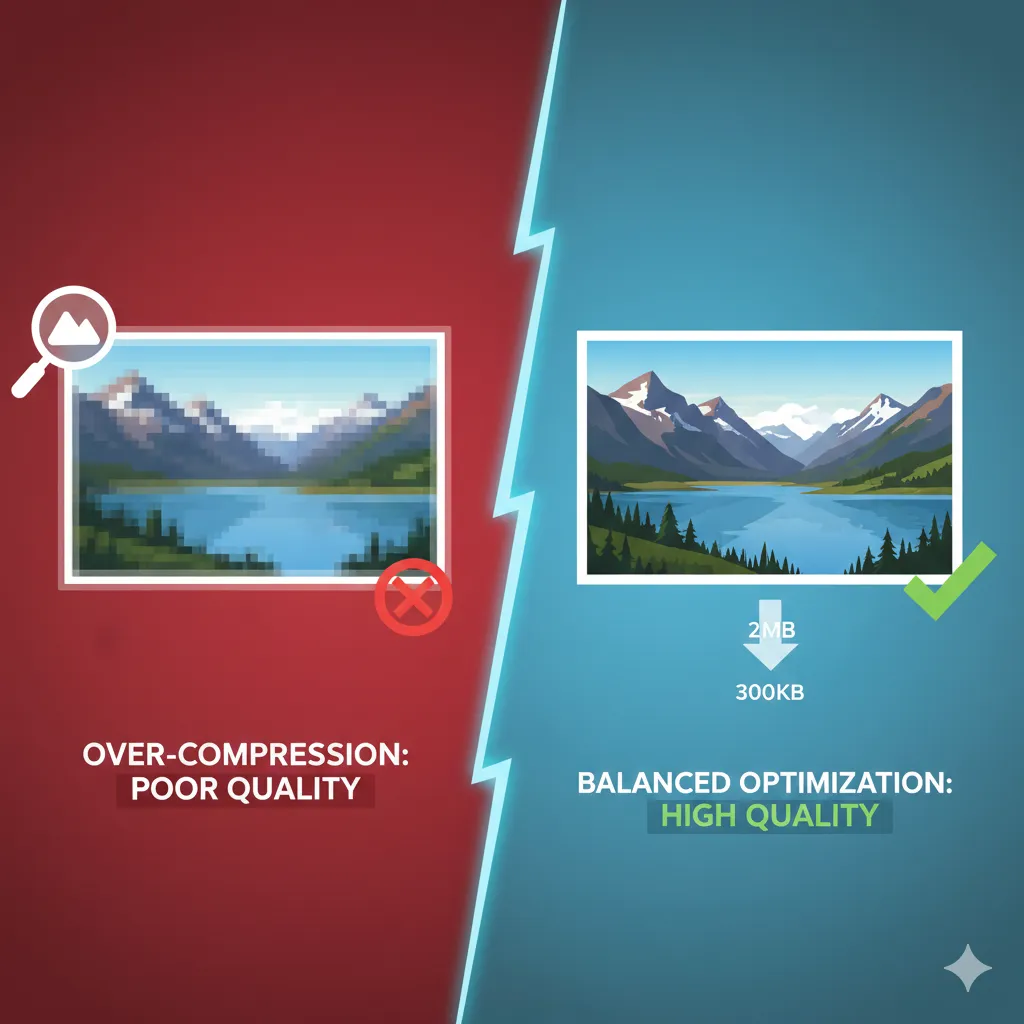
Quality Is Still Protected
Bulk compression doesn’t mean low quality. Modern tools:
- Remove unnecessary metadata
- Optimize pixels intelligently
- Preserve sharpness where it matters
The result is a set of images that look clean, professional, and ready for use.
Final Thoughts
If you regularly work with large sets of images, bulk image compression is not optional—it’s essential. Compressing multiple images at once saves time, reduces errors, and keeps your files consistent.