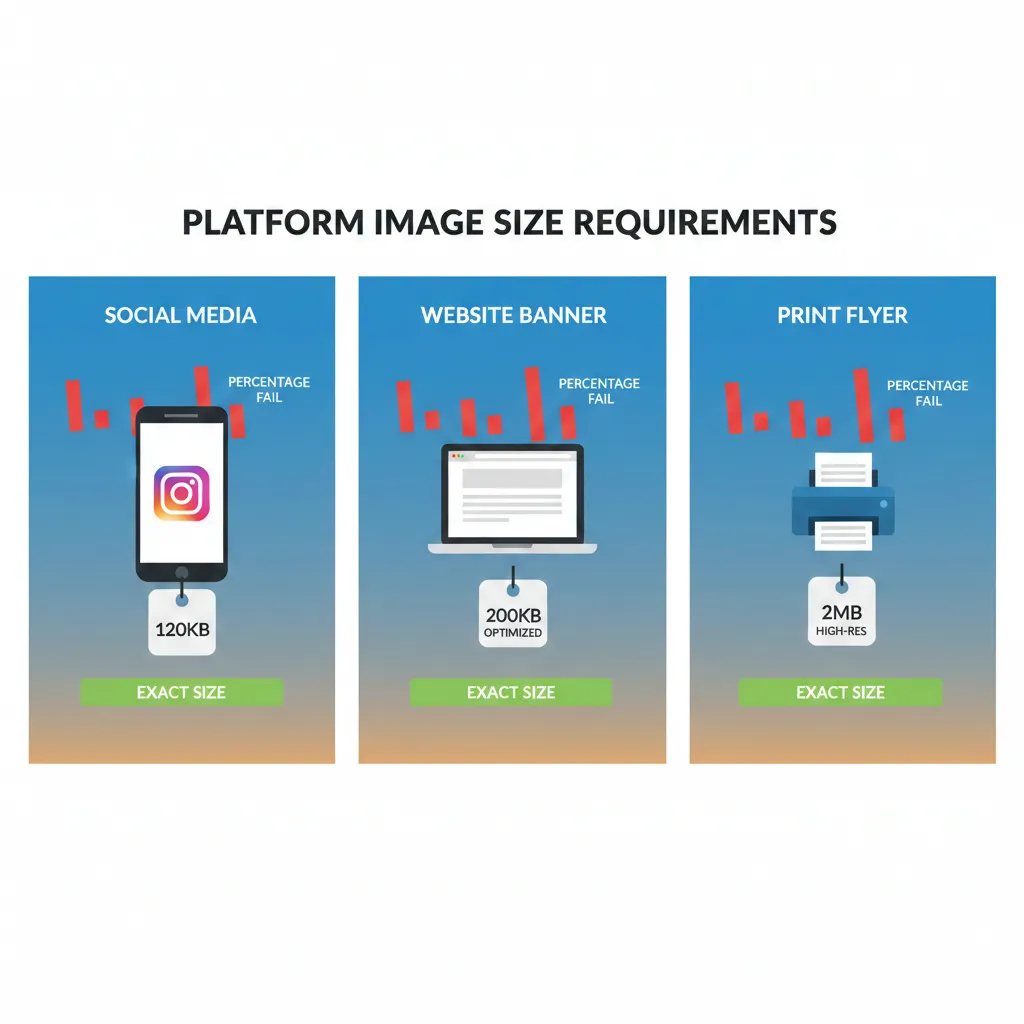
If your website loads slowly, your rankings will suffer — no matter how good your content is. One of the biggest reasons websites slow down is unoptimized images.
High-resolution photos look great, but they often carry unnecessary file size. When not compressed properly, they increase loading time, hurt user experience, and negatively impact SEO.
Let’s understand how image compression directly improves search engine visibility and Google rankings.
Why Page Speed Matters for SEO
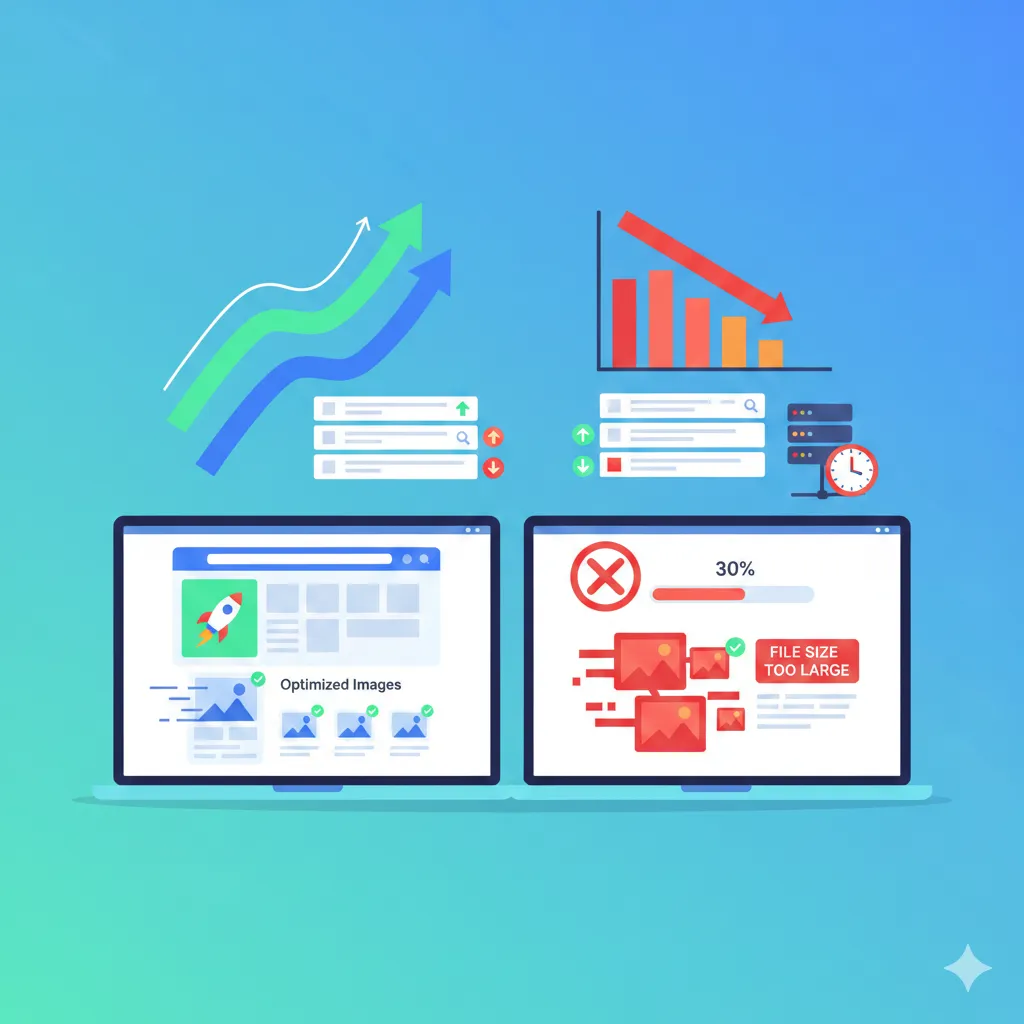
Google uses page speed as a ranking factor. Faster websites provide better user experience, which search engines prioritize.
When images are too large:
- Pages take longer to load
- Mobile performance drops
- Users leave before the page fully loads
This increases bounce rate and sends negative engagement signals to search engines.
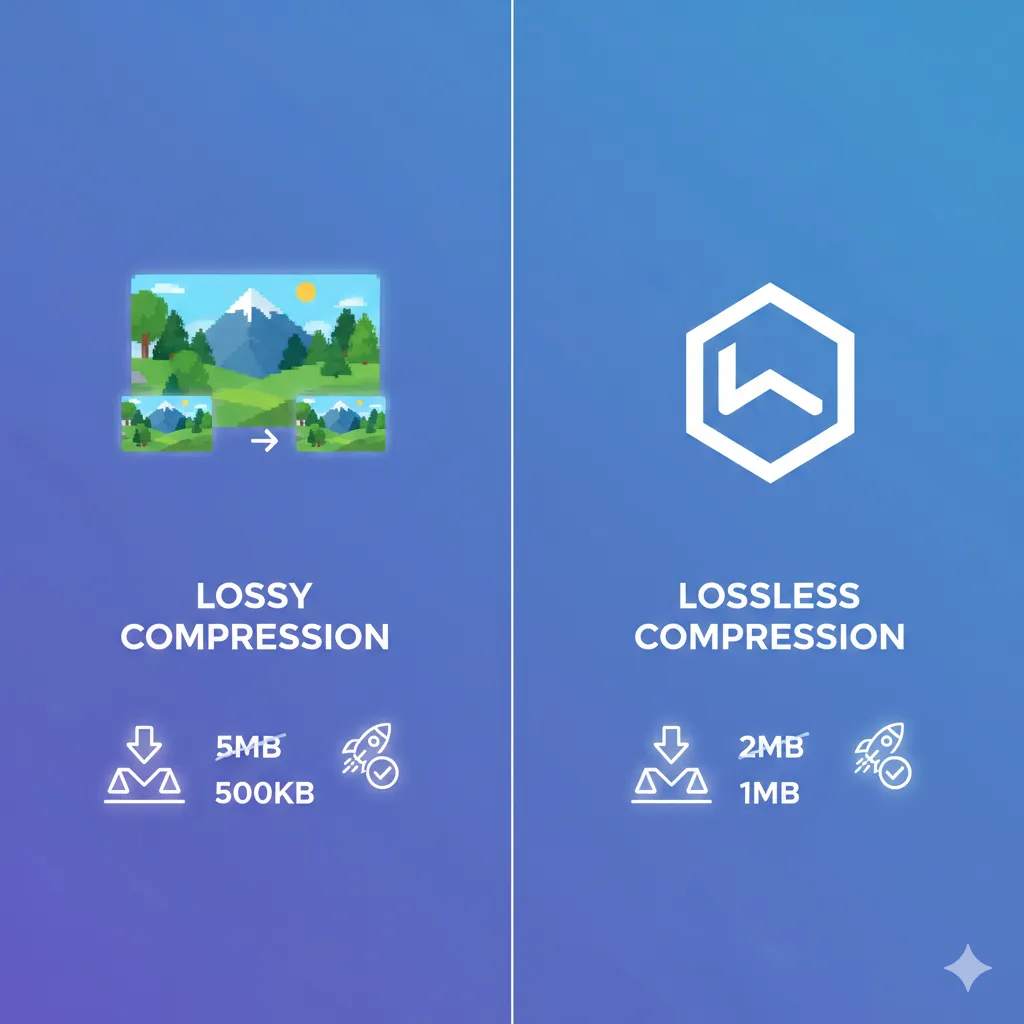
By compressing images, you reduce the amount of data browsers need to download — which directly improves loading speed.
You can optimize images easily here: https://imgcompressors.com/image
Image Compression and Core Web Vitals
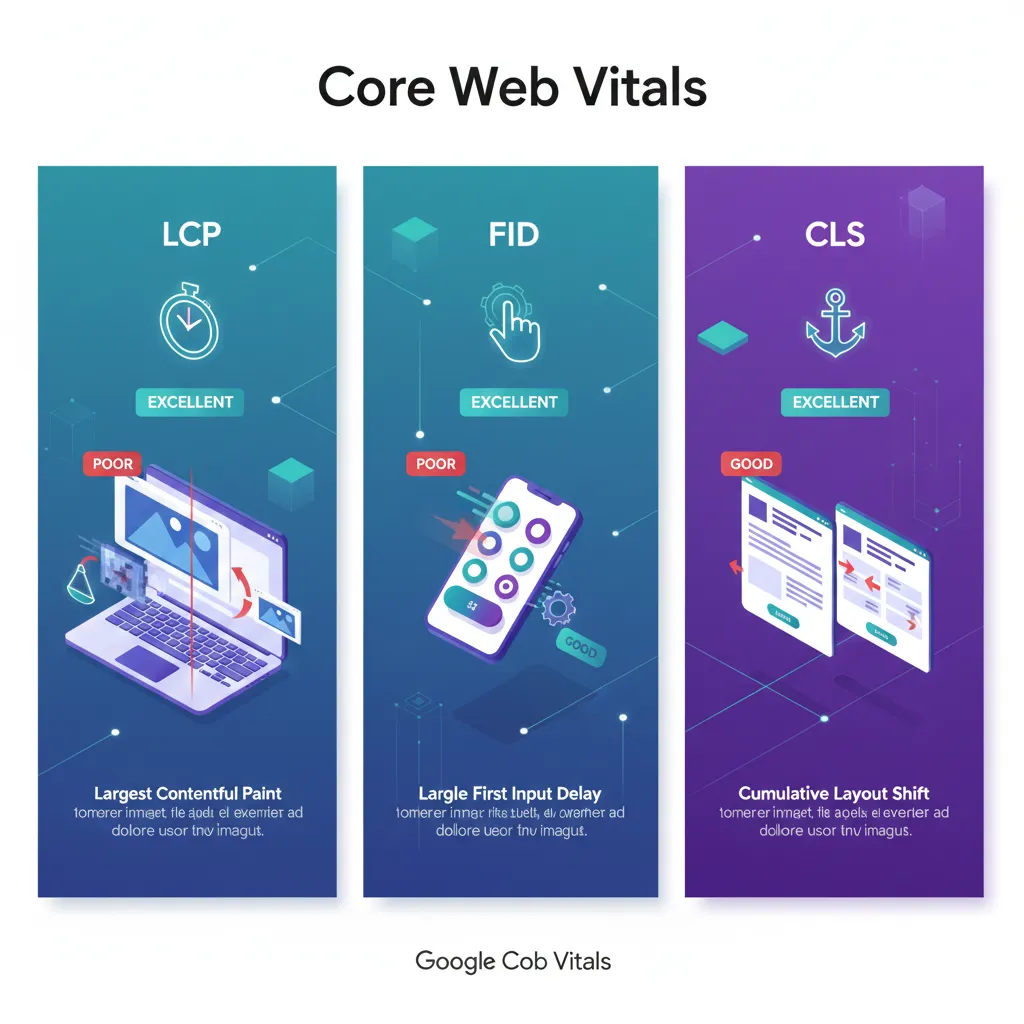
Core Web Vitals are Google’s performance metrics that measure real user experience. Image size directly affects all three major metrics.
1. Largest Contentful Paint (LCP)
LCP measures how fast the largest visible element loads — which is often a hero image or banner.
If that image is heavy, your LCP score worsens. Compressing large banner images significantly improves LCP and boosts SEO performance.
For JPEG banner optimization: https://imgcompressors.com/jpeg
For PNG graphics: https://imgcompressors.com/png
2. First Input Delay (FID)
While FID focuses more on interactivity, large images increase overall page load time, which delays when users can interact smoothly.
Optimized images help browsers process pages faster, improving responsiveness.
3. Cumulative Layout Shift (CLS)
Oversized or improperly sized images can cause layout shifts during loading. When optimized properly and resized accurately, layout stability improves.
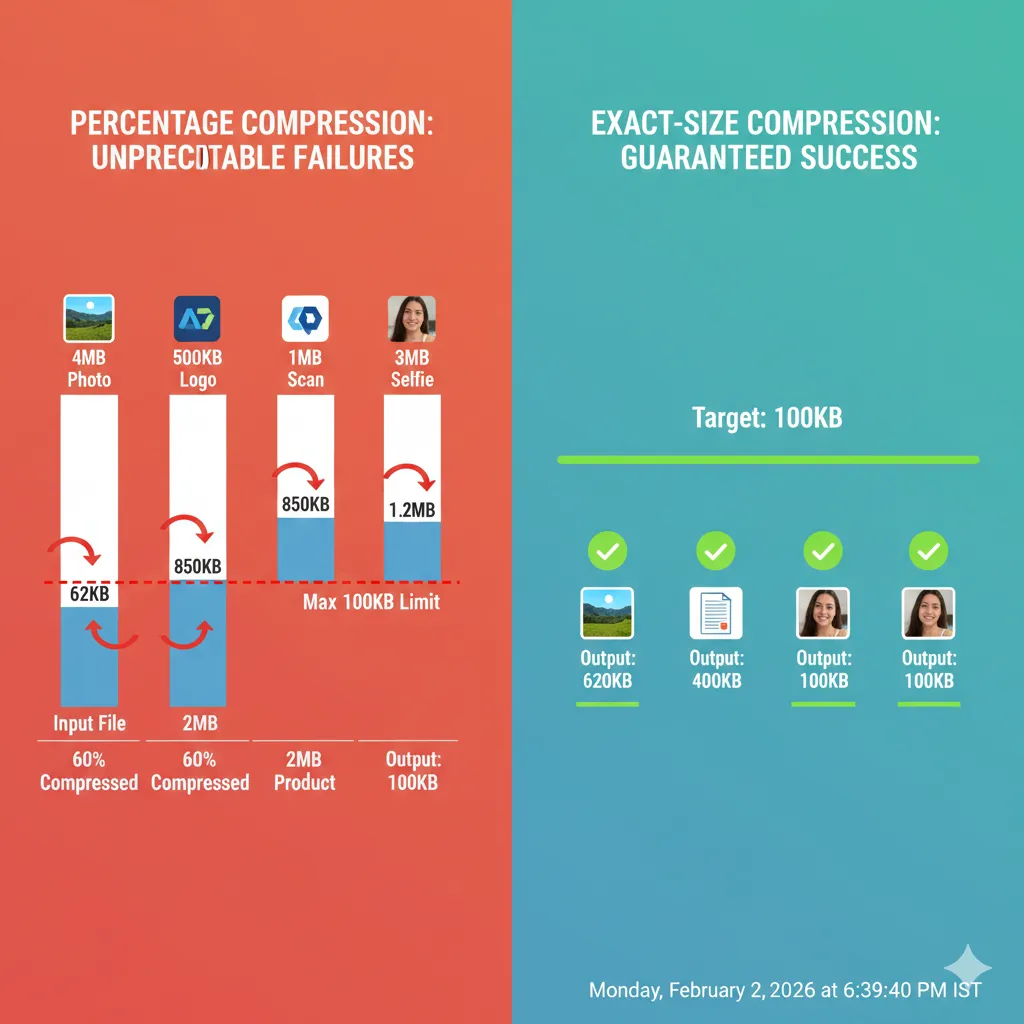
If you need to compress images to specific file sizes for better performance control: https://imgcompressors.com/image-to-specific-size
Lower Bounce Rate = Better Rankings
When a website loads slowly, users leave within seconds. This increases bounce rate.
High bounce rates signal to Google that users are not satisfied with the page experience.
Compressed images:
- Load faster
- Improve mobile performance
- Keep users engaged longer
Longer session duration and lower bounce rate positively influence rankings.
Mobile SEO and Image Optimization
Most traffic today comes from mobile devices. Mobile networks are slower than desktop broadband connections.
Heavy images hurt mobile performance even more than desktop performance.
By compressing:
- Product images
- Blog featured images
- Portfolio galleries
- Landing page banners
You make your website mobile-friendly, which is essential for Google’s mobile-first indexing.
For bulk compression of multiple website images: https://imgcompressors.com/image-all
How Optimized Images Improve Crawl Efficiency
Search engines have a crawl budget — meaning they allocate limited resources to scan your website.
If pages load slowly due to heavy images, search engine bots crawl fewer pages within that budget.
Faster pages:
- Allow better crawling
- Improve indexing speed
- Increase chances of ranking
Optimized images help search engines process your site more efficiently.
Image Compression for Different Website Needs
Different websites require different image strategies.
Blog websites benefit from compressed featured images and inline visuals.
E-commerce websites need optimized product images to improve speed and conversions.
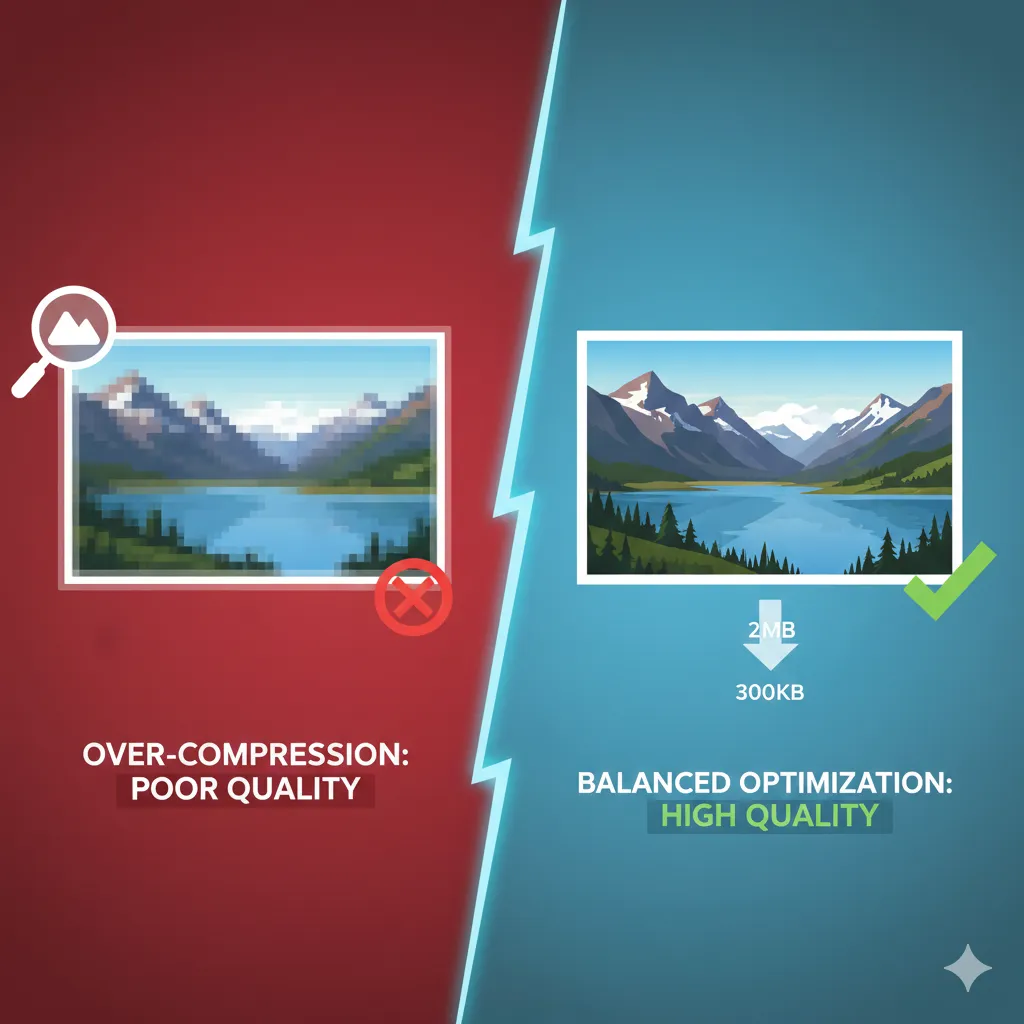
Portfolio websites must balance quality and file size carefully.
For GIF compression on websites: https://imgcompressors.com/gif
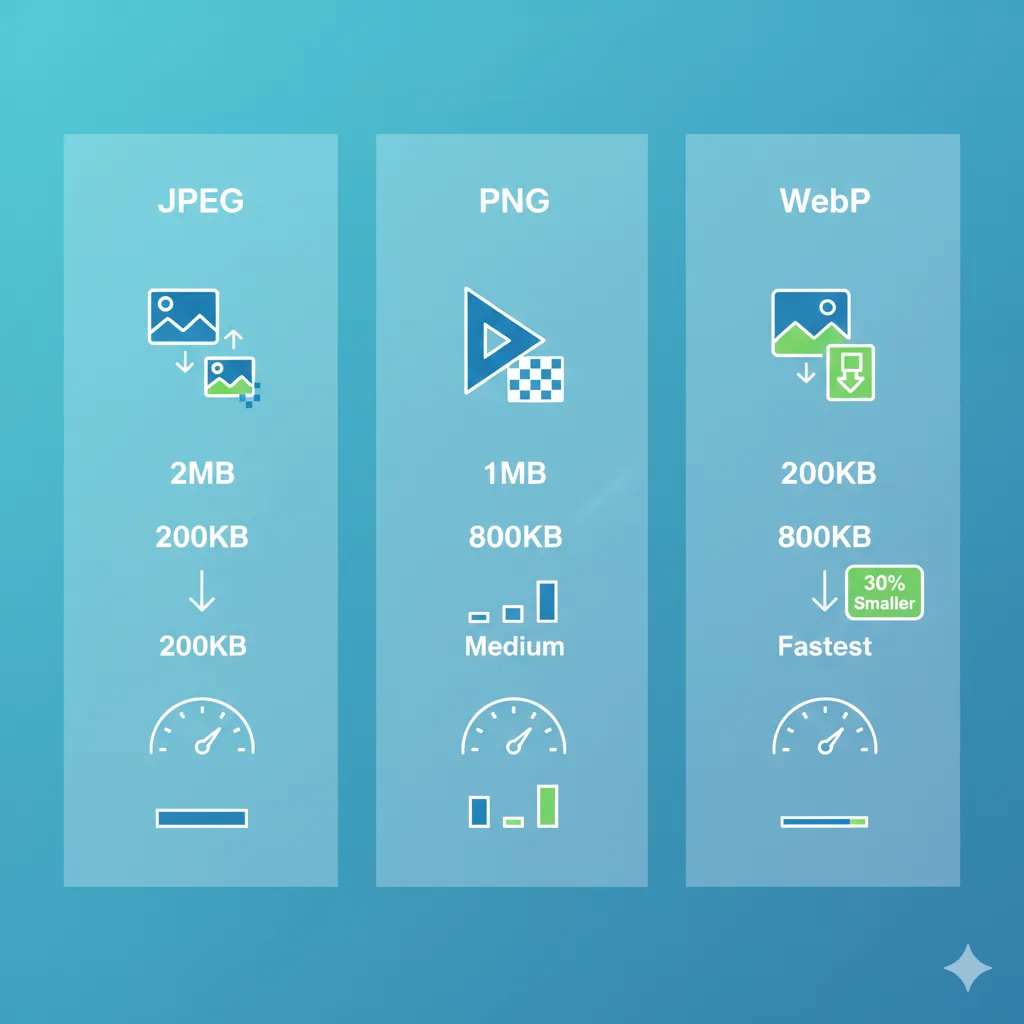
Choosing the correct format and compressing properly ensures high quality without slowing down performance.

SEO Benefits Beyond Speed
Image compression also indirectly improves:
- User experience
- Conversion rates
- Server storage costs
- Hosting bandwidth usage
Lower bandwidth usage reduces hosting strain and improves overall performance consistency.
When users experience smooth loading and quick interaction, they are more likely to stay, explore, and convert.
Best Practice Strategy
To maximize SEO impact:
Start by compressing large banner and hero images. Optimize product and blog images next. Use exact-size compression for strict performance control. Bulk compress media libraries before publishing.
Consistency is key. Even small improvements across dozens of images create a noticeable SEO boost.
Final Thoughts
Image compression is not just about reducing file size — it’s about improving website performance, user experience, and search visibility.
Faster websites rank better. Better experience reduces bounce rate. Lower bounce rate improves engagement signals. Stronger engagement supports higher rankings.
If you want better Core Web Vitals, improved mobile performance, and stronger SEO results, optimizing your images is one of the easiest and most impactful steps you can take.