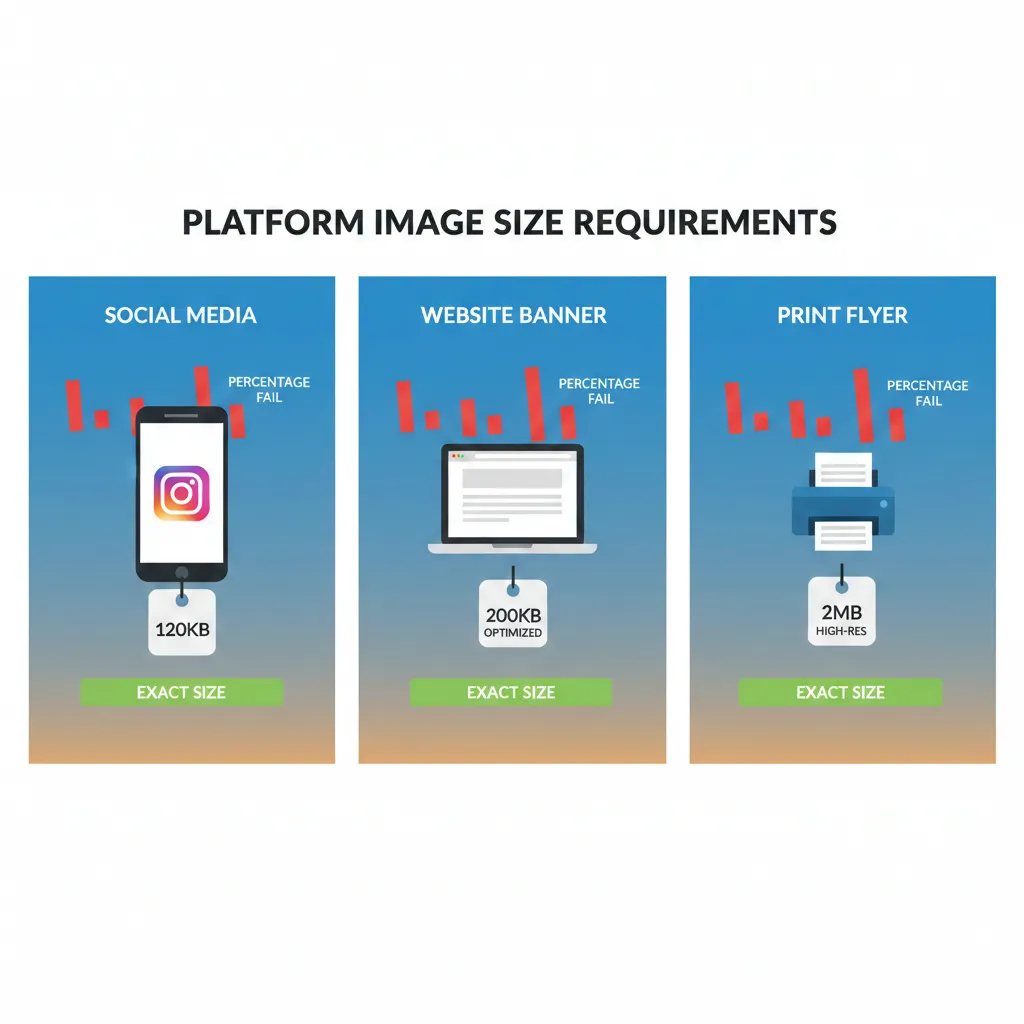
Choosing the right image format can make a huge difference in your website speed, storage usage, and overall performance. Many people upload images without thinking about format — but the truth is, WebP, JPEG, and PNG behave very differently in terms of file size, quality, and compatibility.
If your goal is smaller file size without compromising too much on quality, understanding these formats is essential.
Let’s break it down in a simple, performance-focused way.
1. JPEG – Best for Photos and Maximum Compression
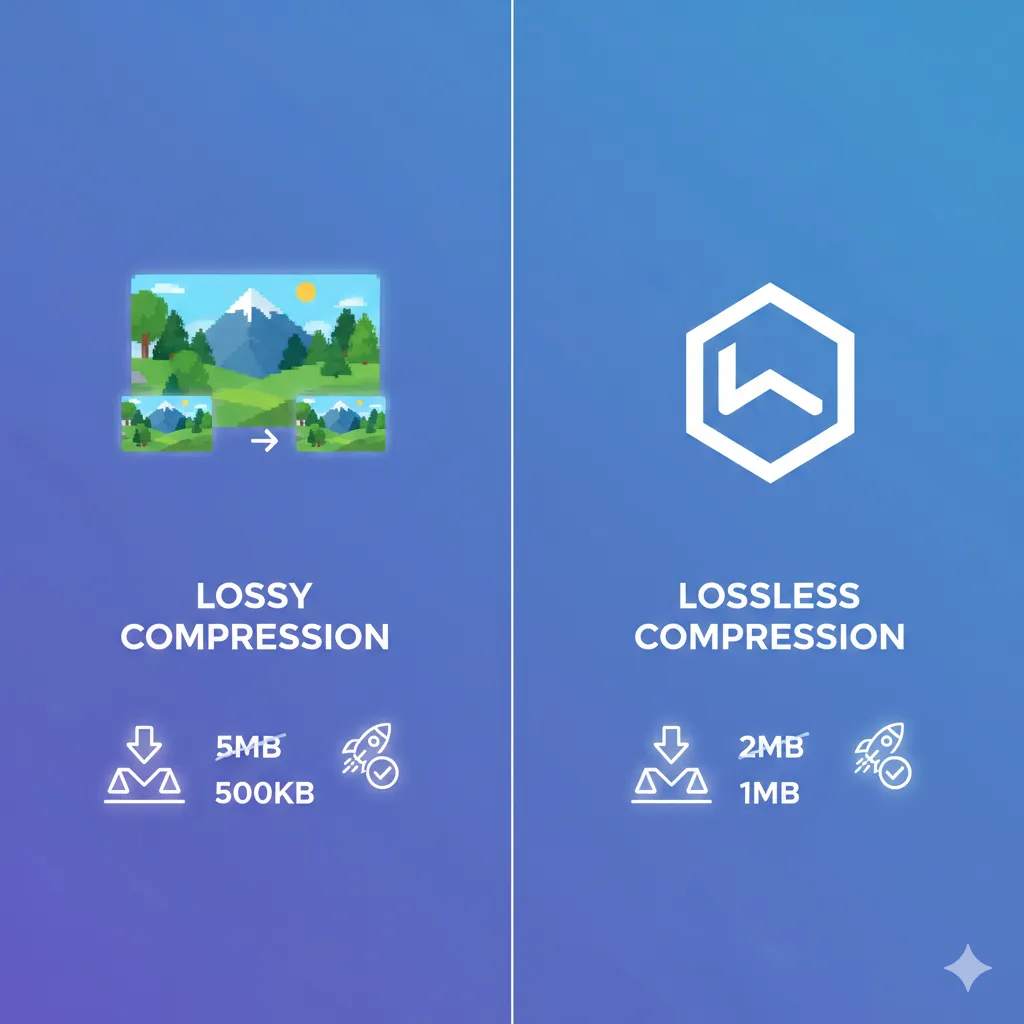
JPEG is one of the most widely used image formats on the web. It uses lossy compression, which means it removes some image data to significantly reduce file size.
File Size Performance
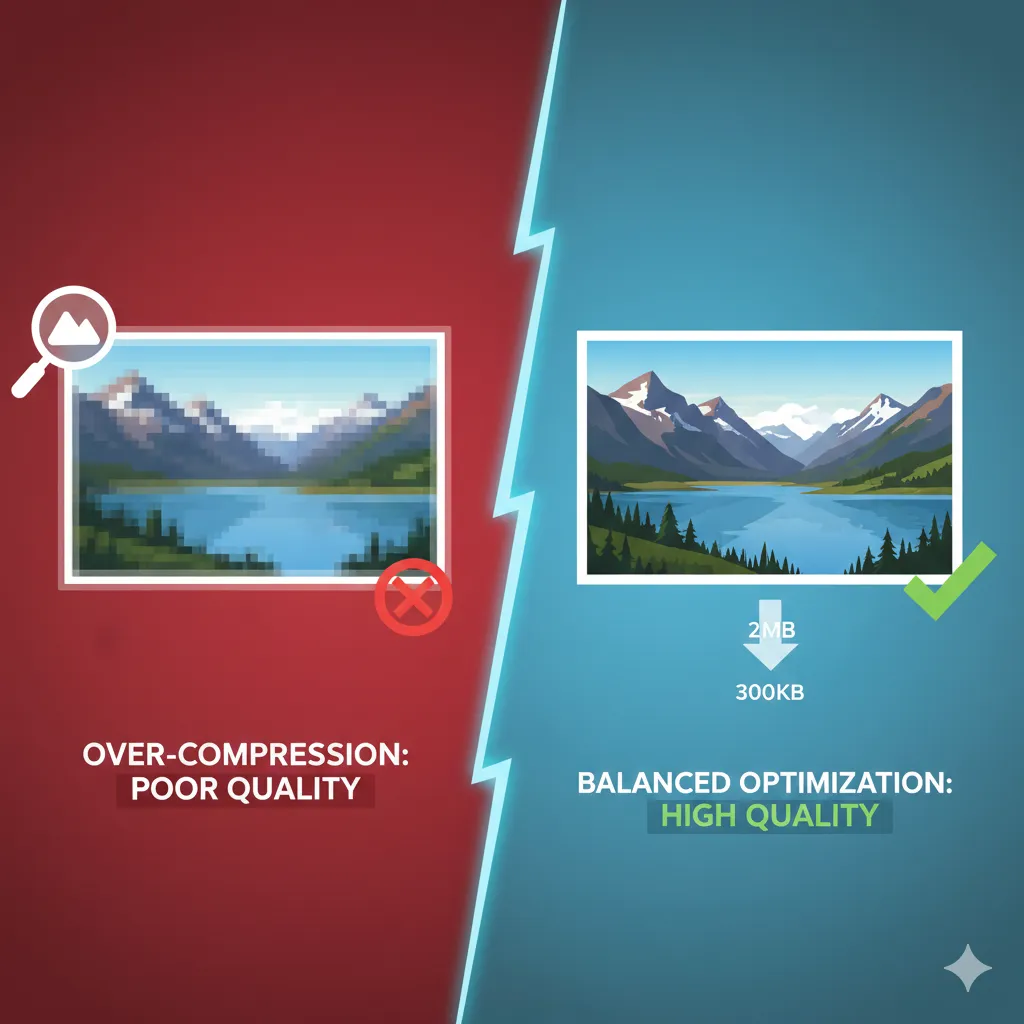
JPEG usually produces much smaller file sizes than PNG for photographic images. For blog images, product photos, and travel pictures, JPEG often gives excellent compression results with minimal visible quality loss.
You can compress JPEG images here: https://imgcompressors.com/jpeg
Or use the general image compressor: https://imgcompressors.com/image
Quality Retention
JPEG works best for:
- Landscapes
- Portraits
- Product photography
- Social media images
However, it is not ideal for text-heavy graphics or logos because it can cause blurry edges.
Transparency Support
JPEG does not support transparency.
Browser Compatibility
JPEG is supported by all browsers and devices. It’s universally safe for websites.
2. PNG – Best for Graphics and Transparency
PNG uses lossless compression. It keeps every pixel intact, which preserves quality perfectly.
File Size Performance
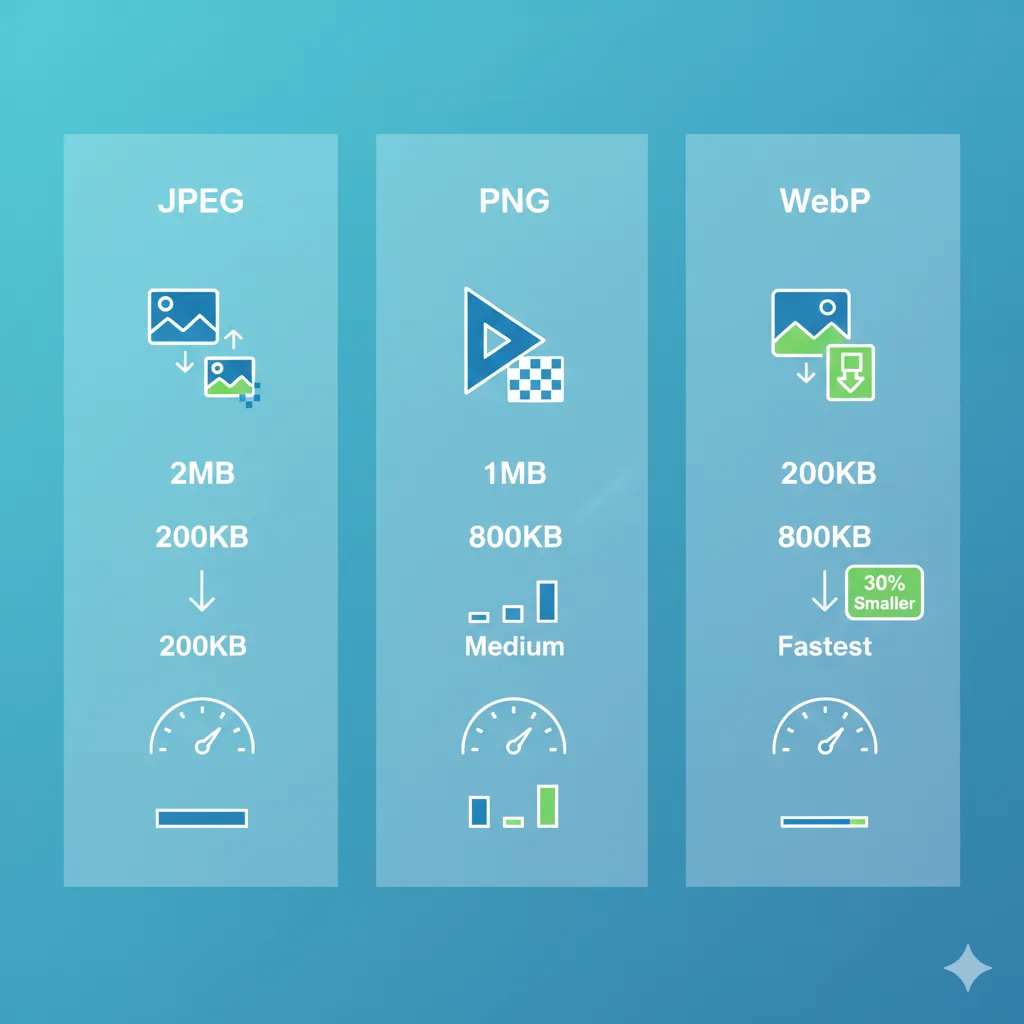
PNG files are usually larger than JPEG files, especially for photographs. However, for graphics with solid colors or text, PNG can be efficient.
You can optimize PNG files here: https://imgcompressors.com/png
Quality Retention
PNG is ideal for:
- Logos
- Icons
- Screenshots
- Infographics
- UI elements
Since it does not lose data during compression, it maintains sharp edges and text clarity.
Transparency Support
PNG fully supports transparent backgrounds, which makes it popular for branding and design assets.
Browser Compatibility
PNG is also fully supported across all modern browsers.
3. WebP – Modern Format with Smaller File Sizes
WebP is a newer image format developed to provide better compression than both JPEG and PNG.
File Size Performance
In most cases, WebP produces smaller file sizes than JPEG and PNG while maintaining similar visual quality. It supports both lossy and lossless compression modes.
For example:
- A WebP image can be 25–35% smaller than a comparable JPEG.
- It can also replace PNG files while keeping transparency and reducing size.
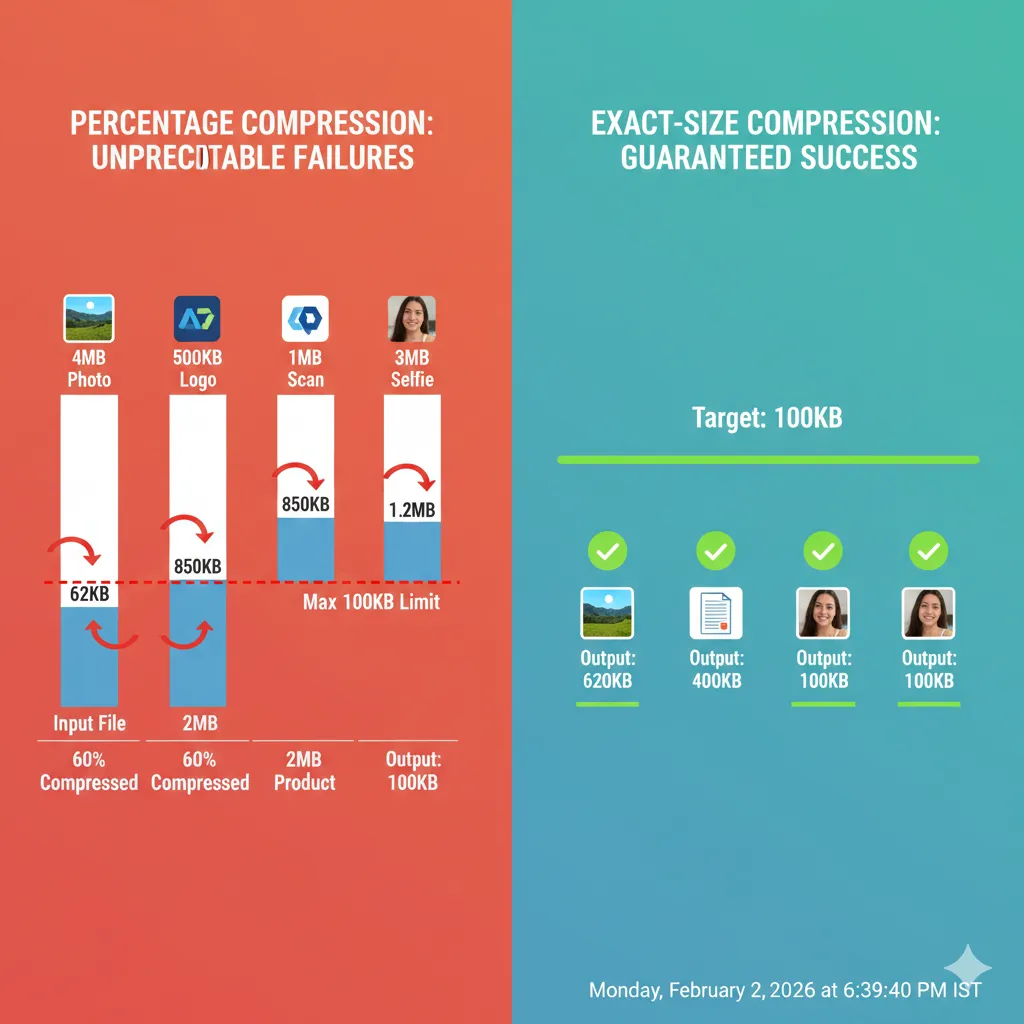
If you need precise file size control, you can compress images to exact sizes here: https://imgcompressors.com/image-to-specific-size
For bulk image processing before converting or publishing: https://imgcompressors.com/image-all
Quality Retention
WebP offers strong quality retention even at lower file sizes. It works well for:
- Website hero images
- Product photos
- Blog featured images
- Transparent web graphics
Transparency Support
WebP supports transparency, similar to PNG.
Browser Compatibility
Most modern browsers support WebP, including Chrome, Edge, Firefox, and Safari. However, older browsers may not fully support it, which is something to consider for legacy systems.
So, Which Format Gives the Smallest File Size?
If we compare them from a performance perspective:
For photographs, WebP usually gives the smallest file size, followed by JPEG. For graphics with transparency, WebP often beats PNG in size while preserving transparency. For maximum compatibility and simplicity, JPEG and PNG remain reliable choices.
However, the smallest format always depends on:
- Image content
- Color complexity
- Compression level
- Transparency needs
There is no one-size-fits-all answer — the best format depends on your use case.
When Should You Use Each Format?
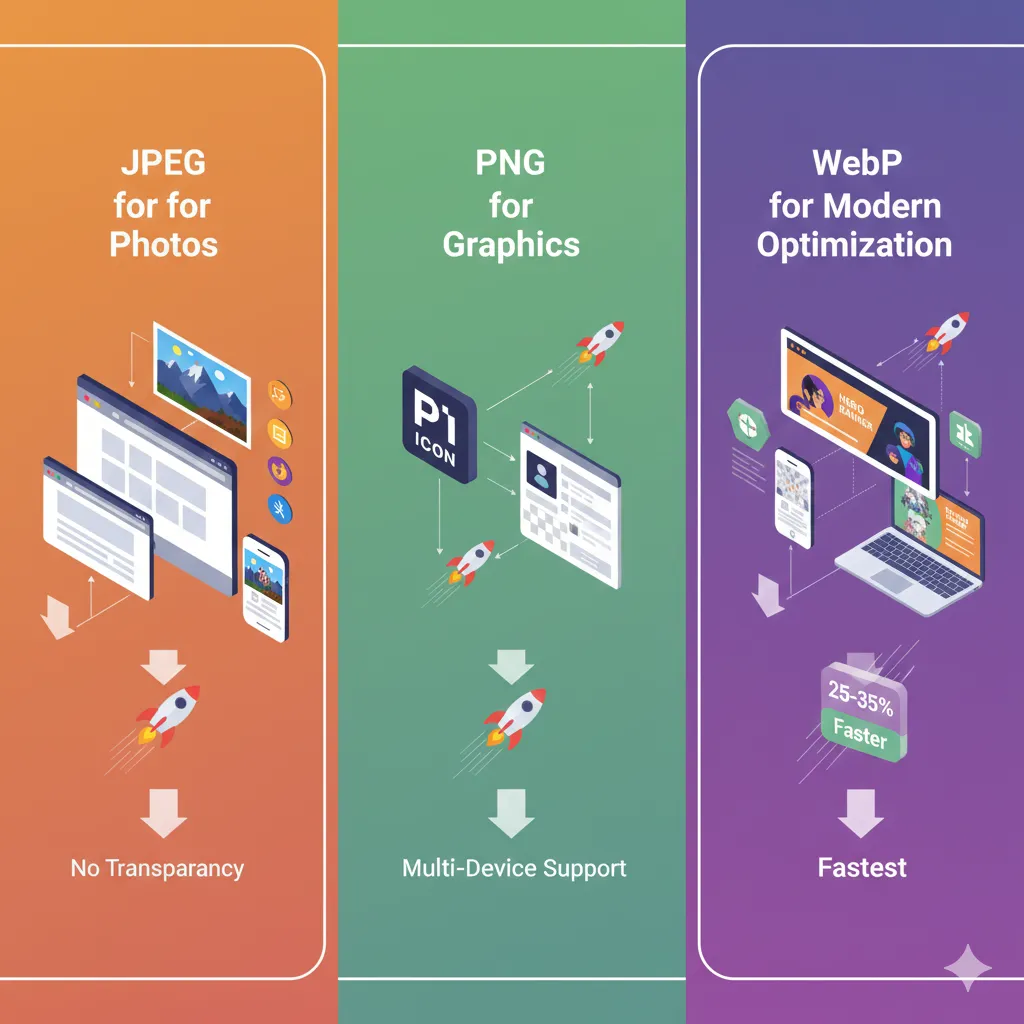
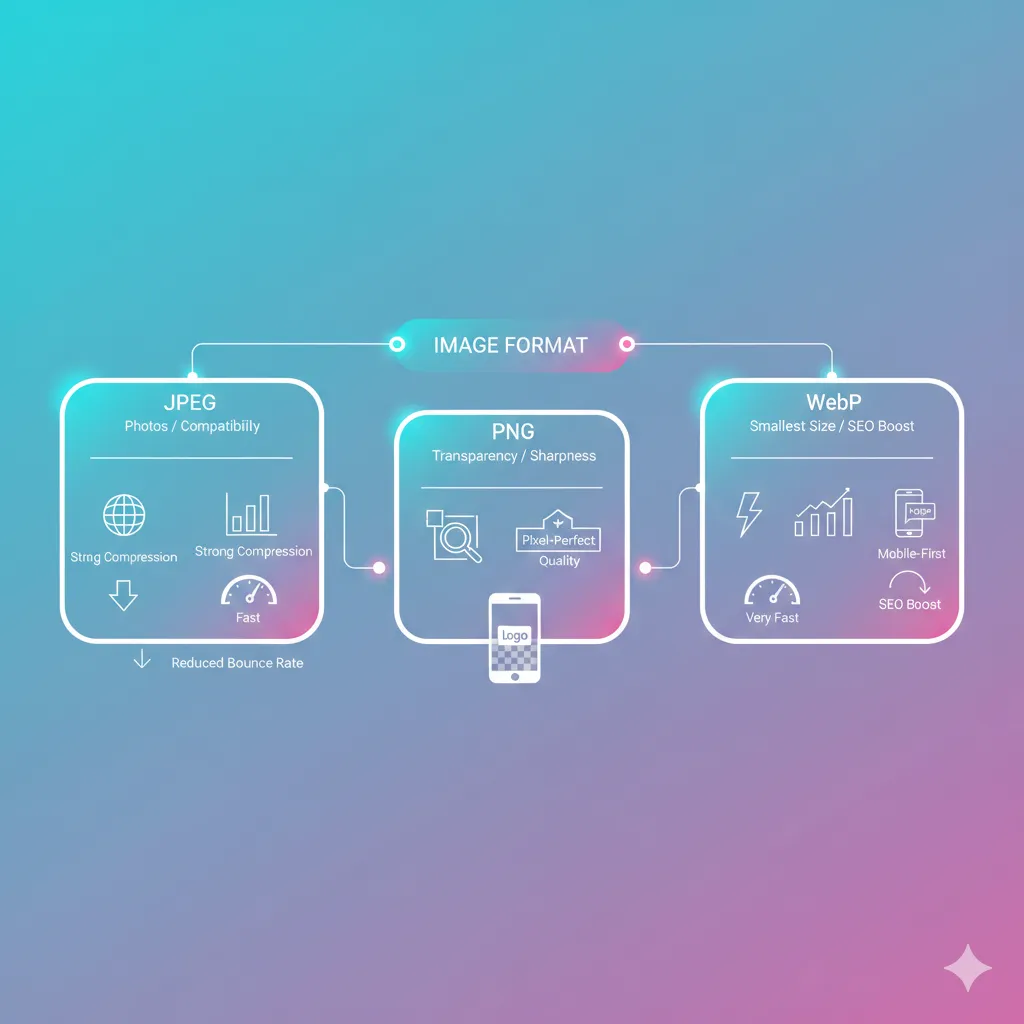
Use JPEG when: You’re uploading photos and need strong compression with universal compatibility.
Use PNG when: You need transparent backgrounds or pixel-perfect graphics.
Use WebP when: You want modern optimization with smaller file sizes and improved website performance.
For GIF optimization: https://imgcompressors.com/gif
Performance and SEO Considerations
Smaller image sizes improve:
- Page speed
- Core Web Vitals
- Mobile performance
- Bounce rate
- Search rankings
WebP often helps achieve better performance scores because of its reduced size, but proper compression matters regardless of format.
Even a JPEG or PNG can perform extremely well when optimized correctly.
Final Thoughts
WebP often provides the smallest file size with strong quality retention. JPEG remains the most practical choice for photos with broad compatibility. PNG is best for graphics that require transparency and sharp detail.
The smartest strategy is not choosing a format blindly — it’s selecting the right format based on your purpose and then compressing it properly.