In e-commerce, images sell more than descriptions. Whether you’re listing products on Amazon, Flipkart, Etsy, or Shopify, your product photos directly influence clicks, trust, and conversions.
But here’s the challenge — your images must be high quality, follow platform guidelines, and still load fast. Large, unoptimized images slow down pages, while over-compressed images look unprofessional.
Let’s walk through how to prepare high-quality product images the right way.

1. Start with High-Resolution Originals
Always begin with clear, high-resolution photos. Blurry or low-light images cannot be fixed by compression tools later.
For product photography:
- Use proper lighting
- Capture multiple angles
- Maintain sharp focus
- Avoid unnecessary shadows
High resolution ensures flexibility for resizing and optimization without losing clarity.
2. Follow White Background Standards
Most marketplaces require a pure white background for the main product image.
For example:
- Amazon typically requires a white background for primary images
- Flipkart and other marketplaces prefer clean, distraction-free backgrounds
- Shopify stores often use minimal white or neutral backgrounds
Why white background matters:
- It highlights the product clearly
- Improves professionalism
- Increases trust
- Maintains consistency
After editing the background, choose the correct image format before compression.
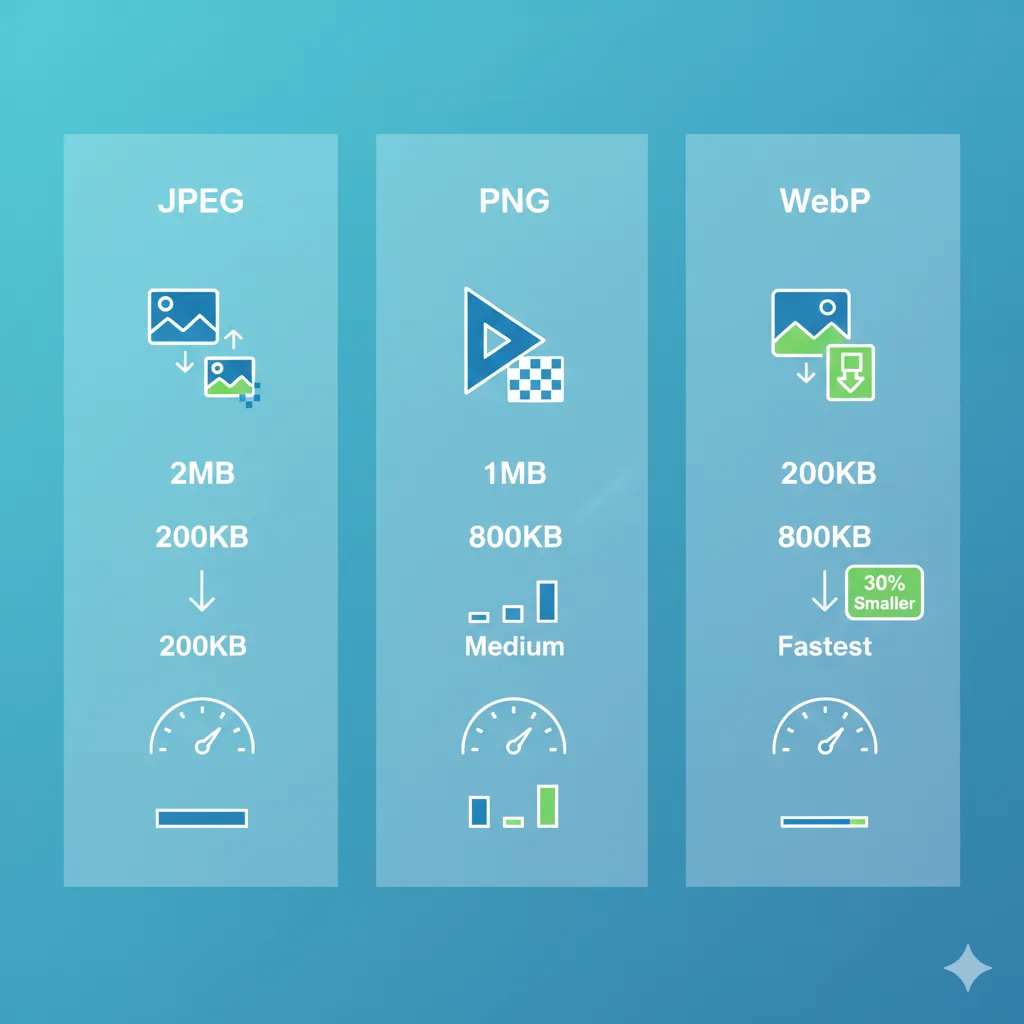
For product photos, JPEG is usually the best choice: https://imgcompressors.com/jpeg
For graphics with transparency (like logos or overlays): https://imgcompressors.com/png
3. Choose the Right Dimensions
Each platform has recommended image sizes.
Large enough images allow zoom functionality. For example, many marketplaces recommend at least 1000px on the longest side for zoom features.
Resize your images to required dimensions before compressing. This avoids unnecessary pixels increasing file size.
After resizing, compress properly using: https://imgcompressors.com/image
4. Balance Compression and Quality
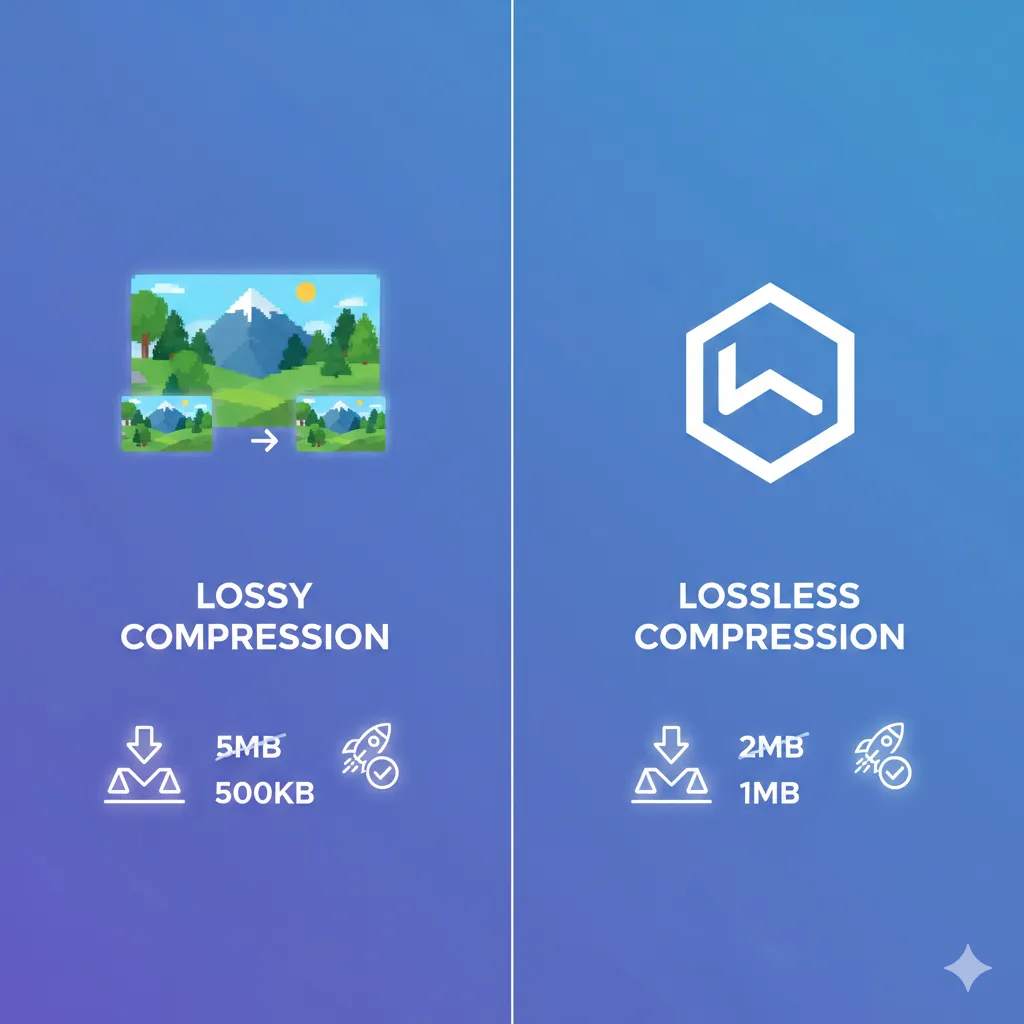
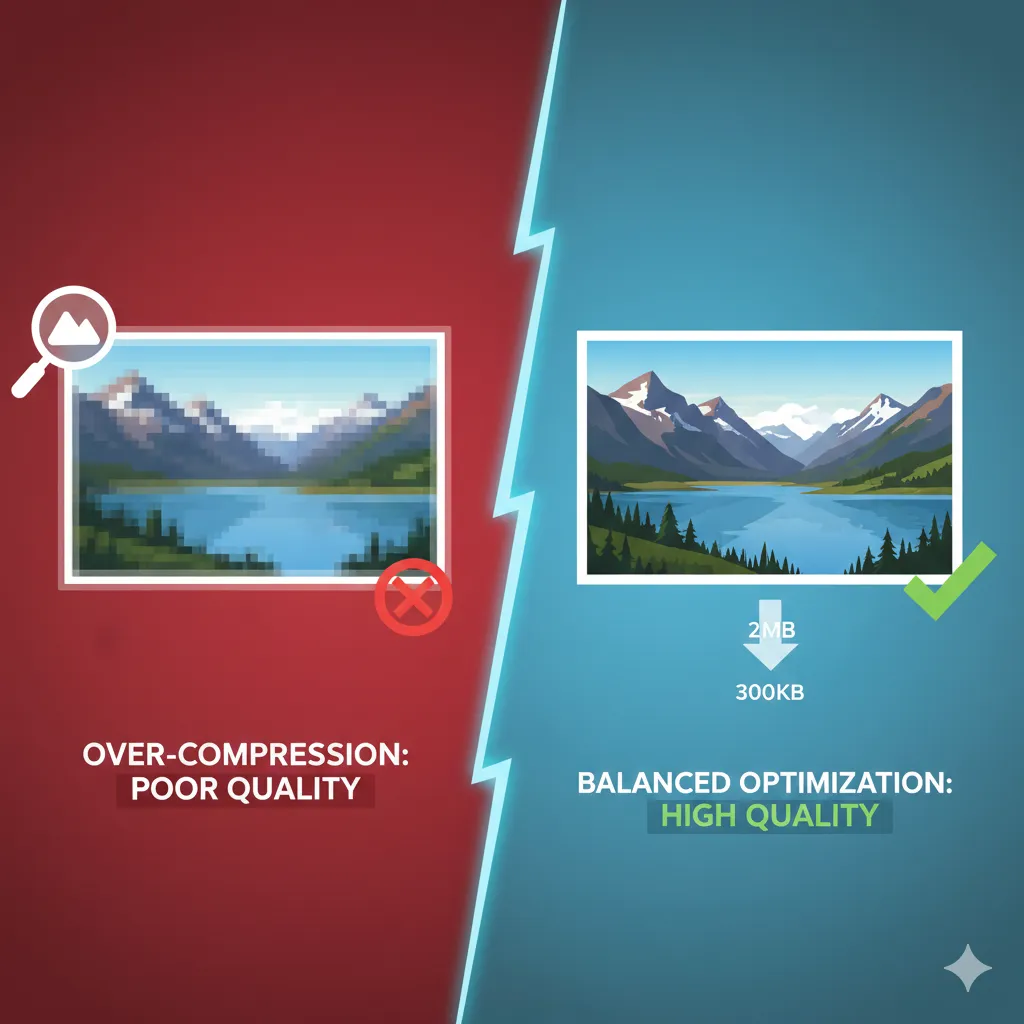
One of the biggest mistakes sellers make is over-compressing images to reduce file size. This results in:
- Blurry textures
- Pixelated edges
- Color banding
- Reduced trust
On the other hand, uploading huge images slows down product pages.
The ideal strategy is moderate compression that reduces size while maintaining sharp detail.
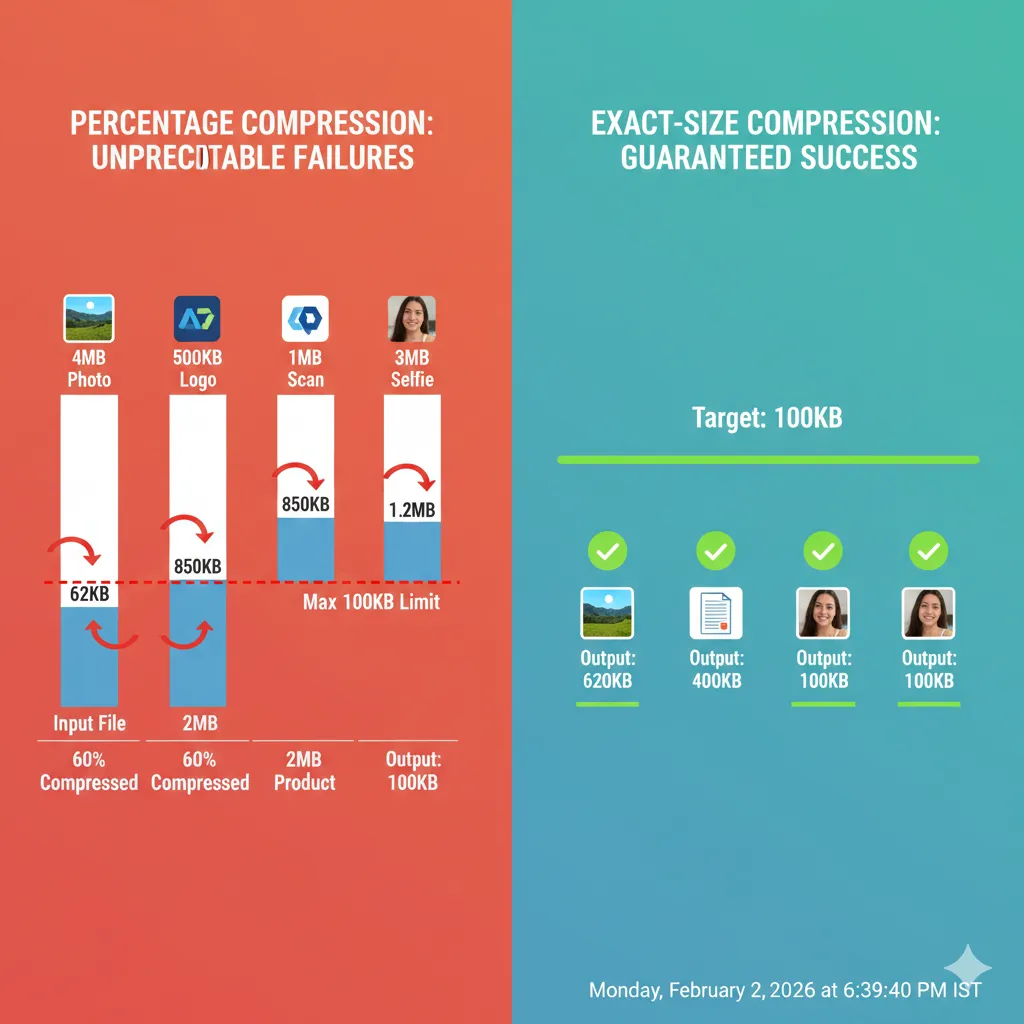
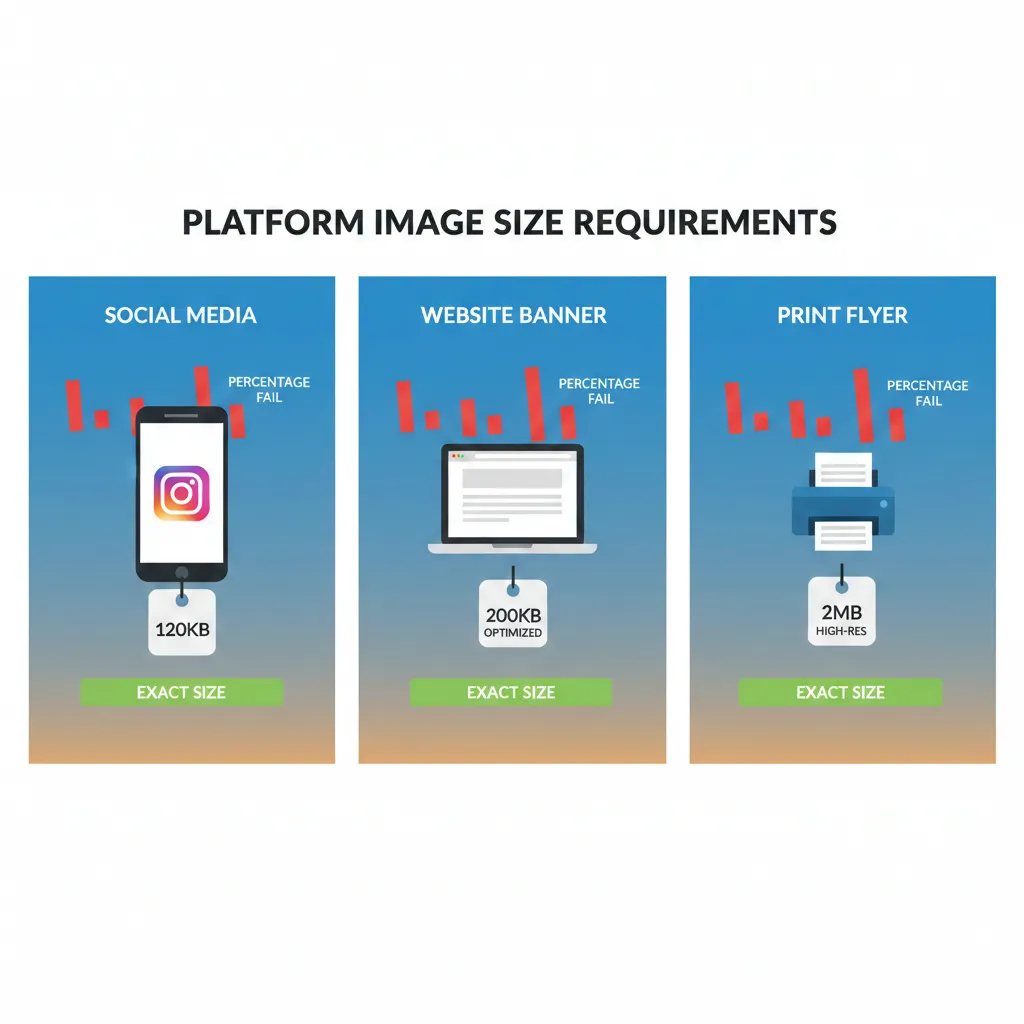
If you need to meet specific upload size limits, use exact size compression: https://imgcompressors.com/image-to-specific-size
This is especially useful for marketplaces that restrict file sizes.

5. Optimize for Fast-Loading Product Pages
Page speed affects:
- Customer experience
- Bounce rate
- Conversion rate
- Search visibility within marketplaces
Slow-loading product pages can reduce sales significantly.
Compressed images:
- Load faster
- Improve mobile browsing
- Reduce server load
- Enhance user engagement
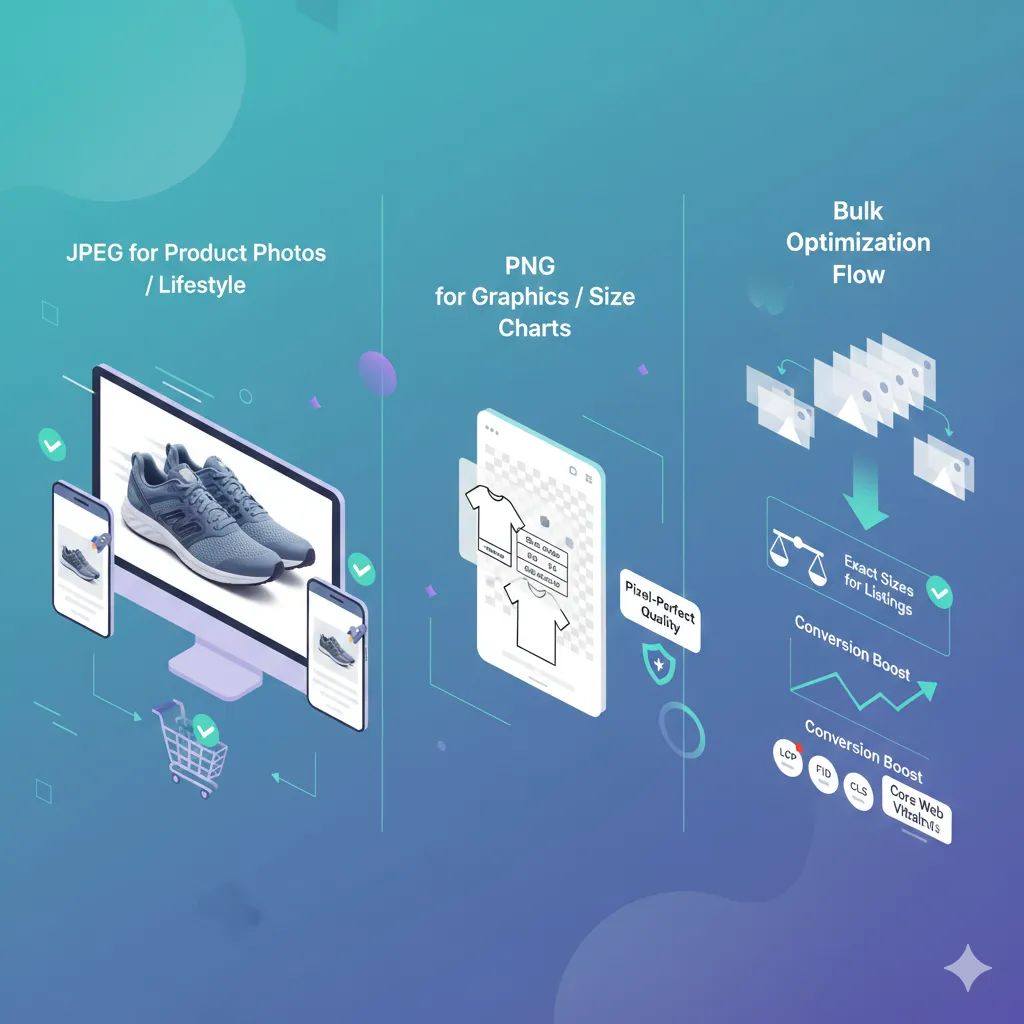
If you’re managing multiple listings, compress images in bulk before uploading: https://imgcompressors.com/image-all
Bulk optimization saves time and ensures consistency across your catalog.
6. Format Selection for E-Commerce
Choosing the correct format matters.
Use JPEG for:
- Product photos
- Lifestyle shots
- Model images
- Close-up textures
Use PNG for:
- Graphics
- Size charts
- Transparent overlays
Use GIF only if you need simple animations: https://imgcompressors.com/gif
Correct format selection ensures both visual quality and optimal file size.
7. Maintain Color Accuracy
Color accuracy is critical in e-commerce. Customers expect the product to look the same in real life as it does online.
Avoid:
- Extreme compression
- Oversaturation
- Color distortion
Always preview compressed images before uploading.
8. Optimize for Mobile Shoppers
A large percentage of e-commerce traffic comes from mobile devices. Heavy images slow down mobile browsing, which increases abandonment rates.
Well-optimized images:
- Load quickly on slower networks
- Maintain clarity on smaller screens
- Improve overall shopping experience
Speed and quality must work together.
Final Thoughts
High-quality product images are not just about resolution — they’re about preparation, format selection, and smart compression.
To prepare professional e-commerce images:
Start with clear, high-resolution photos. Use white backgrounds where required. Resize to recommended dimensions. Choose the correct format. Apply balanced compression.