When working with images for websites, job portals, email attachments, or social media, one question always comes up — should you use lossy or lossless compression?
Both methods reduce file size, but they work in very different ways. Understanding the difference helps you choose the right compression type based on your purpose instead of randomly reducing quality.
Let’s break it down in simple, practical terms.
What Is Image Compression?
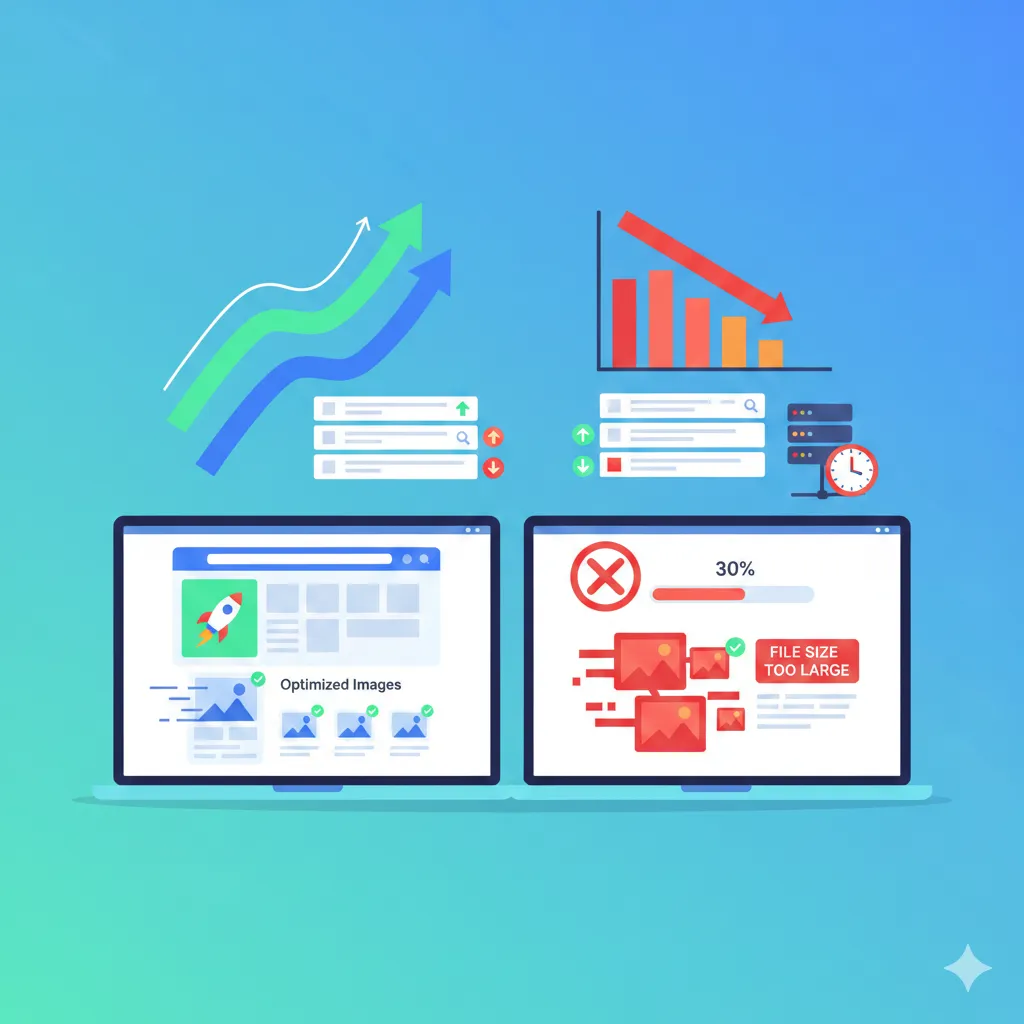
Image compression is the process of reducing an image’s file size while trying to maintain acceptable visual quality. Smaller images load faster, upload quickly, and take less storage space.
There are two main compression types:
- Lossy compression
- Lossless compression
The difference lies in how they handle image data.
What Is Lossy Compression?
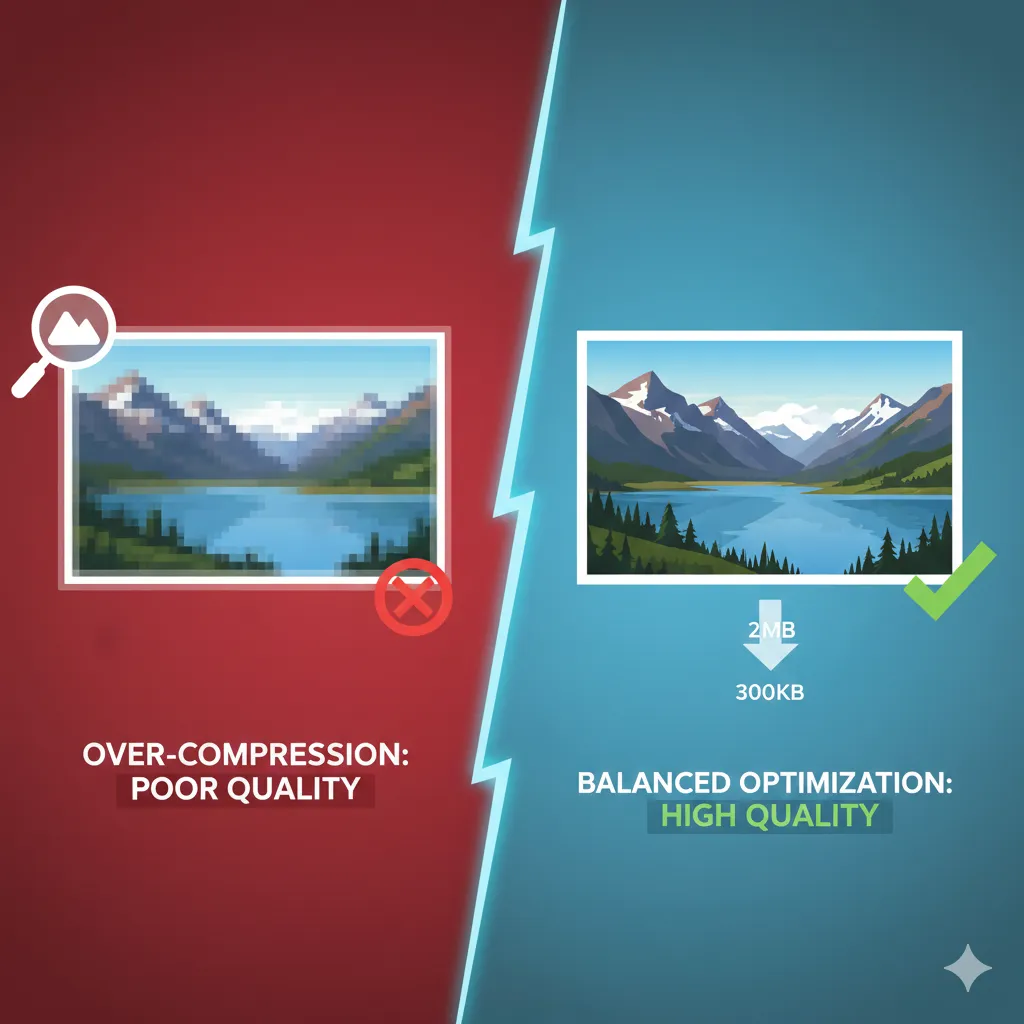
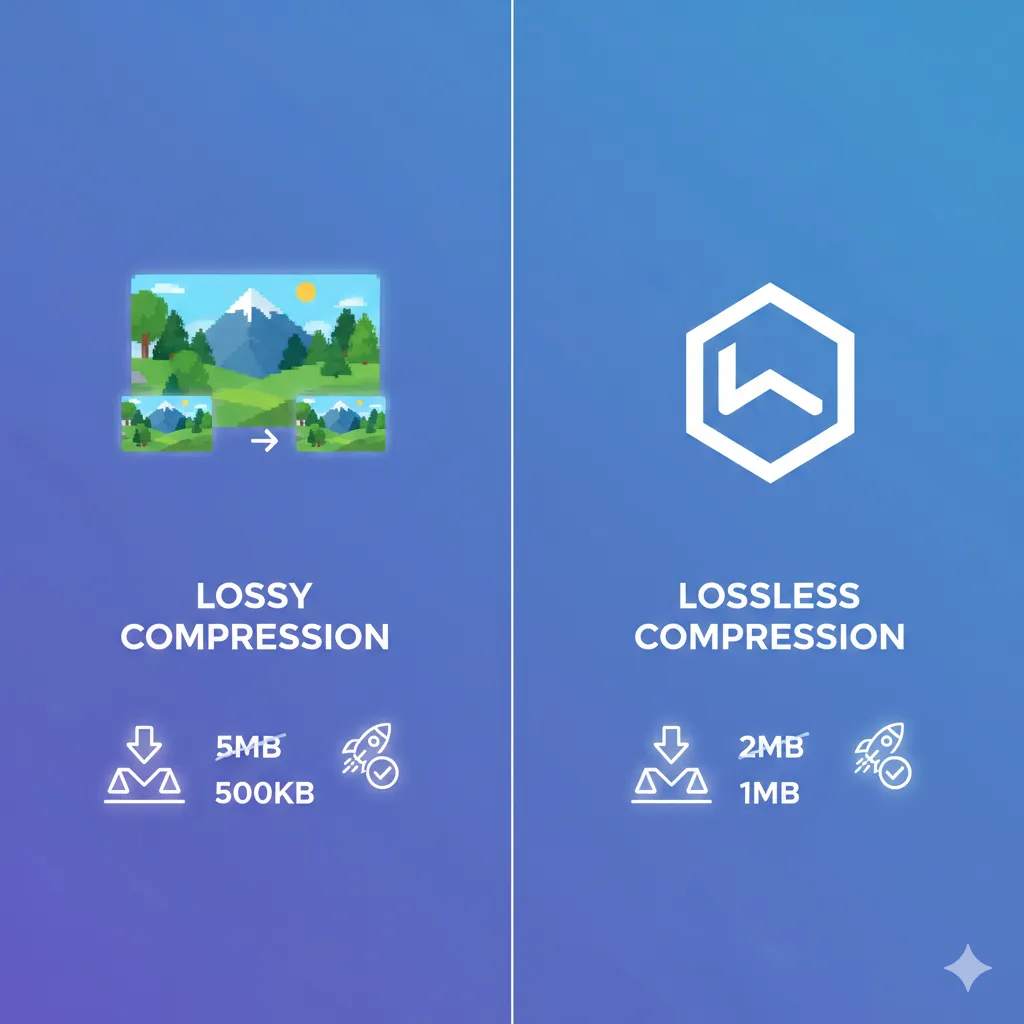
Lossy compression reduces file size by permanently removing certain image data. It focuses on eliminating details that the human eye is less likely to notice.
How It Works (Technical Explanation)
Lossy compression:
- Removes redundant visual information
- Simplifies color variations
- Reduces fine details in complex areas
- Uses mathematical algorithms (like DCT in JPEG files)
Once the image is compressed, the removed data cannot be restored. That’s why it’s called “lossy.”
When Should You Use Lossy Compression?
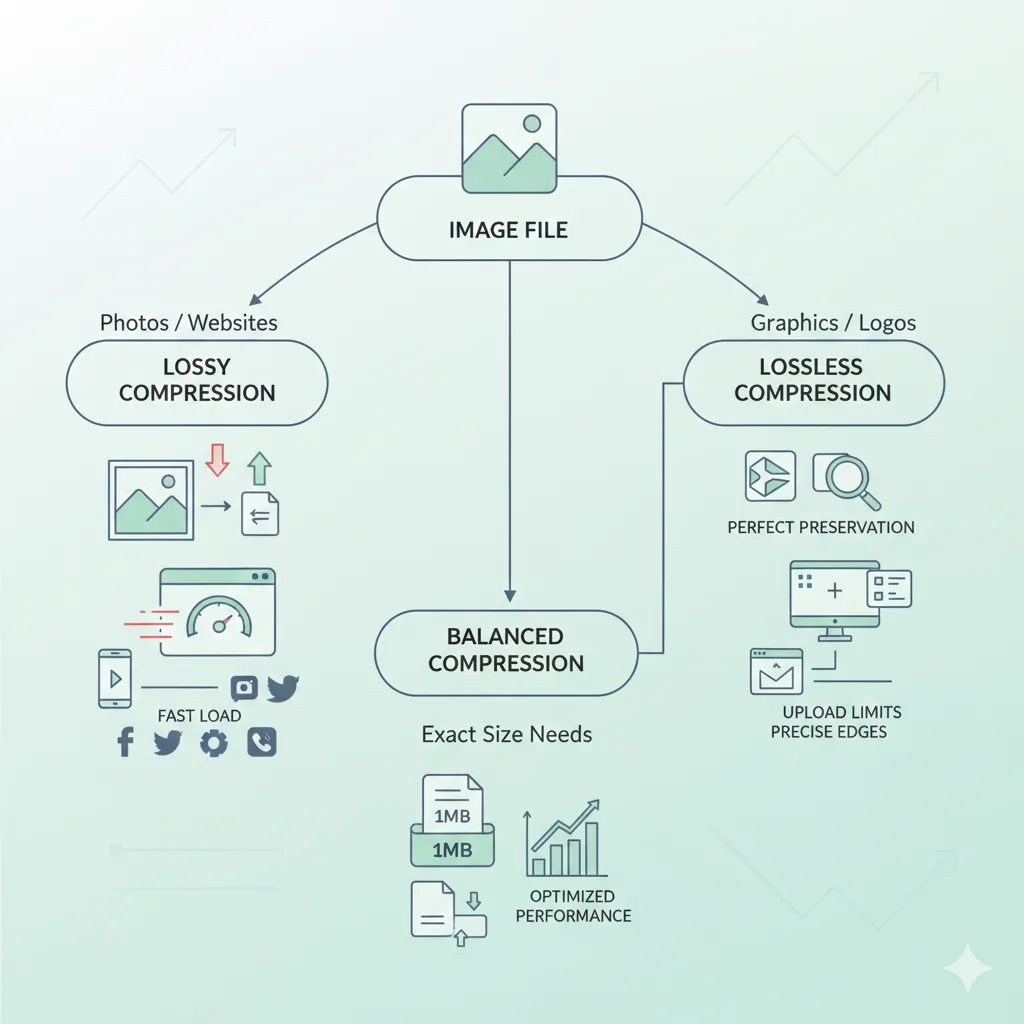
Lossy compression is ideal when:
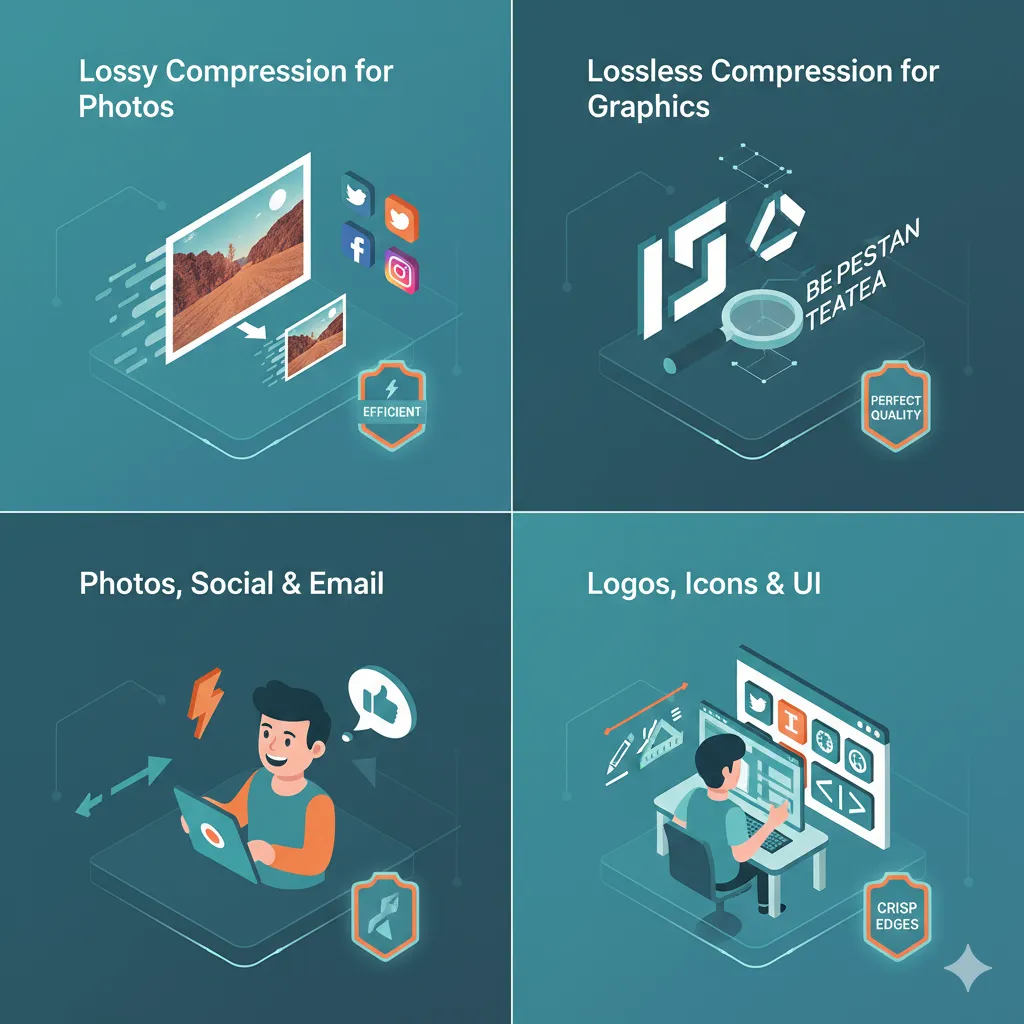
- You’re optimizing photos for websites
- You need faster page loading speed
- You’re sharing images on social media
- You’re emailing images
- You want maximum size reduction
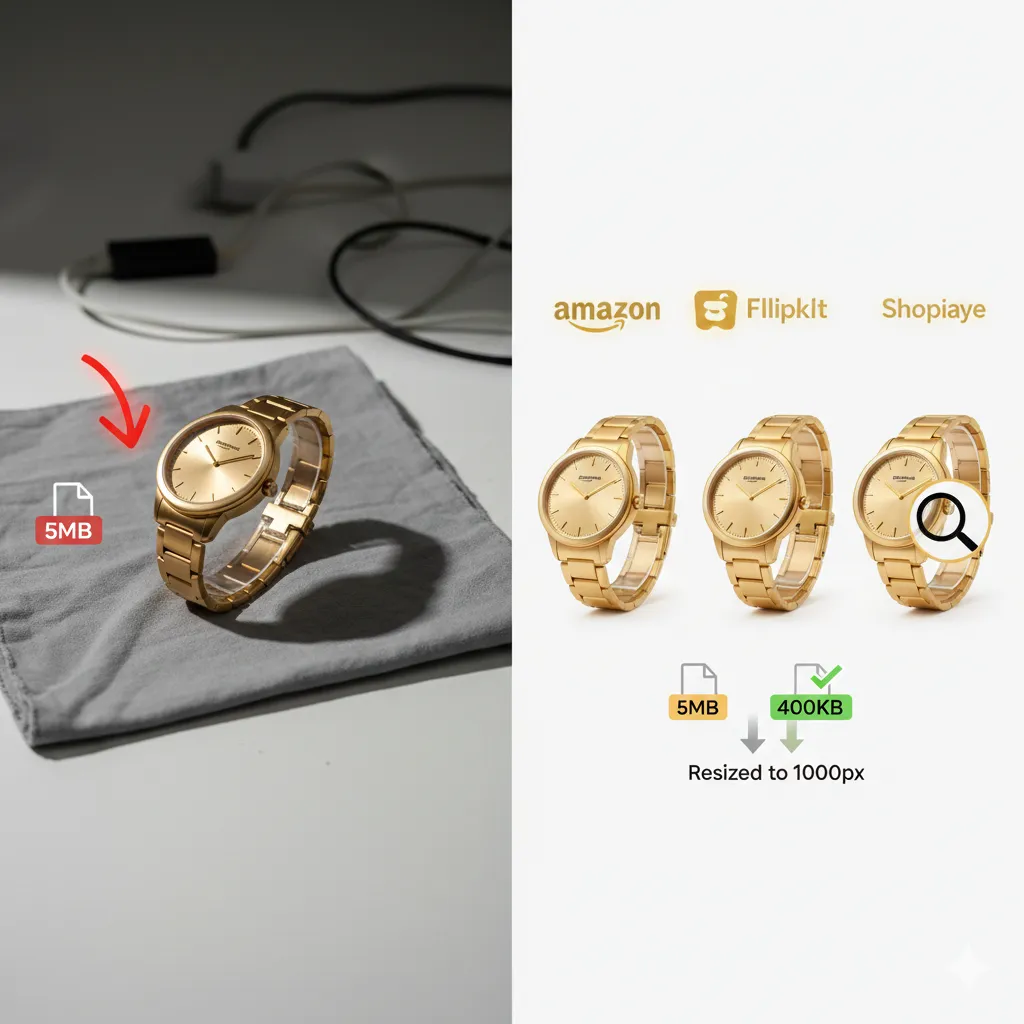
For example, travel photos, product photos, or blog images usually look almost identical after moderate lossy compression — but the file size drops significantly.
You can compress photos quickly here: https://imgcompressors.com/image
For JPEG-specific compression: https://imgcompressors.com/jpeg
What Is Lossless Compression?
Lossless compression reduces file size without permanently removing any image data. The image can be restored to its original state perfectly.
How It Works (Technical Explanation)
Lossless compression:
- Removes unnecessary metadata
- Eliminates duplicate pixel patterns
- Reorganizes image data more efficiently
- Uses algorithms like LZW or Deflate
No visible data is destroyed, which means quality stays intact.
When Should You Use Lossless Compression?
Lossless compression is best for:
- Logos
- Graphics with text
- Screenshots
- Icons
- Transparent images
For PNG images: https://imgcompressors.com/png
For GIF compression: https://imgcompressors.com/gif
If you compress a logo using lossy compression, you may notice blurry edges or color distortion. That’s why lossless is preferred for sharp graphics.
How to Choose the Right Compression Type
The right choice depends entirely on your purpose.
If you are working with large photographs and need aggressive size reduction, lossy compression is usually the better option. It dramatically reduces file size and improves loading speed.
If you need pixel-perfect quality — especially for graphics, UI elements, or brand materials — lossless compression is safer.
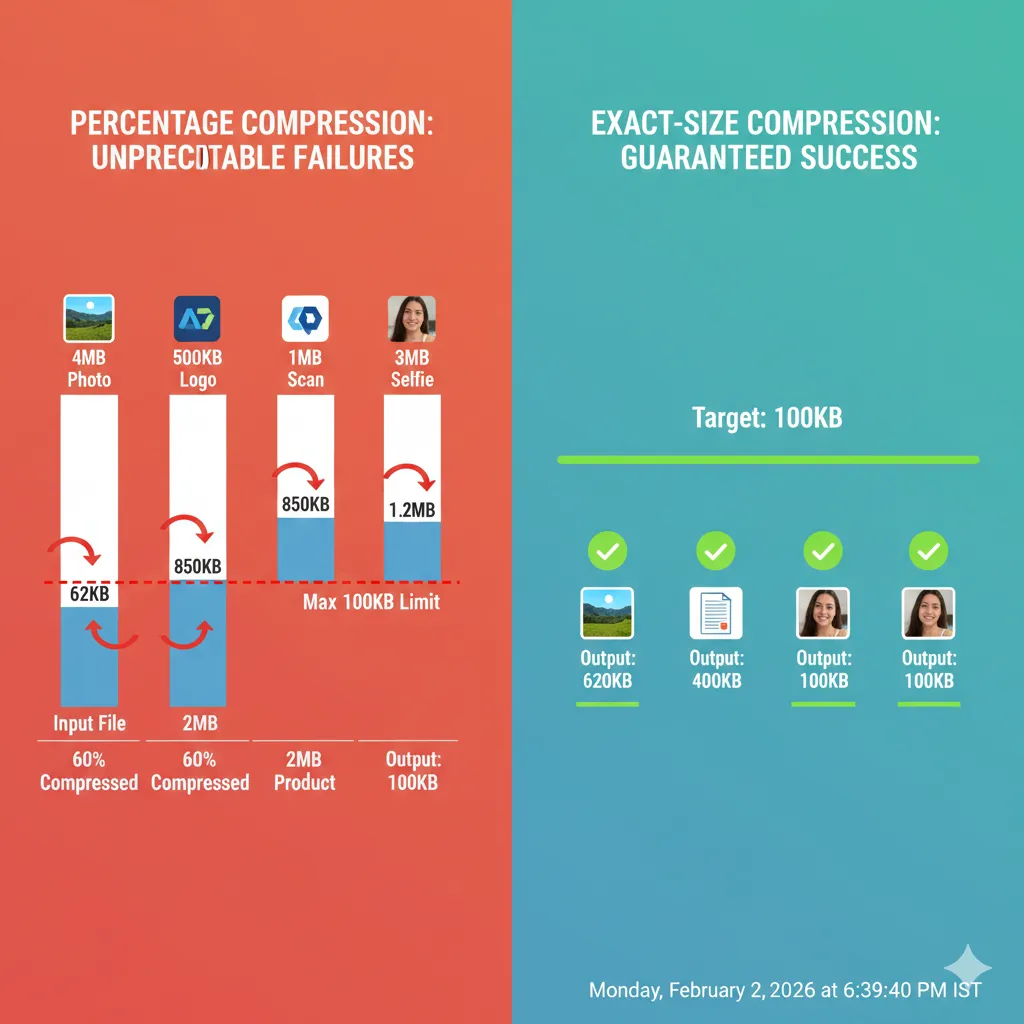
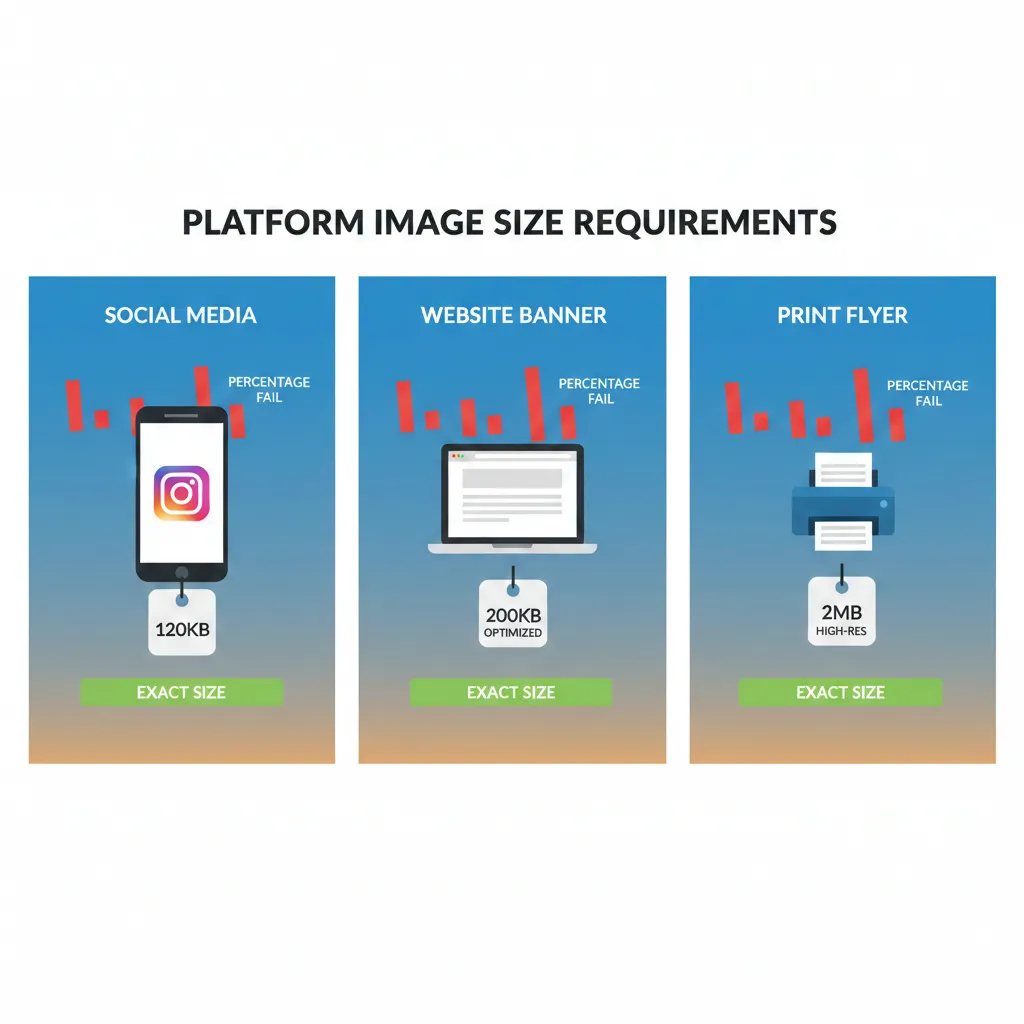
If your main goal is meeting strict upload limits like 100KB, 500KB, 1MB, or 2MB, then targeting an exact file size is more important than just choosing lossy or lossless.
You can compress images to a specific file size here: https://imgcompressors.com/image-to-specific-size
For compressing multiple images at once: https://imgcompressors.com/image-all
Practical Strategy (What Most Professionals Do)
In real-world scenarios, many professionals combine both methods:
First, apply lossless compression to remove unnecessary data. Then, if more reduction is needed, apply light lossy compression.
This approach ensures better balance between quality and file size.
Common Mistakes to Avoid
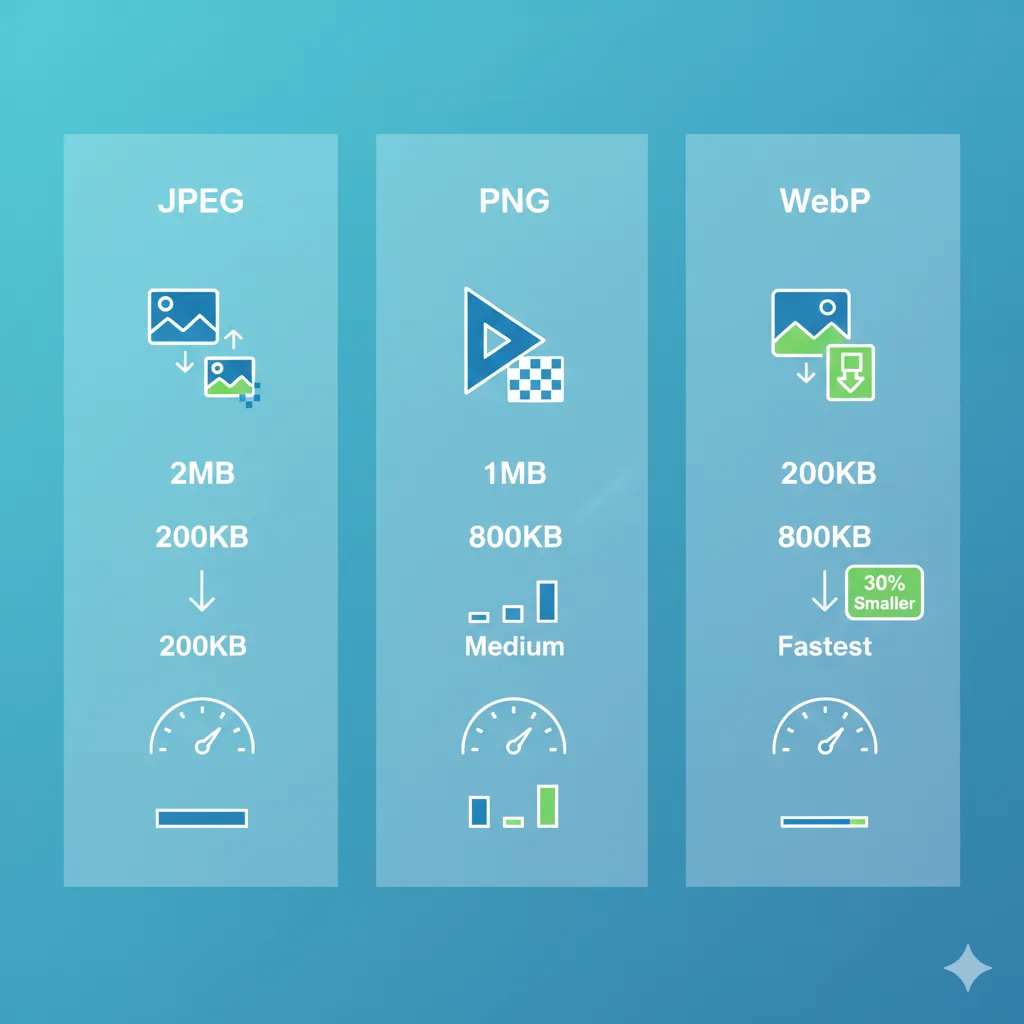
Many users over-compress images repeatedly, which causes noticeable quality damage. Some use PNG for large photo galleries, which unnecessarily increases file size. Others rely only on percentage-based compression instead of targeting a final file size.
Smart compression is not about shrinking images blindly — it’s about optimizing them according to use case.
Final Thoughts
Lossy and lossless compression are not competitors. They serve different purposes.
Use lossy compression when speed and smaller file size matter most. Use lossless compression when image clarity and precision are critical. Use exact-size compression when upload limits are strict.
The key is understanding your goal before compressing.
When you choose the right method, your images load faster, look better, and meet every platform’s requirements without unnecessary quality loss.