If you’ve ever compressed an image by “50%” and still had it rejected during upload, you’ve experienced the biggest flaw of percentage-based compression. While it sounds logical, compressing images by percentage rarely gives predictable results. That’s why more users are now choosing to compress images to a specific size instead.
In this article, we’ll explain why “compress by %” fails, where it causes real problems, and how size-based image compression gives you control, accuracy, and peace of mind.
The Problem With Percentage-Based Compression
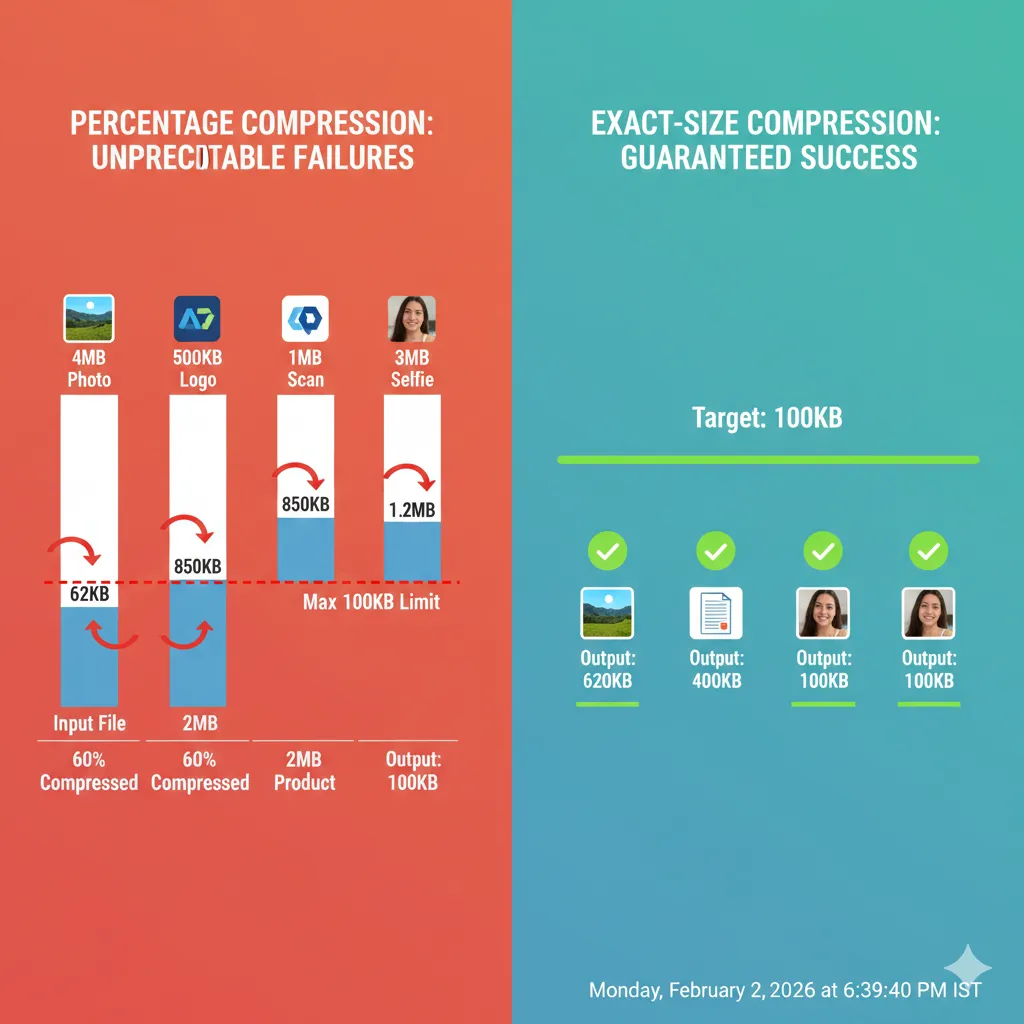
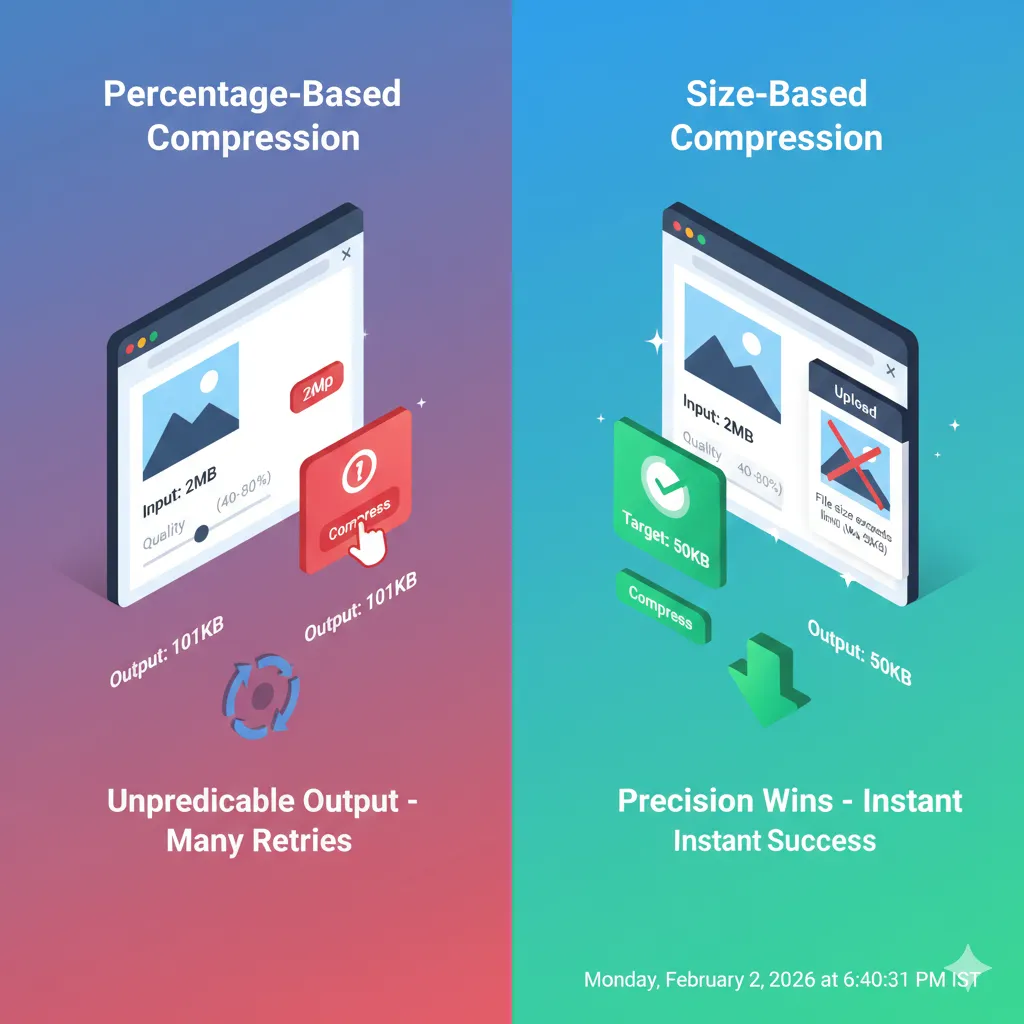
Most traditional image tools work on percentages. You choose a quality level—say 60%—and export the image. The problem is, you have no idea what the final file size will be.
Here’s why this approach often fails:
Different images compress differently A 4MB photo and a 500KB logo won’t behave the same at 60%.
Hidden metadata inflates file size EXIF data, camera info, and color profiles remain untouched.
Multiple retries waste time Users keep exporting again and again until the file “hopefully” fits.
Upload systems are unforgiving If a portal requires under 100KB, even 101KB gets rejected.
Percentage compression guesses. Platforms demand precision.
Why “Compress Image to Specific Size” Works Better
Exact-size compression flips the process. Instead of guessing quality, you set the final file size first—and the tool does the rest.
When you compress an image to a specific size, you get:
- Predictable results
- Fewer upload failures
- No trial-and-error
- Consistent quality across files
This is especially important for forms, websites, emails, and cloud uploads.
Real-Life Scenarios Where Percentage Compression Fails
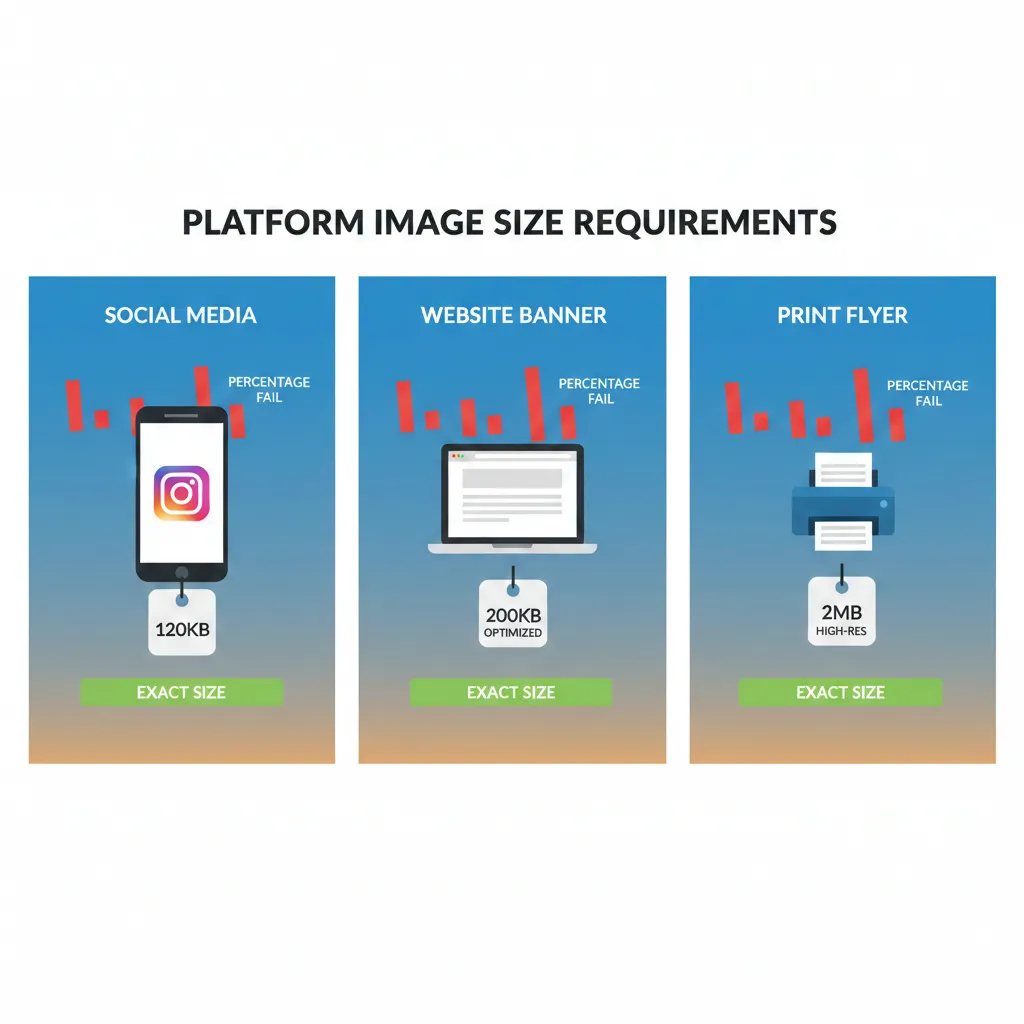
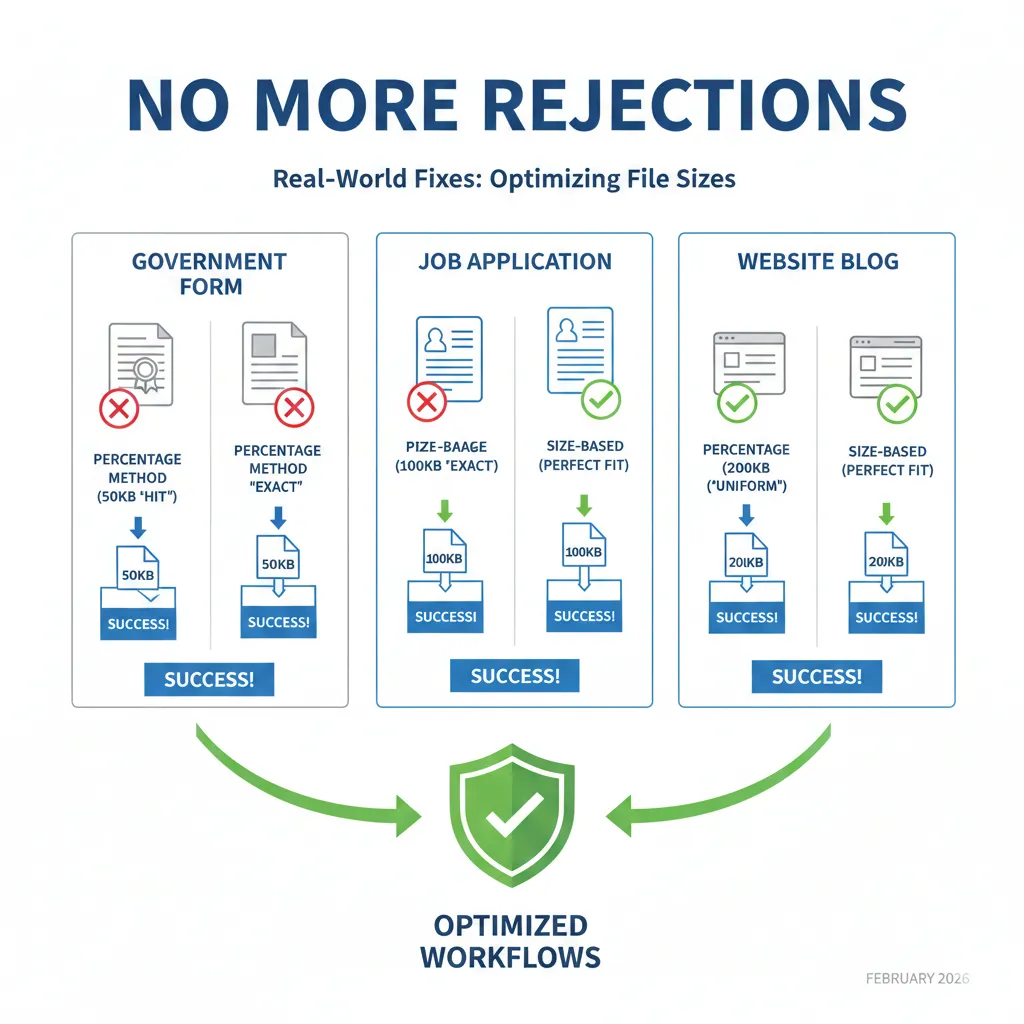
Government forms A photo must be under 50KB. Compressing by 40% might still leave it at 62KB.
Job applications A resume image must be under 100KB. Percentage export overshoots by a few KB.
Website optimization You want all blog images under 200KB. Percentage compression creates inconsistent sizes.
Email sharing Attachments exceed limits because file size was never controlled.
In all these cases, size-based compression solves the issue instantly.
How Size-Based Compression Gives Predictable Results
With ImgCompressors, you don’t tell the tool how much to reduce—you tell it where to land.
Start With the Free Image Compressor
For general use across formats, begin here: 👉 https://imgcompressors.com/image
This works well when you want quick optimization without worrying about format-specific settings.
Use Format-Specific Compression for Better Control
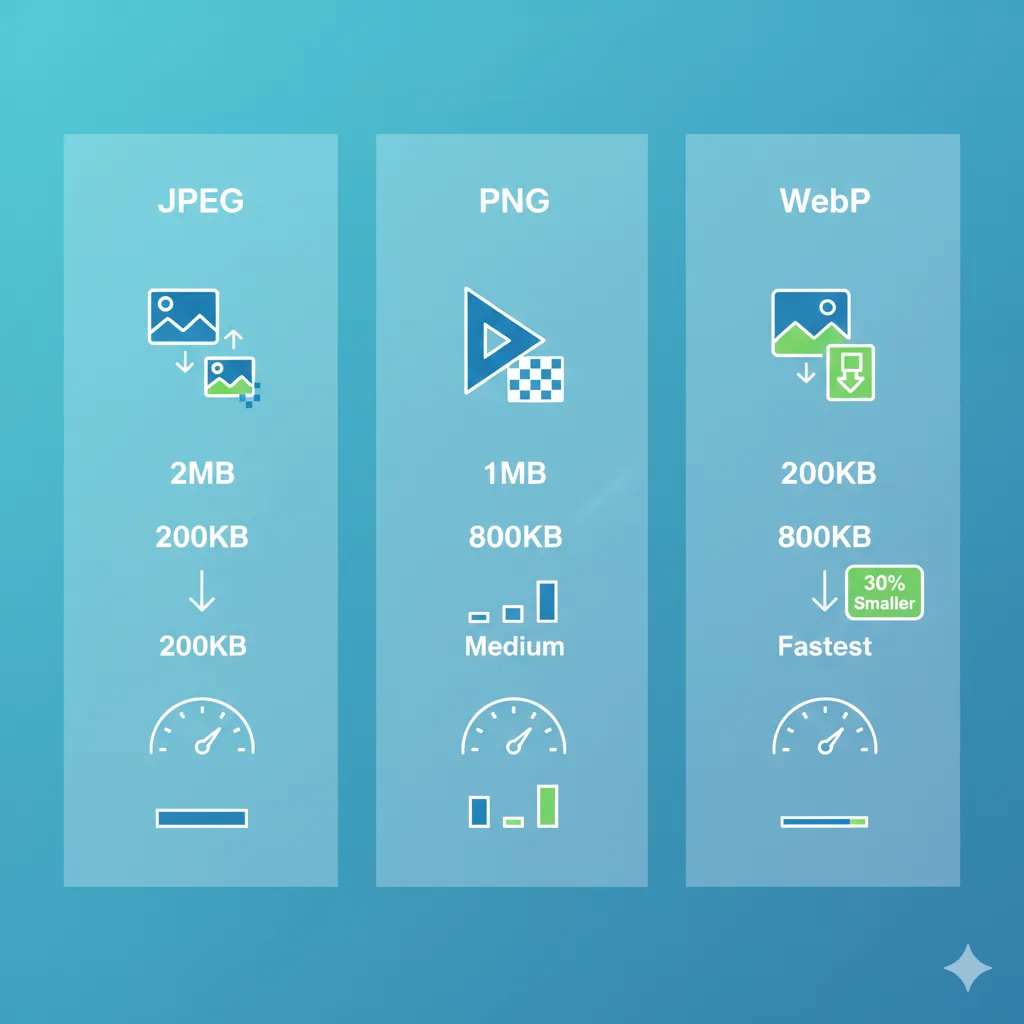
Different formats need different handling:
JPEG images (photos): 👉 https://imgcompressors.com/jpeg Best for controlling photo quality while reducing size.
PNG images (logos, text, transparency): 👉 https://imgcompressors.com/png Preserves sharp edges and transparency while optimizing file size.
GIF images (animations): 👉 https://imgcompressors.com/gif Reduces unnecessary frames and colors without breaking motion.
Compress Image to an Exact Size (The Smart Approach)
For maximum accuracy, use: 👉 https://imgcompressors.com/image-to-specific-size
Here, you can:
- Compress image to 20KB, 50KB, 100KB
- Compress image to 1MB, 2MB, 5MB
- Set any custom KB or MB size
The output stays within your limit—every single time.
Why Size-Based Compression Saves Time and Stress
Instead of:
- Export → upload → fail → repeat
You get:
- Upload → set size → download → submit
No retries. No frustration.
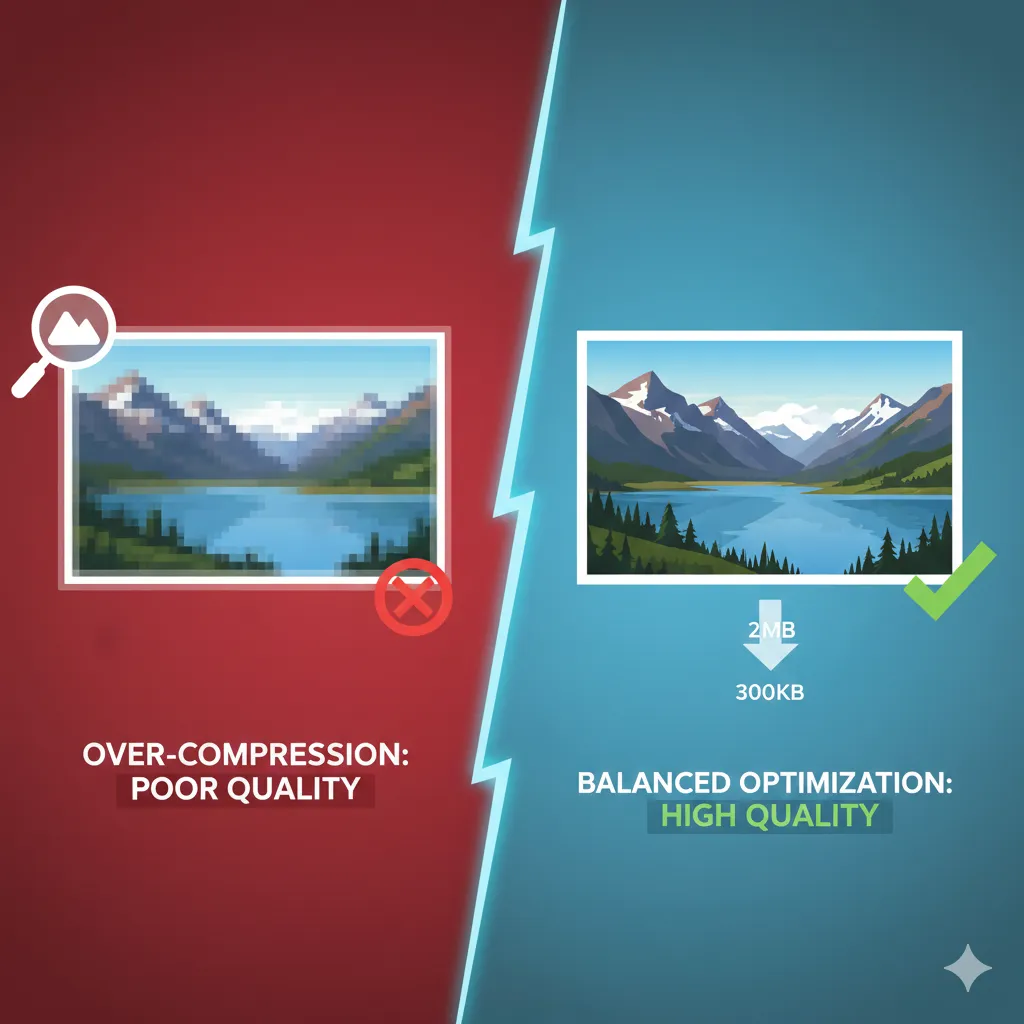
Quality Isn’t Sacrificed—It’s Optimized
Exact-size compression doesn’t mean poor quality. Modern algorithms:
- Remove unnecessary data
- Optimize pixels intelligently
- Preserve sharpness where the eye notices it most
The result is a clean image that meets strict size limits without looking compressed.
Final Thoughts
Percentage compression feels simple—but it’s unreliable. When platforms demand precision, guesswork is not enough. That’s why compressing images to a specific size is the smarter, faster, and more dependable solution.