Images today aren’t used in just one place. The same photo might go on Instagram, appear on a website banner, and later be printed on a flyer. Each of these uses has very different size requirements. That’s why relying on random compression settings often leads to poor quality or rejected uploads.
In this guide, we’ll explain how image compression online works for different platforms, why optimizing images based on use case matters, and how compressing images to a specific size gives you predictable, reliable results every time.
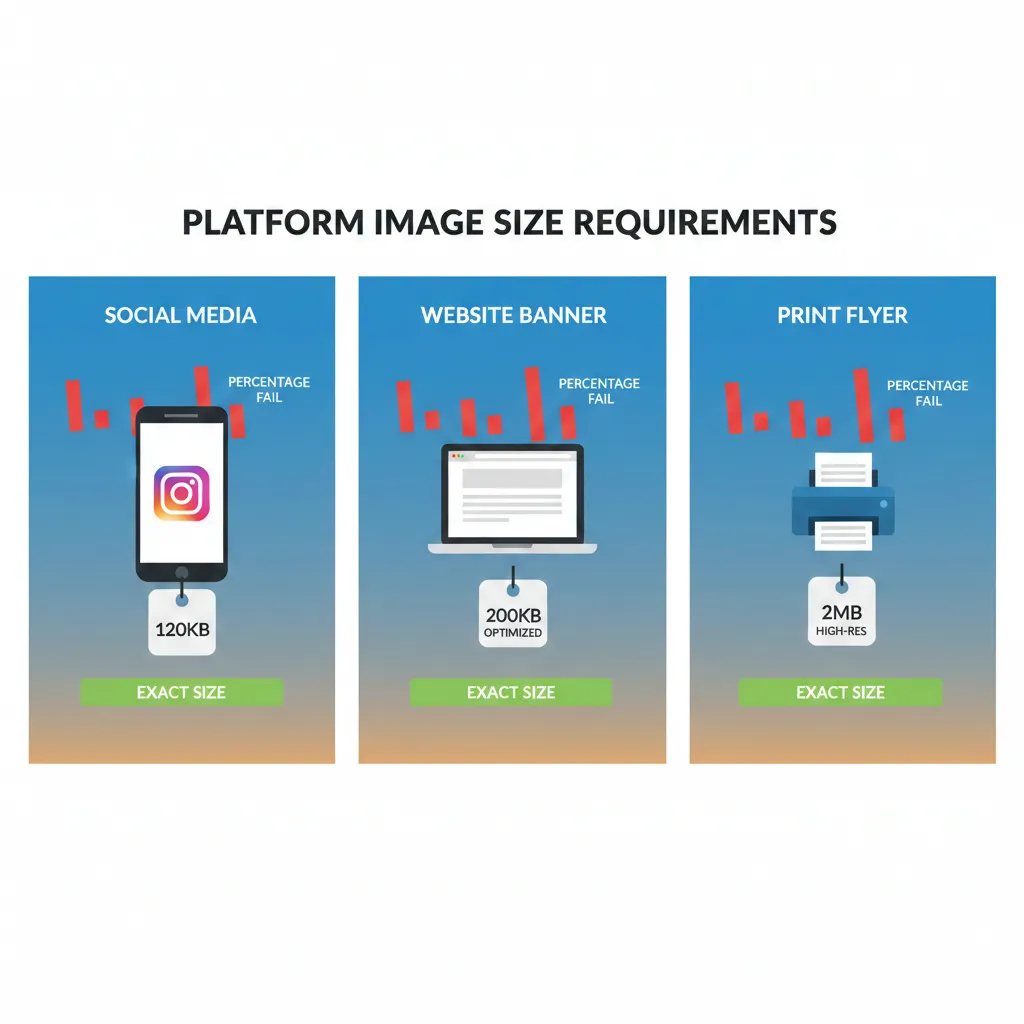
Different Platforms, Different Image Size Needs
One of the biggest mistakes people make is using the same image everywhere without adjusting file size.
Social media Platforms prefer lightweight images so content loads fast. File sizes are usually expected in KB, not MB.
Websites For blogs and landing pages, images should be optimized for speed. Keeping files under 100KB–300KB helps improve performance and SEO.
Printing Print-ready images need higher quality. File sizes are often 1MB, 2MB, or more, depending on resolution and dimensions.
Using one compression rule for all three doesn’t work.
Why “Compress by %” Fails Across Use Cases
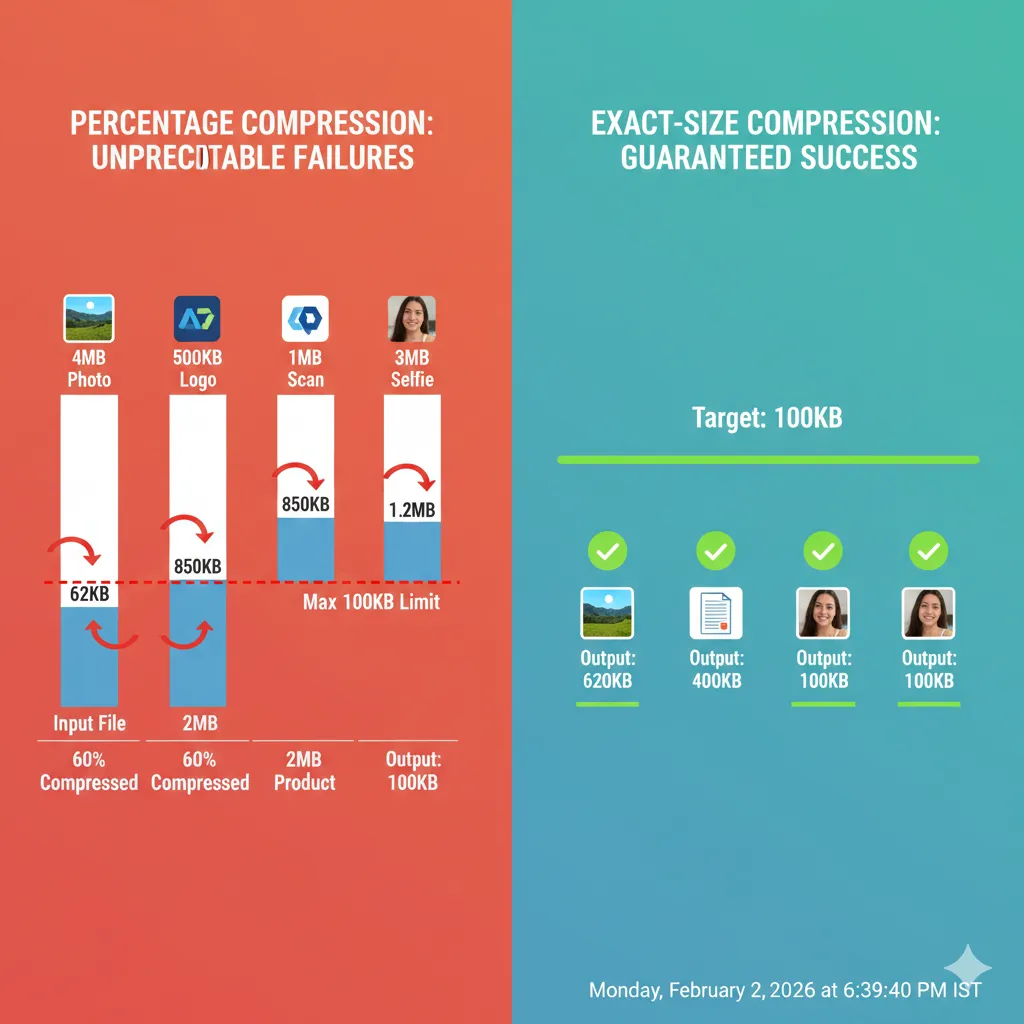
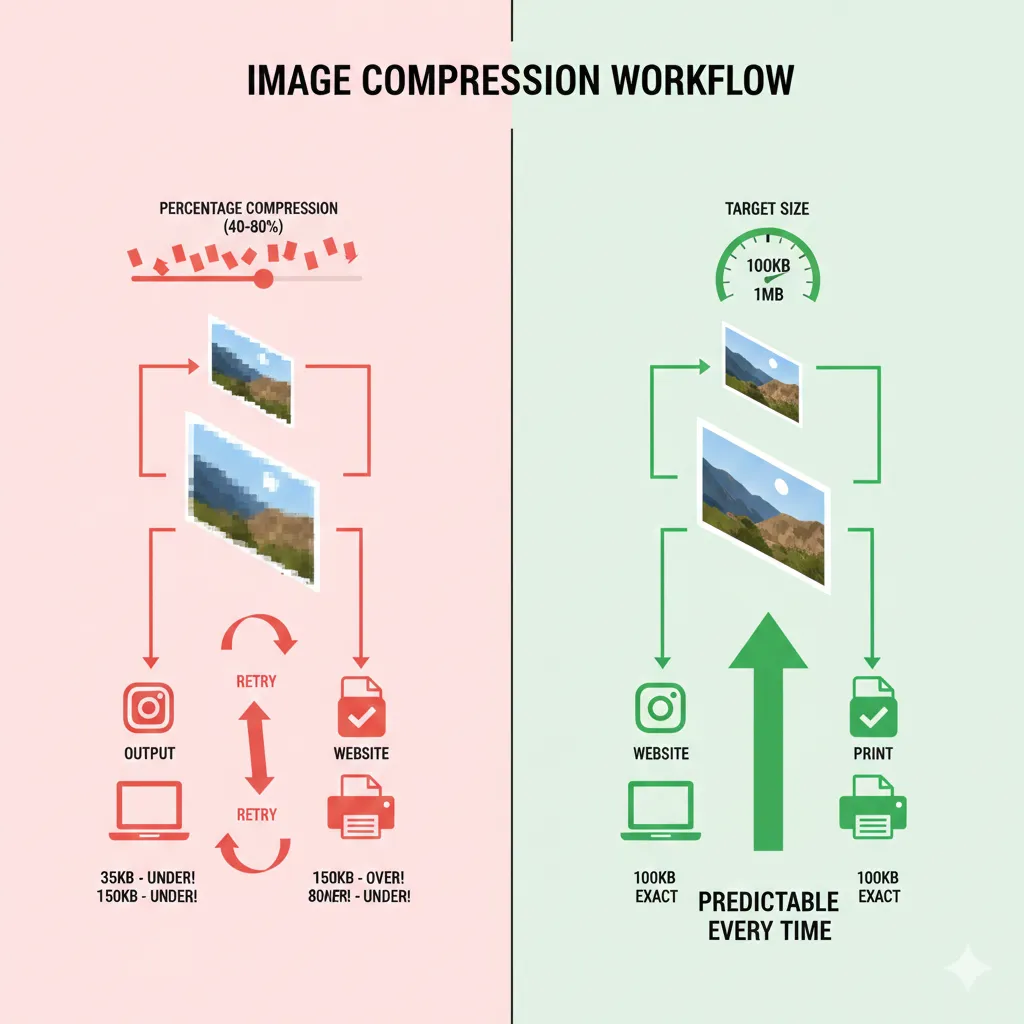
Percentage-based compression might sound simple, but it’s unreliable.
Here’s why it causes problems:
- The same percentage gives different file sizes for different images
- Small images may lose too much quality
- Large images may still remain too heavy
- You never know if the output will meet platform limits
When you’re preparing images for multiple platforms, guesswork isn’t good enough.
Why Compressing Images to a Specific Size Works Better
Instead of asking “How much should I reduce quality?”, size-based compression asks “What file size do I need?”
When you compress an image to a specific size, you get:
- Predictable file sizes
- Fewer upload rejections
- Consistent quality across platforms
- Faster workflows
This is especially useful when switching between social media, websites, and print materials.
One Tool That Adapts to Every Use Case
With ImgCompressors, you don’t need multiple apps. The same platform adapts to:
- KB-level compression for web and social
- MB-level compression for print
- Format-specific optimization for better quality
Start With the Free Image Compressor
For general image compression online, begin here: 👉 https://imgcompressors.com/image
It supports multiple formats and is ideal when you want fast, balanced optimization.
Use Format-Specific Tools for Best Results
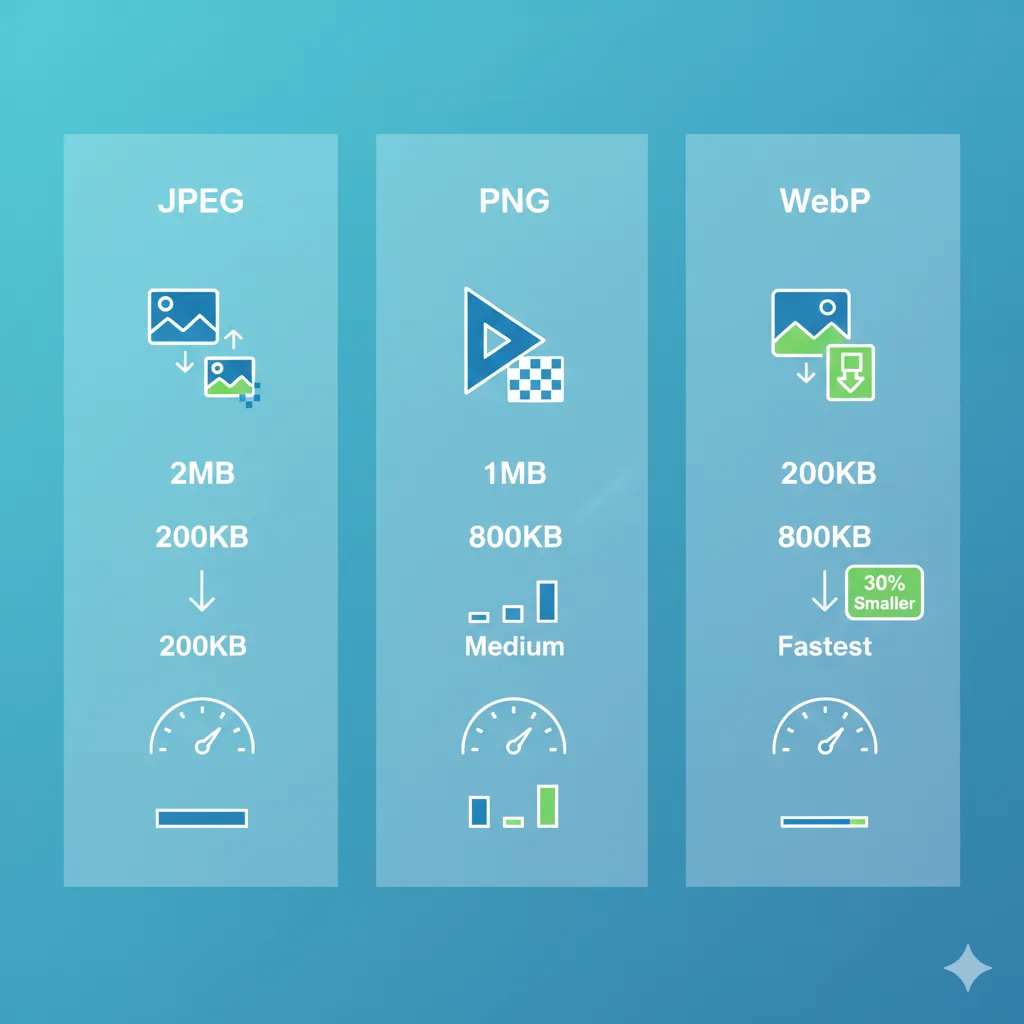
Different formats need different handling:
JPEG (photos, social media, print): 👉 https://imgcompressors.com/jpeg Great for compressing photos while keeping natural colors.
PNG (logos, graphics, transparency): 👉 https://imgcompressors.com/png Perfect for sharp edges and transparent backgrounds.
GIF (animations): 👉 https://imgcompressors.com/gif Helps reduce animation size without breaking smooth motion.
Compress Image to a Specific Size (KB or MB)
For precise control, use: 👉 https://imgcompressors.com/image-to-specific-size
This lets you:
- Compress images to KB sizes for web and social media
- Compress images to MB sizes for printing
- Set custom limits for any platform
No more trial-and-error exports.
How This Improves Image Optimization Overall
When you optimize images based on actual use:
- Websites load faster
- Social posts look sharp and upload smoothly
- Print files retain quality
- Storage and bandwidth are saved
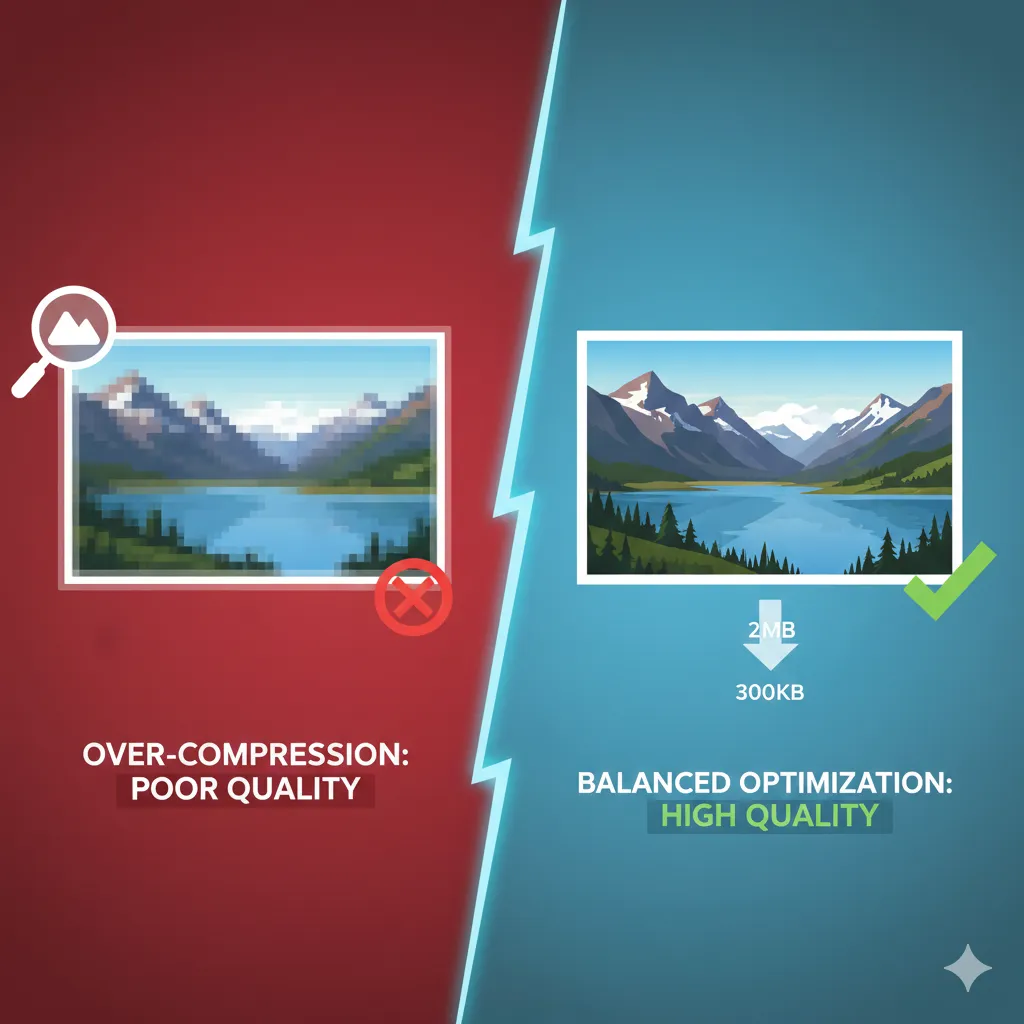
You’re no longer over-compressing or under-optimizing.
A Simple Example
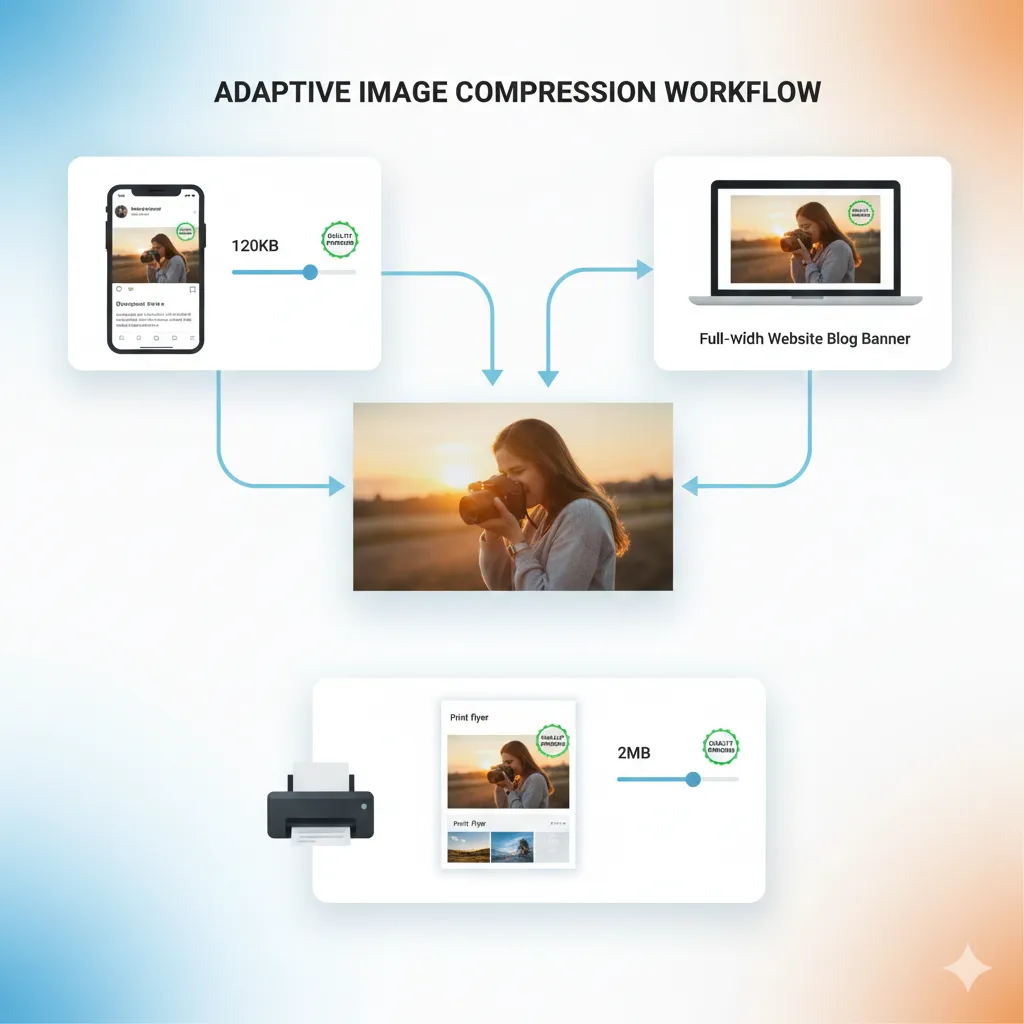
The same image can be:
- 120KB for a blog post
- 300KB for a website banner
- 2MB for printing
With size-based compression, you control each output—without starting from scratch every time.
Final Thoughts
Image compression isn’t about making files smaller—it’s about making them right-sized for their purpose. Social media, websites, and print all demand different balances of quality and file size.