## How to Compress Images to Exact KB or MB Sizes Without Losing Quality
In today’s digital world, image file size matters as much as image quality. Whether you’re uploading a photo to an online form, submitting documents on a government portal, or sharing images on platforms with strict limits, oversized images often get rejected. That’s where exact-size image compression—like compressing an image to 100KB, 200KB, 1MB, or 2MB—becomes essential.
This guide explains why exact file sizes matter, the common challenges users face, and how to compress images to precise KB or MB limits without losing quality using free online tools.

Why Exact Image Size Matters
Most platforms don’t care how sharp your image looks if it exceeds their size limit. They simply reject it. Exact-size compression is crucial for:
Online forms & job applications Many portals require uploads under 100KB or 200KB. Even a 210KB image can fail.
Government & exam portals Strict limits like 50KB, 100KB, or 200KB are common, especially for photos and signatures.
Email & cloud uploads Email clients often cap attachments, making 1MB or 2MB compression necessary.
Web performance & SEO Smaller images load faster, improving page speed and user experience.
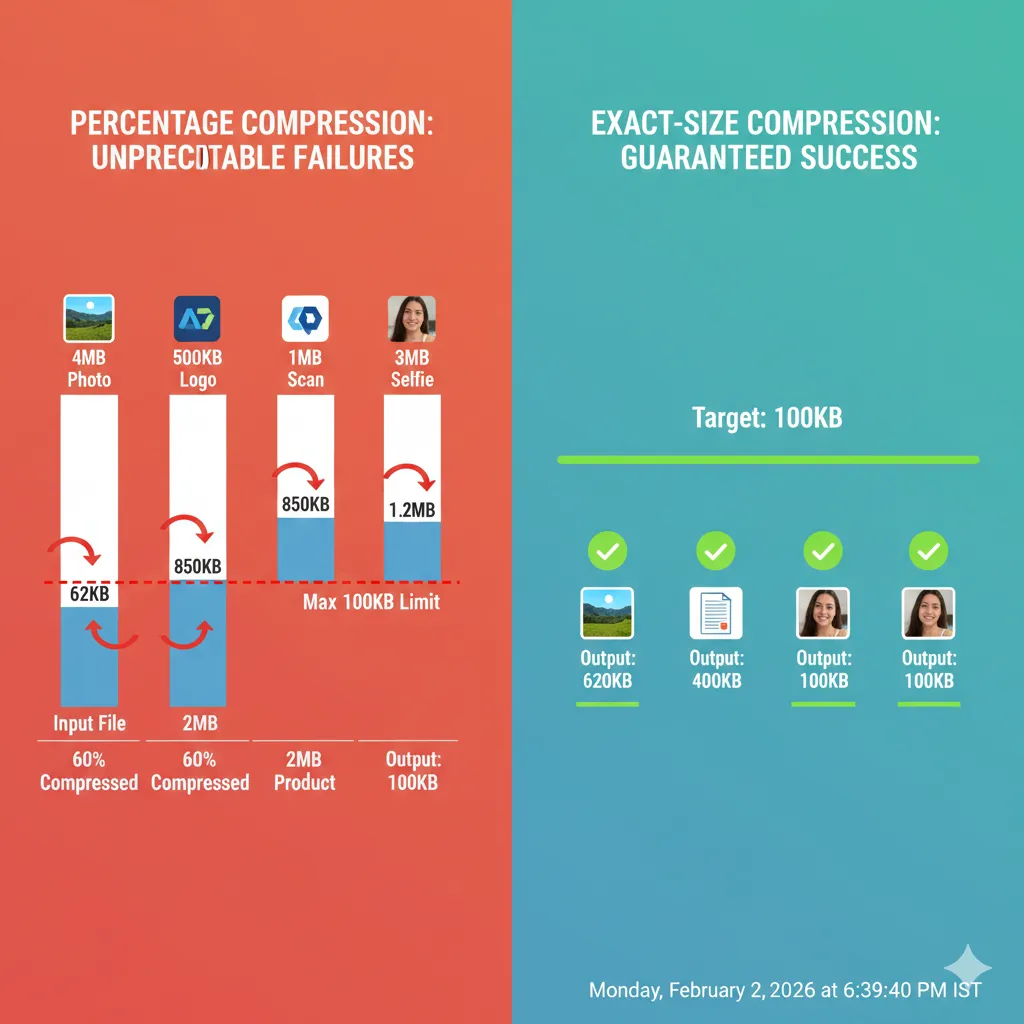
The problem? Most tools only reduce size by percentage, not to an exact target size.
Why Percentage-Based Compression Fails
Traditional compressors work like this: “Reduce image quality by 40%.” The result? You never know the final file size.
That’s risky when:
- A form requires exactly under 100KB
- A website needs images below 200KB
- An upload limit is capped at 1MB or 2MB
What you actually need is size-locked compression, where the output image matches your required KB or MB limit.
How to Compress Images to Exact KB or MB Sizes (Step-by-Step)
Using ImgCompressors, you can compress images to a specific file size while maintaining visual clarity.
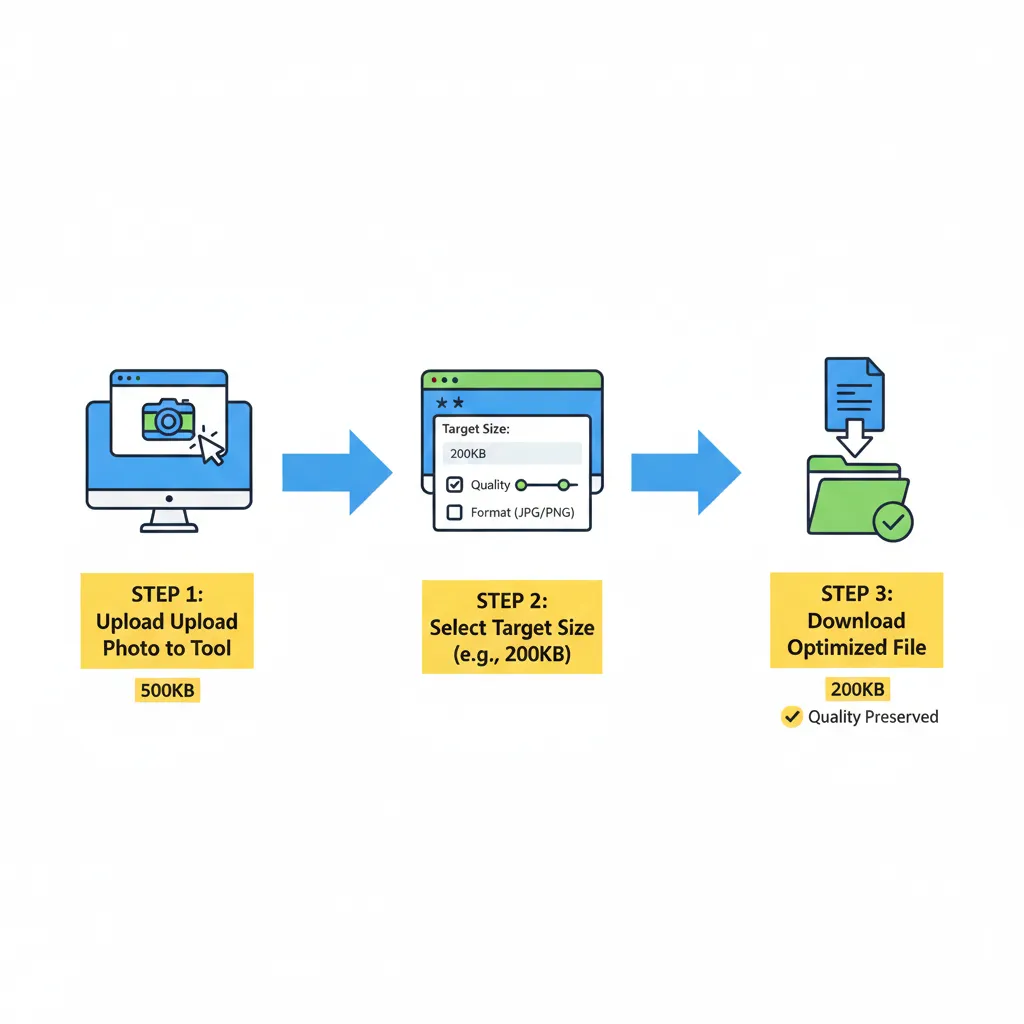
1. Upload Your Image
Start with the universal image compressor: 👉 https://imgcompressors.com/image
This supports JPG, PNG, GIF, and more.
2. Choose Format-Specific Compression (Optional)
If you know your image format, use dedicated tools for better optimization:
- JPEG compression: https://imgcompressors.com/jpeg
- PNG compression: https://imgcompressors.com/png
- GIF compression: https://imgcompressors.com/gif
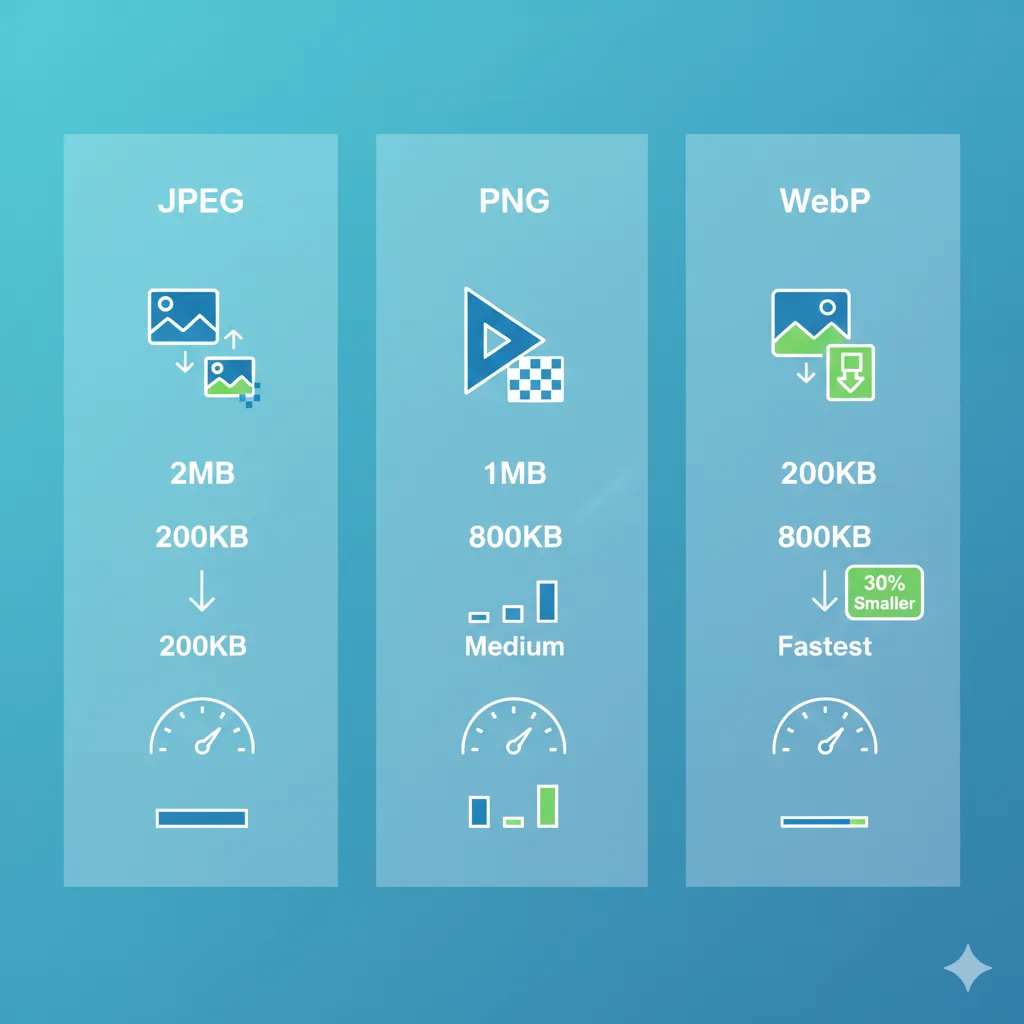
Format-aware compression helps retain details like transparency or color depth.
3. Compress to an Exact Size (KB or MB)
For precise control, use the image-to-specific-size tool: 👉 https://imgcompressors.com/image-to-specific-size
Here, you can directly set:100KB
- 200KB
- 1MB
- 2MB (or any custom KB/MB value)
The tool intelligently adjusts compression to hit your target size without unnecessary quality loss.
Common Use Cases for Exact-Size Compression
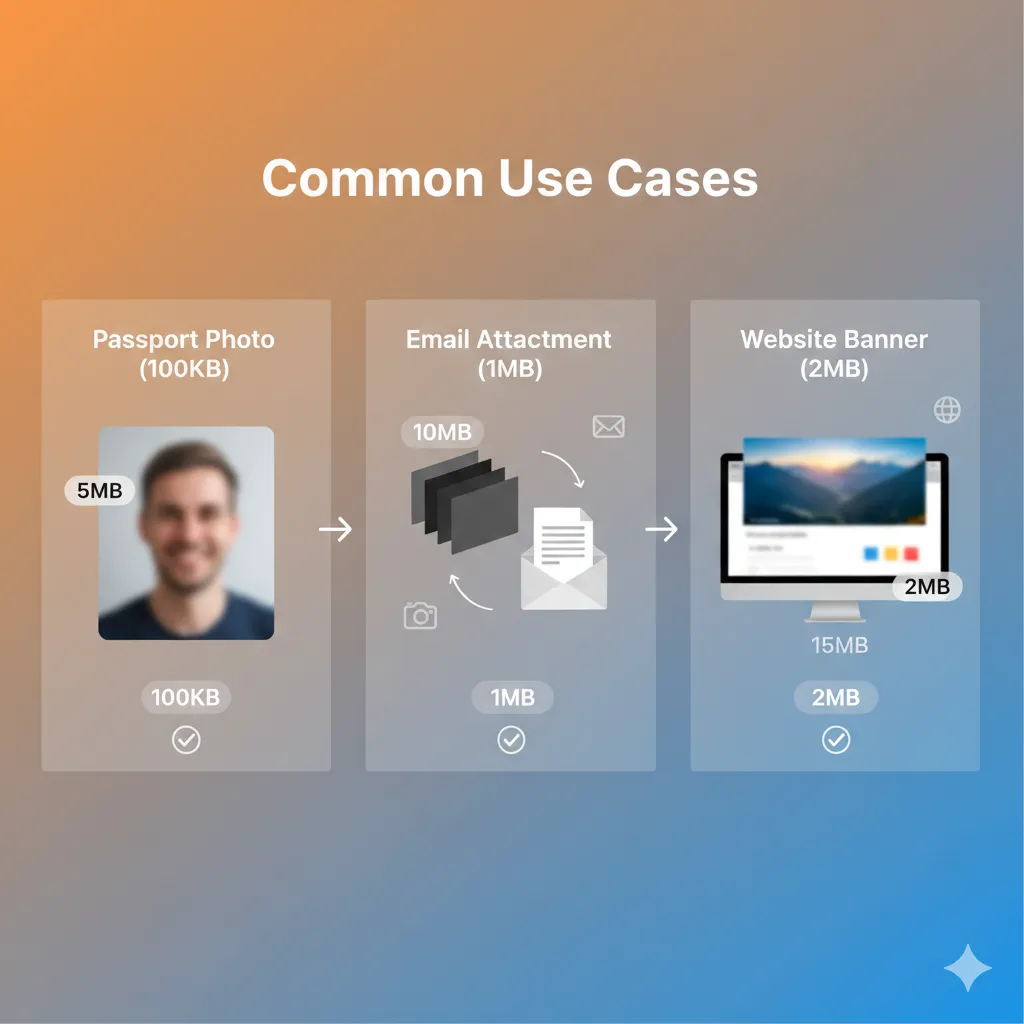
Compress image to 100KB or 200KB Ideal for passport photos, signatures, and job applications.
Compress image to 1MB or 2MB Perfect for email attachments, cloud uploads, and website banners.
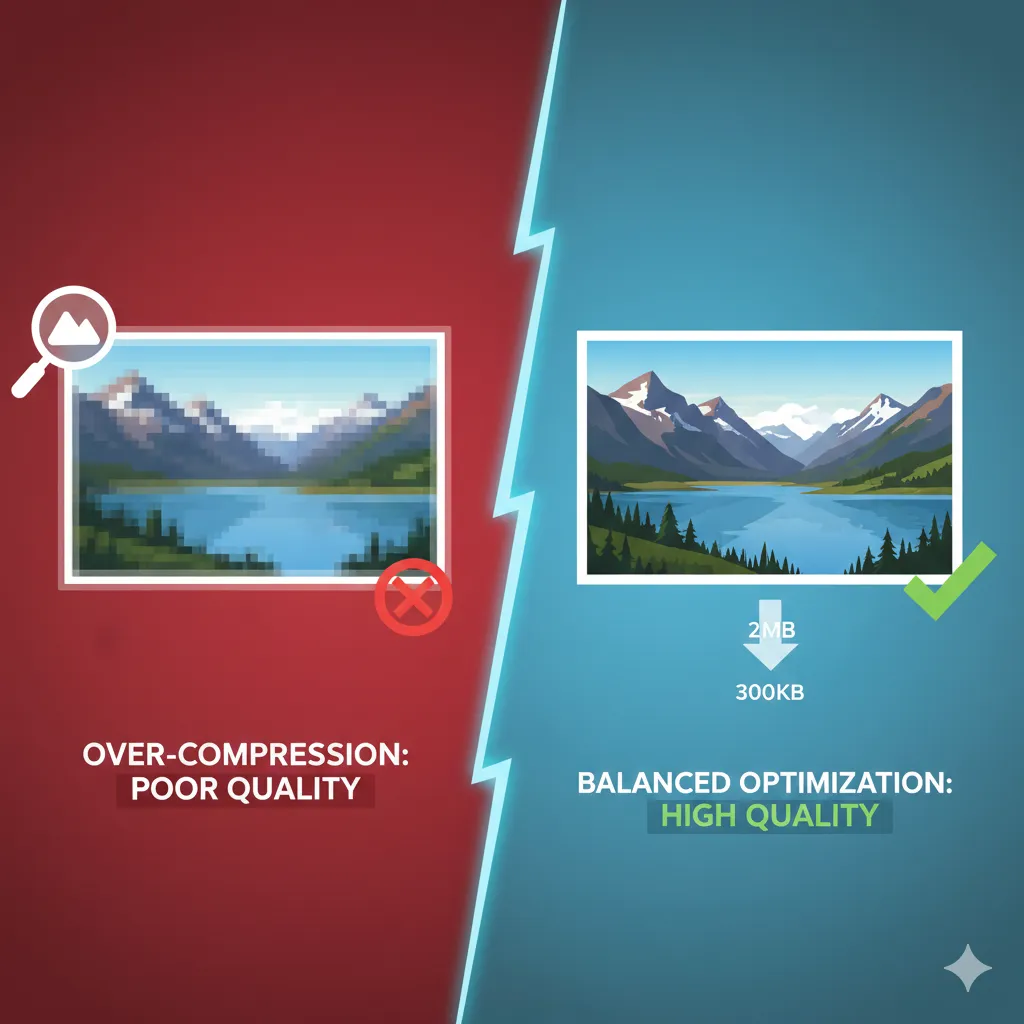
Reduce large images without blur Maintain clarity while meeting strict upload limits.
Multiple attempts without re-uploading You can re-compress until you hit the exact size you need.
How Quality Is Preserved During Compression
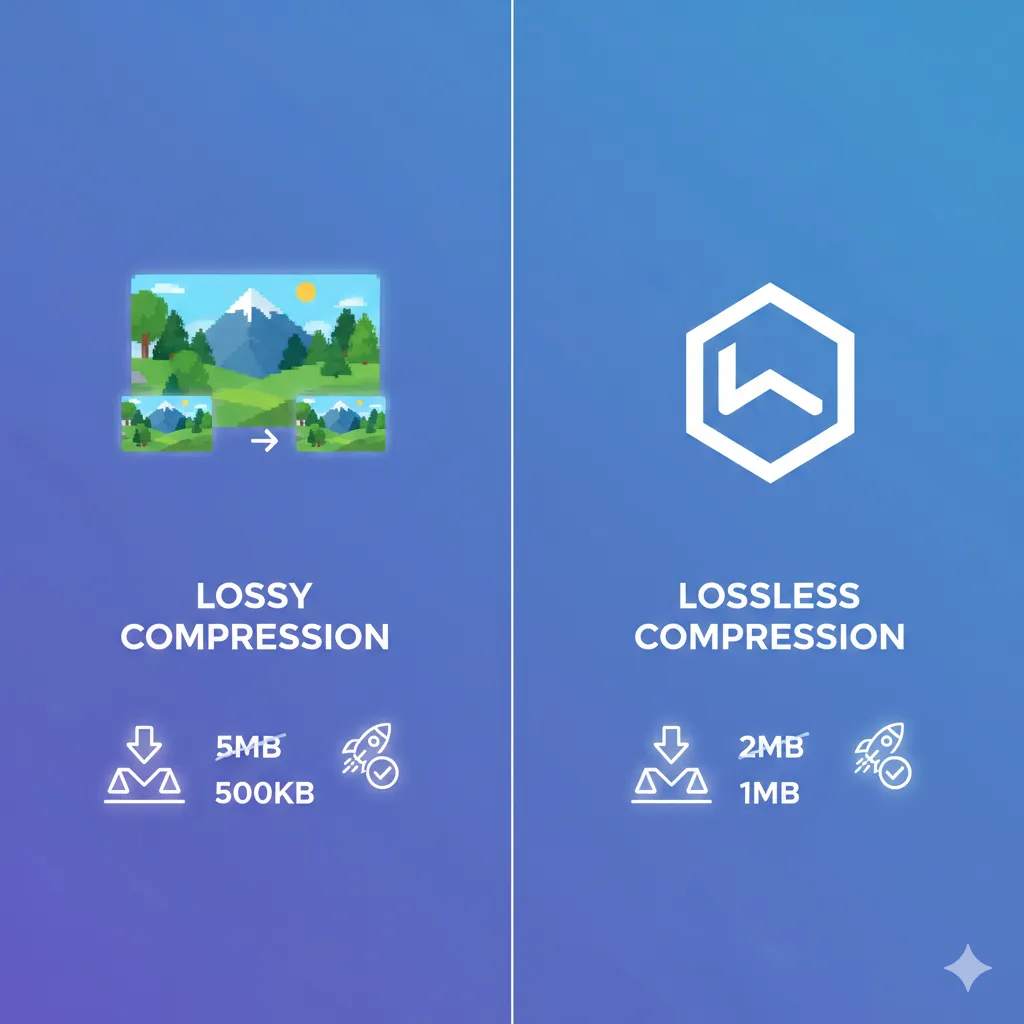
Modern compression doesn’t just “shrink” images. Smart algorithms:
- Remove unnecessary metadata
- Optimize color information
- Balance sharpness and file size
This ensures your image looks visually identical to the original, even after reducing it to a smaller KB or MB size.
Why Use Online Tools Instead of Editing Software?
Photo editors require manual exports, trial-and-error settings, and technical knowledge. Online compressors:
- Work instantly in your browser
- Don’t require installation
- Support exact-size targets
- Save time and effort
Most importantly, they’re accessible on any device.
Final Thoughts
If you’ve ever struggled with image upload limits, the solution isn’t guessing compression percentages—it’s compressing images to exact KB or MB sizes. Whether you need 100KB for a form or 2MB for sharing, using size-specific compression tools ensures your images are accepted every time, without sacrificing quality.