FAQ's
What does it mean to compress an image to 75 KB?
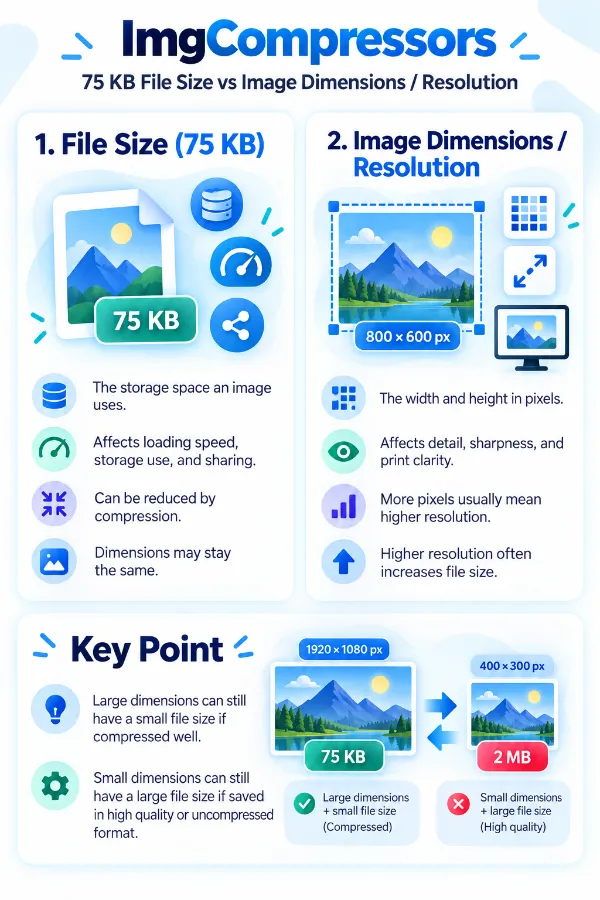
It means reducing the image's file size so the resulting file is 75 KB or lower. The target refers to the file size, not automatically to the image's width, height, or resolution.
What if my image is already 70 KB?
The image is already below the 75 KB target, so there may be no reason to compress it further. The tool provides feedback when the uploaded image is already within the requested size.
Can I compress a 500 KB photo to 75 KB?
You can upload the photo and let the tool work toward the 75 KB target. Because this may require a substantial reduction, inspect the resulting image before using it for an important submission.
Is 75 KB suitable for a profile image?
It can be suitable when the profile service accepts images of that size and does not require a larger file. Check the site's dimensions and format requirements as well, since file size is only one part of an image upload specification.
Can I reduce a screenshot to 75 KB?
Yes, a screenshot can be uploaded like other supported image files. Screenshots containing small text should be inspected after compression because reducing the file size can make fine details harder to read.
What if my image is stored in Dropbox?
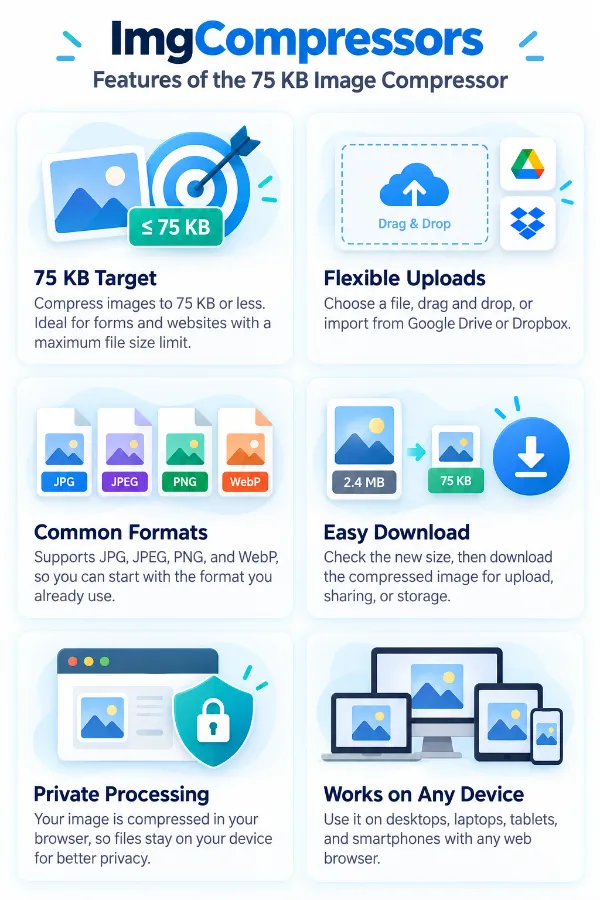
You can select the image through the Dropbox upload option. This lets you bring the existing file into the compressor without first moving it to another folder on your device.
Do I need to know the image's original size?
No, you can simply upload the image and let the tool determine whether it is above or below the 75 KB target. This is helpful when you are unsure of the file size before starting.
Does the tool change the image dimensions to reach 75 KB?
The page is intended for file-size compression, so 75 KB should not be interpreted as a required pixel dimension. If a website separately asks for specific width and height, those should be handled according to the site's instructions.
Can a JPG be compressed to 75 KB?
Yes, JPG is one of the supported formats. The amount of reduction required depends on the original file and how much compression is needed to reach the target.
Will the compressed image look exactly like the original?
Not necessarily. The amount of visible change can depend on the source image, format, and how much the file needs to be reduced.
What if 75 KB makes my image look too different?
If the destination allows a larger file, you may need to use a less restrictive size target. If 75 KB is mandatory, compare the downloaded result carefully before submitting it.
Will the resulting file always be exactly 75 KB?
No. The tool works toward 75 KB or lower, so the final file may be smaller than 75 KB. The important point is whether it satisfies the maximum size required by your destination.
Can I use the compressed image for email?
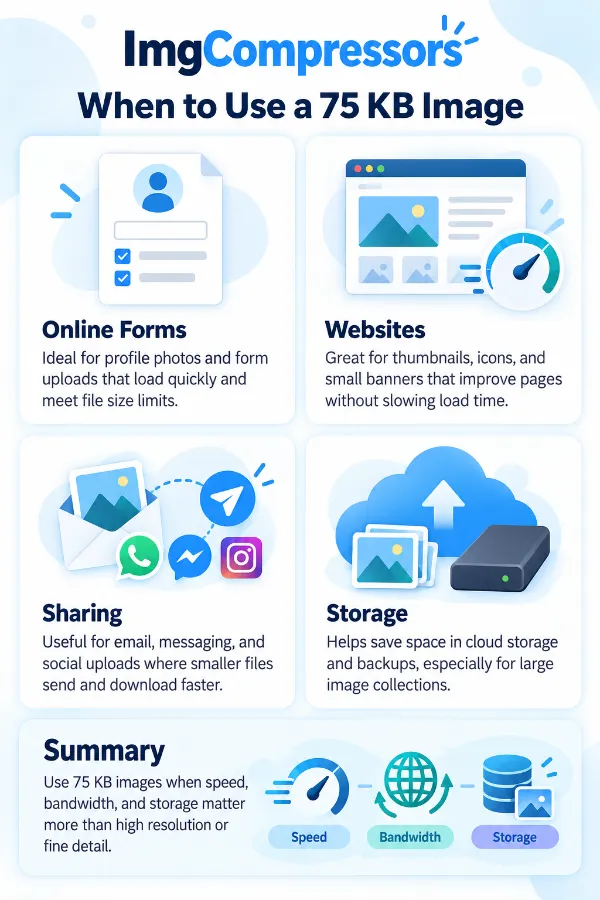
You can use it when the resulting size and format are suitable for your email attachment. A smaller image may also be more convenient when the original file is unnecessarily large for the message.
Can I compress multiple images at the same time?
The current tool centered on uploading and processing an image rather than providing a batch-compression interface. You can use the tool repeatedly for individual files when needed.
Can I use the tool from a phone?
Yes, the online tool can be accessed from a mobile browser.