FAQ's
Why is 480 KB used as an image file size limit?
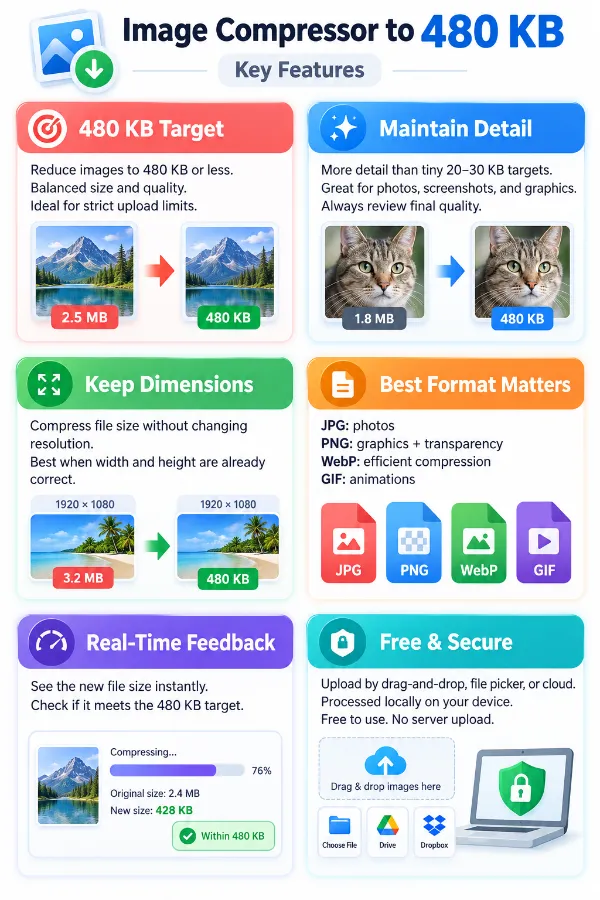
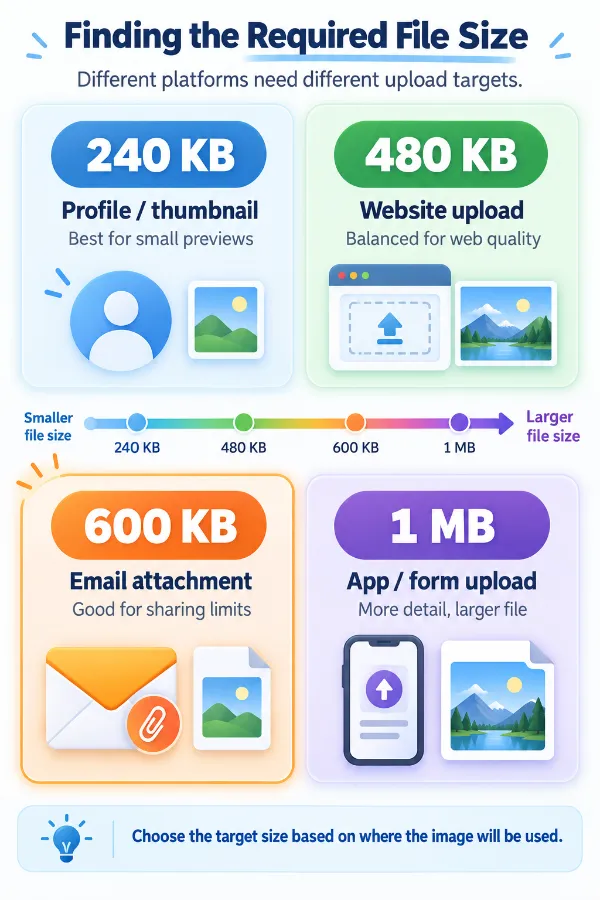
A 480 KB limit can be used by websites, forms, applications, and online services that need images to stay within a defined upload size. Keeping the file below the stated limit can make it easier to submit an image without an upload-size error. The exact reason for the limit depends on the platform or service.
Is 480 KB considered a small image file?
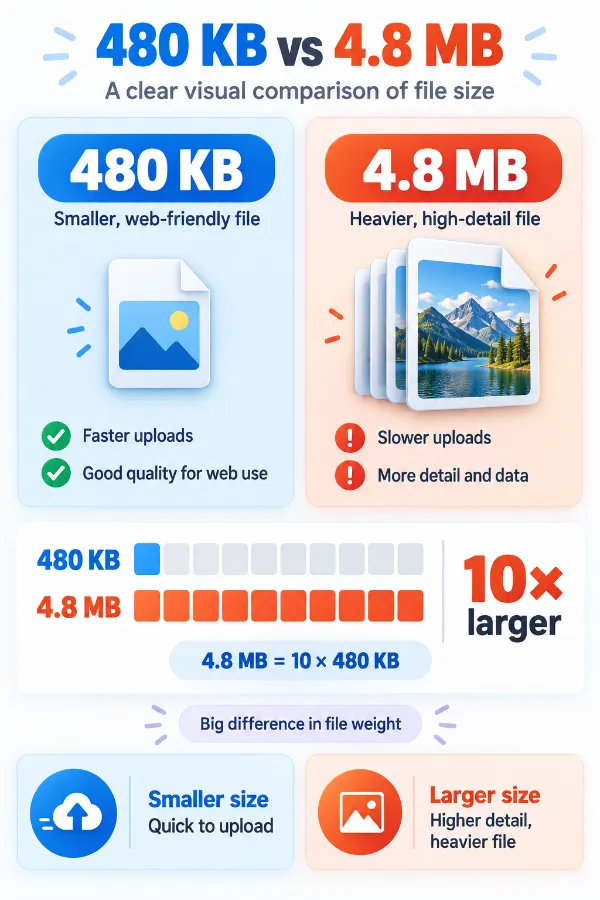
480 KB is relatively compact compared with many original camera photos, screenshots, and high-resolution graphics. However, it is not as restrictive as targets such as 20 KB or 50 KB, so many images can retain useful visual detail at this size. Whether it is small enough depends on the original file and the destination's requirements.
What happens if my image is already below 480 KB?
If your image is already below the 480 KB target, further compression is not necessary. The tool will indicate that the file is already under the target size and will not process it further.
Is 480 KB enough for a high-resolution photograph?
It can be, depending on the photograph and how it will be viewed. A detailed or very large original may require substantial reduction to reach 480 KB, while a less complex image may retain more detail. For photographs, inspect faces, textures, and other important areas after compression.
Can a 480 KB image still be suitable for a website?
Yes, if the website accepts that file size and the image has appropriate dimensions and quality. A 480 KB file can be useful for web content where reducing unnecessary file weight is important. The actual suitability also depends on how large the image is displayed.
Why can an image with fewer pixels still have a larger file size?
Pixel count is not the only factor that determines file size. Image format, compression method, colors, detail, metadata, and the content itself can all affect how much data the file contains. Therefore, a lower-resolution image is not automatically smaller in KB.
Why can the same photo have different file sizes when saved in different formats?
Each image format stores and compresses visual information differently. A photograph saved as JPG, for example, may have a different file size from the same image saved as PNG or WebP. Changing the format can therefore be useful when trying to meet a 480 KB restriction.
Can changing from PNG to JPG help an image fit within 480 KB?
It can, particularly when the PNG contains photographic or complex visual content. JPG is designed to compress photographic imagery efficiently, while PNG is often useful when transparency or sharp graphic elements need to be retained.
Why can a screenshot be harder to compress than a photograph?
Screenshots often contain small text, sharp lines, interface elements, and areas of high contrast that need to remain recognizable. Strong compression can affect these details even when the overall image still looks acceptable. Check text and fine edges carefully when preparing a screenshot for a 480 KB limit.
Can cropping help me get an image under 480 KB?
Cropping removes parts of the image that are not needed, which can reduce the amount of visual data in the file. It can be useful when the original contains large areas that are irrelevant to the intended use. However, cropping changes the composition, so it should only be used when the removed area is unnecessary.
Why is my 480 KB image still slow to upload?
File size is only one factor affecting upload speed. Your internet connection, server response, device, and the website receiving the image can also influence how quickly an upload completes. A 480 KB file is relatively small, but it cannot guarantee a particular upload speed.
What if the website says my 480 KB image is still too large?
First, check the actual file size of the downloaded image rather than relying on the target name alone. Some websites use limits below 480 KB or calculate file size differently from what you expect. If the site's maximum is lower, you may need to create a smaller version.
Why does an image sometimes become much smaller than the 480 KB target?
A target such as 480 KB represents an upper limit rather than a promise that the result will contain exactly that amount of data. Depending on the original image and compression result, the output may be considerably smaller. If the resulting image still looks suitable and meets the destination's requirements, there is usually no need to make it larger again.
What should I compare when choosing between two compressed versions?
Don't compare file size alone. Look at important visual areas such as text, faces, edges, fine patterns, and areas with gradients or detailed textures. If both versions meet the required limit, the one that preserves the information you need can be the more useful choice.