FAQ's
Why does my website reject a 4 MB image even though it opens normally on my computer?
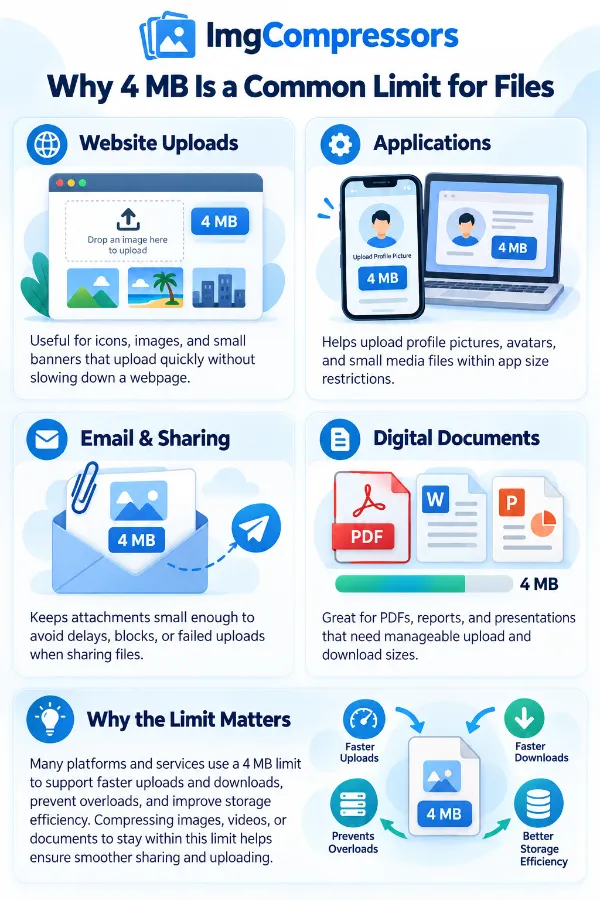
Opening an image successfully only confirms that your device can read the file. A website may impose its own maximum upload size, such as 4 MB, regardless of whether the image itself is valid. If your file is above that limit, compressing it to 4 MB or below can help meet the website's upload requirement.
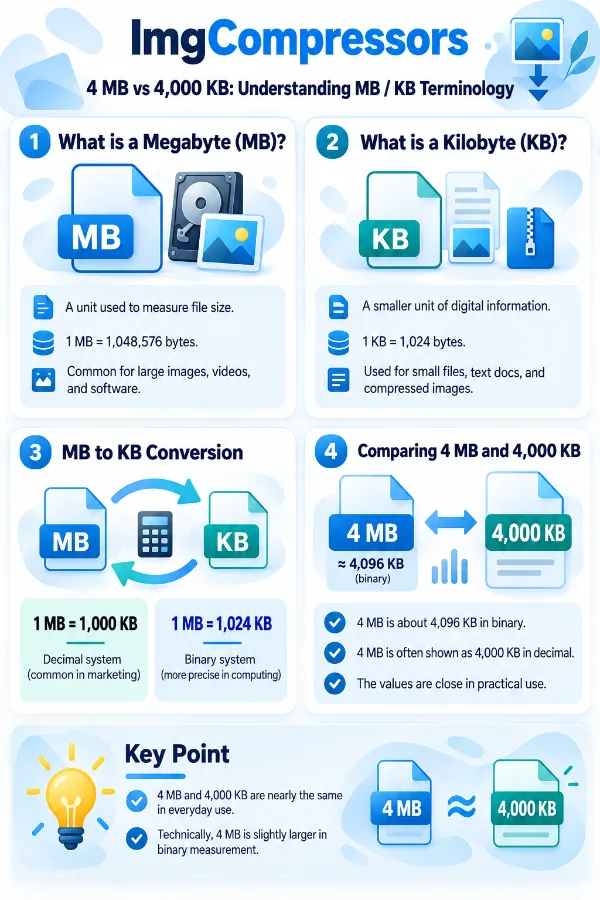
My image says 4,000 KB instead of 4 MB. Is it within the 4 MB limit?
Not necessarily. MB and KB can be represented using slightly different measurement conventions, and the website may calculate the limit differently from your computer. When an upload limit is strict, check the exact requirement used by the destination and the new file size displayed by the tool rather than relying only on a rough KB-to-MB conversion.
Why does a 4 MB limit matter when my image has plenty of storage space on my device?
The limit is usually imposed by the website or upload service, not by the available storage on your computer or phone. A device may have hundreds of GB of free space, while an individual upload field still allows only 4 MB. Compression helps adapt the file to the destination's restriction.
Can I use this when an upload form keeps showing “file too large”?
Yes, if the form's maximum image size is 4 MB. Compress the image and check that the resulting file is within the stated limit before trying the upload again. If the error continues, check whether the form also restricts dimensions, file type, or other properties.
What is the best approach for an image that is only slightly above 4 MB?
When an image is just above the target, only a relatively small reduction is required. For example, an image around 4.2 MB needs far less reduction than one that is 15 MB. This can make a 4 MB target more practical when you are trying to satisfy a strict upload limit while retaining the image's appearance.
Why can two 6 MB images produce different results when compressed to 4 MB?
The starting file size does not tell the whole story. Images can contain different amounts of detail, colors, textures, and other information, and they may have been encoded differently. Consequently, two files that both start at 6 MB may respond differently when reduced toward the same 4 MB target.
Can I compress an image to 4 MB without changing its pixel dimensions?
A file-size target and pixel dimensions are separate properties. Compression can reduce the amount of data used to store the image without treating 4 MB as a particular width or height. If the destination requires something like 4 MB plus 2000 × 2000 pixels, both requirements need to be checked independently.
Why is my 3000 × 2000 image still more than 4 MB?
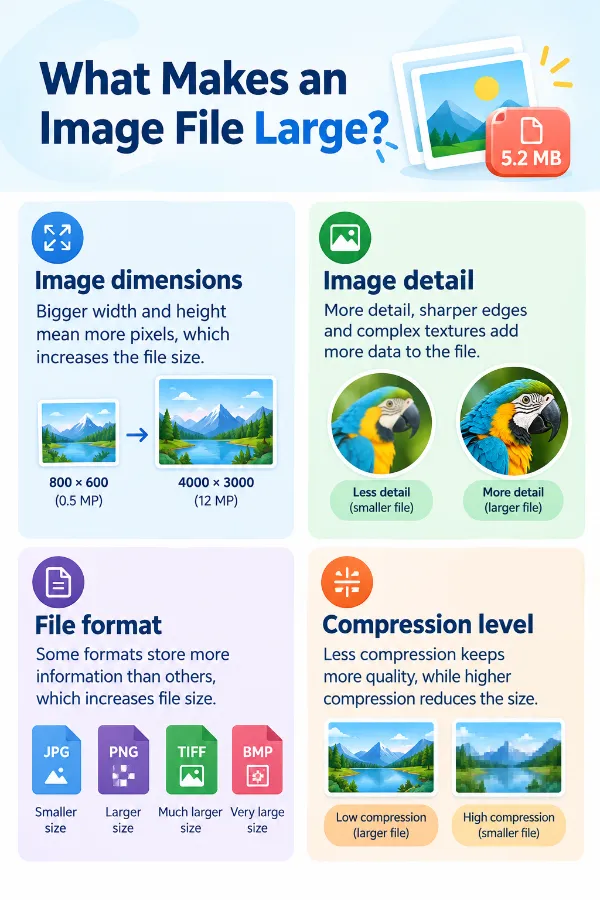
Dimensions alone do not determine file size. The image format, visual complexity, color information, compression characteristics, and other file data can all affect how large the resulting file is. This is why an image with moderate dimensions can still exceed a 4 MB upload limit.
Can I use the 4 MB target for a scanned certificate or document?
Yes, if the document is available as a supported image file and the receiving portal allows images up to 4 MB. Because scanned documents can contain small text, stamps, signatures, and fine lines, inspect the compressed result carefully. Meeting the file-size requirement is not useful if important document details become difficult to read.
What if the destination says “maximum 4 MB” but the tool produces a much smaller file?
A file smaller than the maximum is generally still within a maximum-size requirement. The target is an upper limit rather than a requirement to produce exactly 4 MB. However, you should still inspect the image to make sure the reduction has not affected details that matter for your particular use.
Why shouldn't I assume that a 4 MB file is suitable for printing?
File size alone cannot determine whether an image is suitable for print. Printing depends on factors such as pixel dimensions, resolution, physical print size, and image quality. A 4 MB target is mainly useful when you are trying to satisfy a digital file-size requirement.
Can I compress an image from my phone when the original is too large for a website?
Yes. Phone cameras can create relatively large image files because they capture high-resolution photographs. If a website limits uploads to 4 MB, creating a smaller copy can make the photograph easier to submit while allowing you to keep the original on your phone.
Can a 4 MB target be too restrictive for a detailed photograph?
It can be, depending on the original file and how much reduction is necessary. A photograph that starts at 4.5 MB may require only a modest reduction, whereas a 20 MB photograph needs much more substantial compression. For detailed or important images, compare the compressed version with the original before submitting it.
Why does the file size sometimes change after I download the compressed image?
The displayed size may be rounded, while your operating system or another application may show a more precise value or use a different unit convention. Small differences in the displayed number do not necessarily mean the image was compressed incorrectly.
Can I compress the same image again if the first result is still above 4 MB?
It is generally preferable to work from the original rather than repeatedly compressing an already-compressed copy. Repeated processing can introduce additional quality changes without providing the same control as starting from the original. If the tool's result does not meet the required target, use the original file for another attempt.
Does a 4 MB image take less time to upload than a much larger original?
Generally, a smaller file requires less data to transfer, so it can be quicker to upload over the same network conditions. The actual upload time also depends on your internet connection and the destination's server. Reducing a large image can therefore be useful when both file size and transfer time matter.
How do I know whether the compressed file is actually ready to submit?
Check the new file size first, then open the downloaded image and make sure it still looks correct. If the destination has additional requirements, such as specific dimensions or a particular format, verify those as well. Once the file satisfies both the size and destination requirements, it is ready for the intended upload.