FAQ's
What does it mean to compress an image to 240 KB?
It means reducing the image's file size so the processed version is 240 KB or smaller. The aim is to meet a specific file-size requirement rather than simply reducing the image by a fixed percentage.
Why would I need an image that is 240 KB or smaller?
Some websites, online forms, application portals, email systems, and other services place a maximum file-size limit on uploaded images. If the stated limit is 240 KB, a file above that limit may be rejected even if the image itself is otherwise valid.
Can I reduce a 500 KB image to 240 KB?
Yes. The tool is designed to reduce images that are above the 240 KB target. The amount of reduction required depends on the original file and how much it needs to be compressed to reach the target.
What if my image is only slightly above 240 KB, such as 245 KB?
The image still needs to be reduced if the platform or applications have a strict 240 KB maximum. Even a small difference can cause an upload to be rejected when the limit is enforced by file size.
What if my image is already 230 KB?
A 230 KB image is already below the 240 KB target, so there is no need to reduce it simply to meet the 240 KB requirement. The tool can indicate when an image is already within the target instead of unnecessarily processing a suitably sized file.
Does the tool show the new file size after compression?
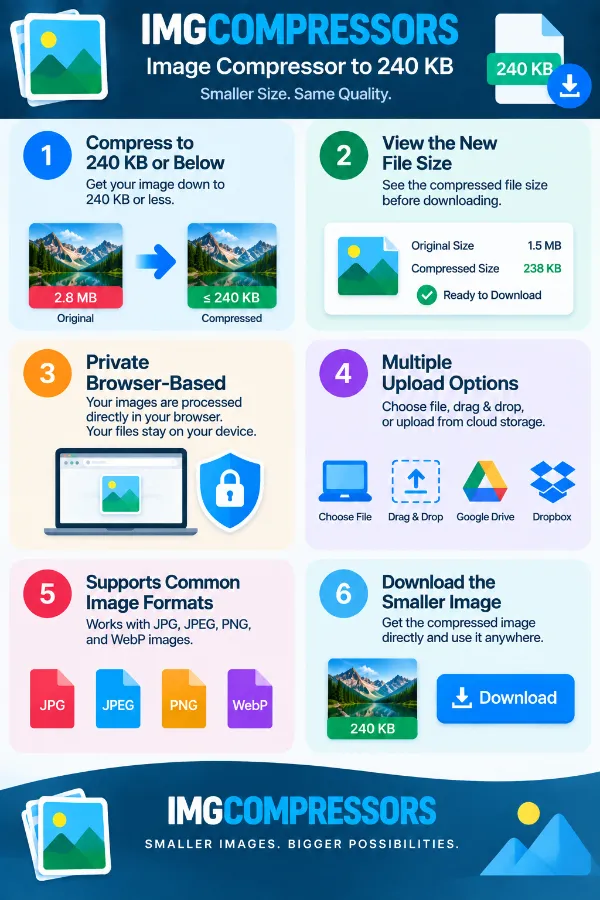
Yes. The processed image's file size is displayed so you can check the result before using it. This is particularly useful when you need to meet a strict size requirement such as 240 KB.
Can an image become much smaller than 240 KB?
The target is 240 KB or below, so the resulting file does not necessarily have to be exactly 240 KB. A result below the target can still meet a service that requires the image to stay within a 240 KB maximum.
Will compressing an image to 240 KB reduce its dimensions?
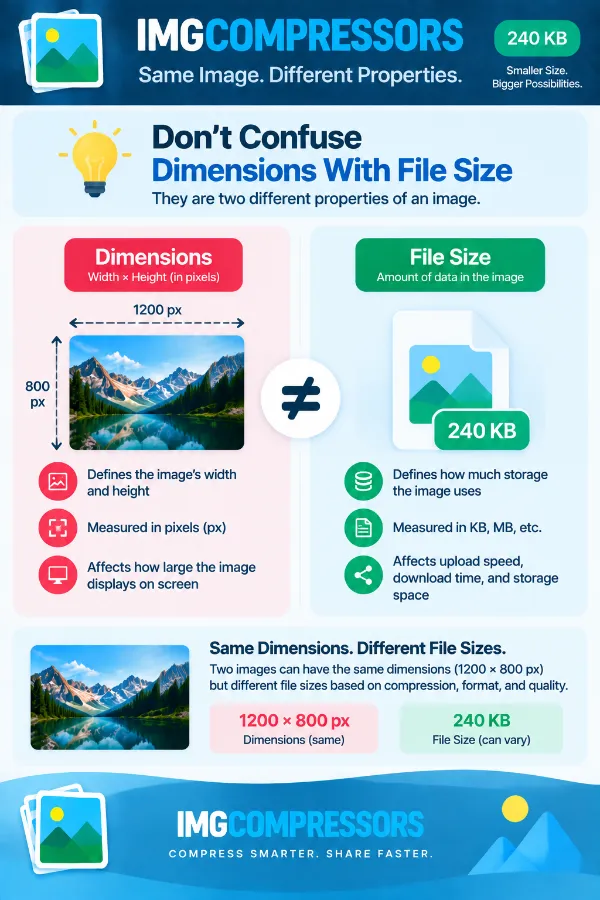
File-size compression and image dimensions are different things. This tool focuses on reducing the file size toward 240 KB, so you should not assume that reaching the target means the width and height have been changed.
Can I use the tool for scanned documents or ID-related images?
Yes, when the source is an image file and the platform or application accepts that image format and a 240 KB-or-smaller file. After compression, check that important text, signatures, or other required details remain clear enough for the intended submission.
Can I compress a screenshot for an online form?
Yes. Screenshots can be compressed when the form imposes a 240 KB image limit. After processing, check the displayed file size and make sure any text or information in the screenshot remains readable.
Can I compress a digital signature image to 240 KB?
Yes, if your signature is stored as a supported image file. Since signatures may contain fine lines or transparent areas, check the downloaded result carefully before submitting it to a form or application.
Which image formats can I use for 240 KB compression?
The tool supports JPG, JPEG, GIF, PNG, and WebP. You can therefore use it for common photographs, screenshots, graphics, and other supported image files without converting the file first.
Can I upload a confidential image safely?
The tool processes images directly in your browser rather than sending them to a server. This means your image is not uploaded to a remote server for compression, which can be useful when working with confidential files.
Can I compress a photo taken with my phone to 240 KB?
Yes. Phone photographs are often much larger than 240 KB, particularly when captured at high resolution, so they may need significant compression before they meet a strict upload limit. After processing, check both the new file size and the visual quality before submitting the image.
What should I do if the compressed image looks less clear?
A lower file size can involve a greater reduction in image data, particularly when the original is much larger than 240 KB. Compare the compressed version with the original and make sure important details remain suitable for your intended use before replacing or submitting the original.
Can I use the 240 KB result for printing?
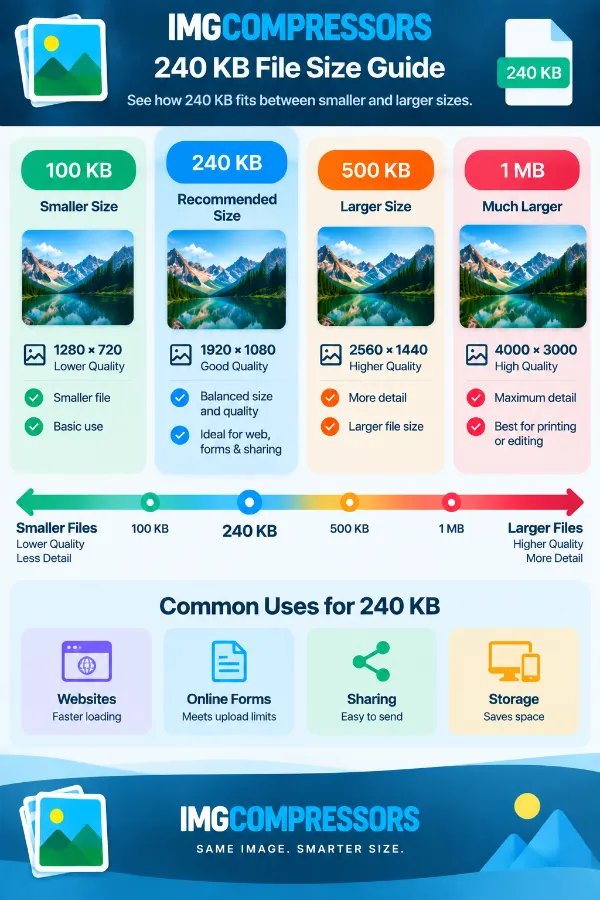
A 240 KB file may be suitable for online use, but file size alone does not determine whether an image is suitable for printing. Print requirements can also depend on dimensions, resolution, and the quality expected by the printer or service.
Why is my 240 KB image different in quality from another 240 KB image?
Two files with the same size can have very different visual quality because their original dimensions, image content, format, and compression characteristics can differ. A detailed photograph and a simple graphic, for example, may respond differently when reduced to the same file-size target.