FAQ's
What does 19 KB actually mean for an image?
A 19 KB refers to the amount of storage space the image file occupies, not its width, height, or visual dimensions. An image can be 19 KB while having very different pixel dimensions from another image that is also 19 KB. The file size mainly matters when a website or service imposes a maximum upload limit.
Why would an image need to be as small as 19 KB?
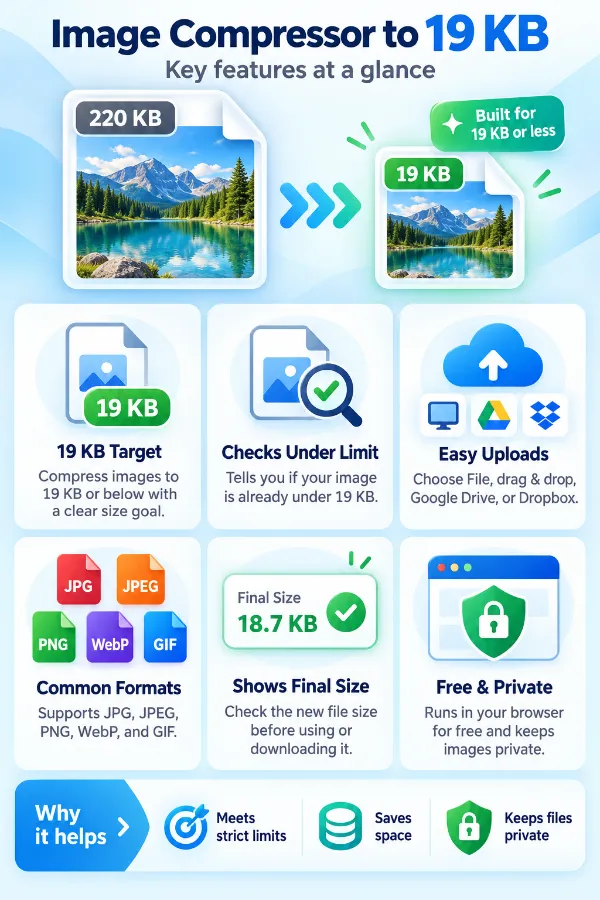
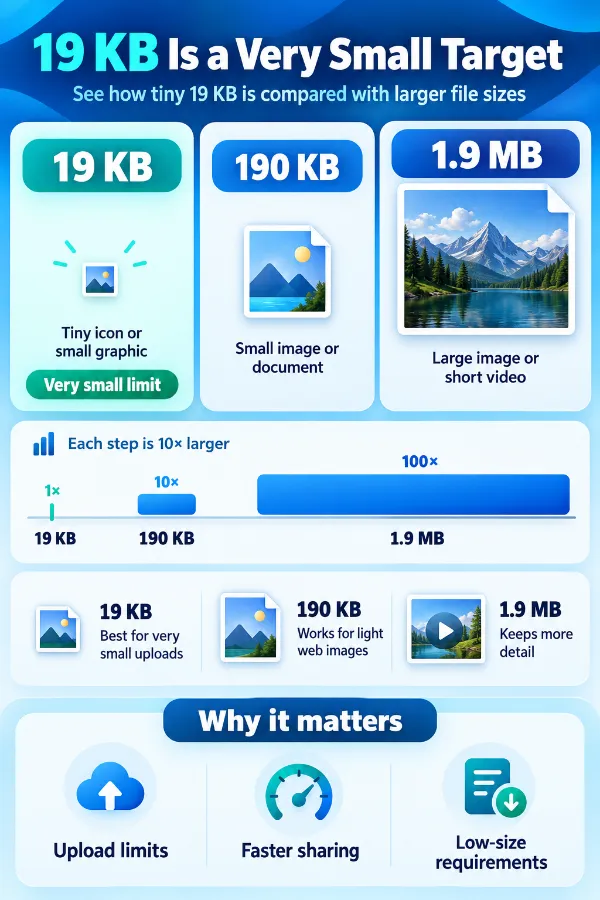
A 19 KB limit may be used where images need to consume very little storage or bandwidth, such as small graphics, icons, or restricted upload fields. It can also appear in systems with very tight file-size limits. When 19 KB is the stated maximum, reducing the image beforehand can help meet that requirement.
Is 19 KB an appropriate size for every type of image?
A 19 KB file may work well for a simple graphic but can be highly restrictive for a detailed photograph. The appropriate size depends on the image content, its purpose, and the requirements of the destination.
What does image compression actually do?
Image compression reduces the amount of data needed to store an image. Depending on the format and compression method, this may involve removing repeated or unnecessary information or discarding some visual information that is considered less important. The goal is to reduce the file size while retaining as much useful image quality as possible.
Is image compression the same as resizing?
No. Compression changes the amount of data stored in the image, while resizing changes its pixel dimensions, such as reducing 2000 × 1500 pixels to 1000 × 750 pixels. These processes can be used separately or together, depending on the required result.
Does a smaller file always mean a lower-quality image?
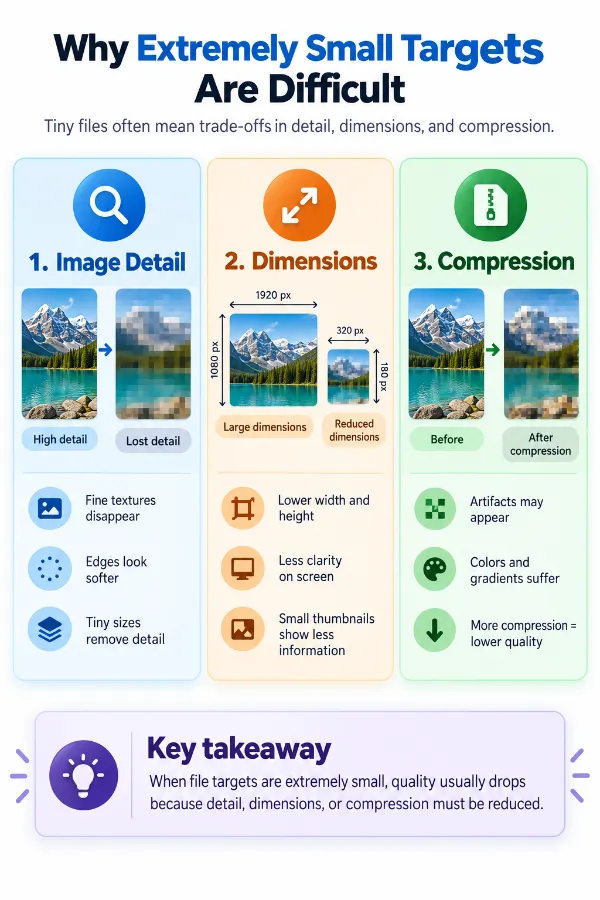
Not necessarily, especially when the original file contains unnecessary data or uses an inefficient format. However, reaching an extremely small target such as 19 KB can require significant compression for detailed images. The final image should therefore be inspected rather than judging quality from file size alone.
Which format is generally better when aiming for a very small file?
There is no single format that is best for every image. JPG is commonly effective for photographs, PNG is useful when lossless quality or transparency matters, and WebP supports both lossy and lossless compression. The best choice depends on the image content and what the destination accepts.
Why can a simple graphic reach 19 KB more easily than a photograph?
Simple graphics often contain areas of similar colors, basic shapes, and fewer visual details. Photographs contain much more variation in colors, textures, lighting, and fine detail, which can make them harder to compress aggressively. As a result, the same 19 KB target can have very different effects on different images.
Why does a detailed photograph change more noticeably at 19 KB?
A photograph contains a large amount of visual information that must be represented within a very small amount of storage. Reducing it to 19 KB may require removing substantial image data. Fine textures, edges, and small details are often among the areas where changes become noticeable.
Why can two images with the same pixel dimensions have different file sizes?
Pixel dimensions only tell you how many pixels make up the width and height of an image. The file size is also affected by the image format, compression method, visual complexity, metadata, and other stored information. Two images with identical dimensions can therefore have very different file sizes.
What happens when an image is much larger than 19 KB?
The image needs a substantial reduction before it can meet the target. The larger the starting file is compared with 19 KB, the greater the compression challenge can be. Detailed images may show more noticeable changes when such a large reduction is required.
Why does an image end up below 19 KB instead of exactly 19 KB?
The target represents a maximum file size, rather than a requirement to produce exactly 19 KB. Depending on the image and compression result, the resulting file may be considerably smaller. A file below the limit still satisfies a requirement that specifies 19 KB or less.
What is the difference between the original size and the new file size?
The original size is the amount of storage occupied by the image before processing, while the new file size describes the resulting compressed copy. Comparing the two shows how much the file size has changed. This is more useful than relying only on a compression percentage.
Why does a 19 KB image still have large pixel dimensions?
Compression can reduce the amount of data stored without changing the image's width and height. Therefore, an image could retain relatively large pixel dimensions while having a very small file size. Pixel dimensions and file size should be treated as separate properties.
Is a 19 KB image suitable for printing?
A 19 KB target can be quite restrictive for detailed print images because printing generally benefits from sufficient pixel dimensions and image detail. A file meeting the 19 KB limit is not automatically suitable for print quality. The required print dimensions and resolution should be checked separately.
Why does compressing an image sometimes affect text and sharp edges first?
Small text, thin lines, and sharp edges contain fine visual details that can be sensitive to lossy compression. When a file is reduced aggressively, these details may become softer or show visible compression artifacts. This is particularly important for screenshots, logos, diagrams, and text-based graphics.
Why is 19 KB more challenging for a photograph than for an icon?
An icon may contain only a few colors and simple shapes, making its visual information easier to represent in a small file. A photograph contains much more variation and detail. Compressing both to the same 19 KB target can therefore produce very different visual results.
What does compression quality mean in relation to file size?
Compression quality generally represents the balance between preserving image detail and reducing the amount of data stored. Higher-quality output usually retains more detail but can require a larger file, while stronger compression can produce a smaller file with greater potential for visible changes. The exact behavior depends on the image format and compression method.
When is a 19 KB target too restrictive?
The target may be too restrictive when reducing the image that far makes important details difficult to see or the image unsuitable for its intended purpose. This is particularly relevant for detailed photographs, documents, and graphics containing small text. If the destination allows a larger file, using its actual maximum rather than unnecessarily targeting 19 KB may provide a better result.