FAQ's
Why is my image still above 180 KB after compression?
Some images contain a lot of detail or have already been compressed, making further size reduction more difficult. The final file size depends on the original image, dimensions, format, and compression level.
Why does reducing an image to 180 KB affect its quality?
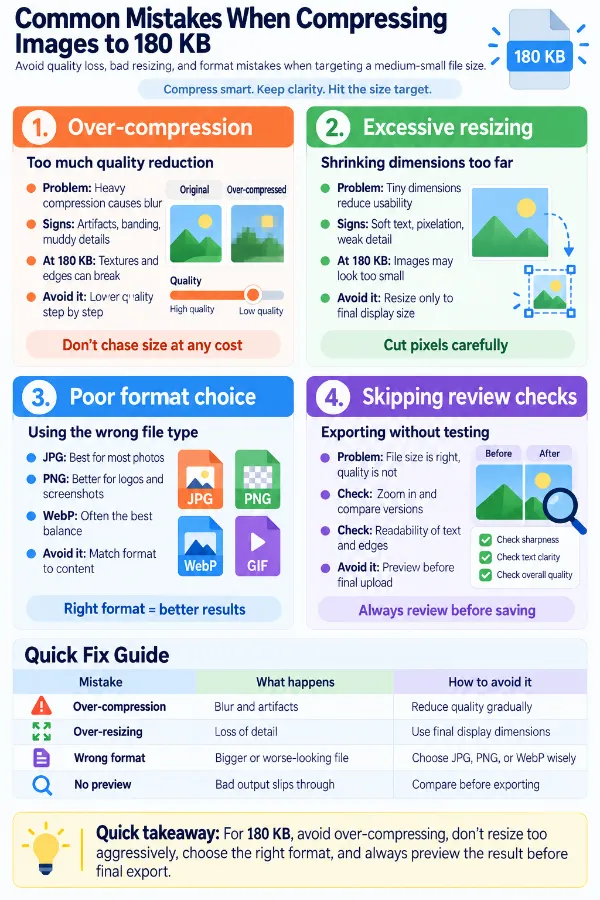
A substantial reduction may require stronger compression, which can remove some image detail. The effect is more noticeable in photos with fine textures, screenshots, and images containing small text.
Why did my image become much smaller than 180 KB?
The image may compress efficiently and end up well below the target. If the requirement is a maximum of 180 KB, a smaller result still satisfies the file-size limit.
Why is my PNG still large after compression?
PNG files containing transparency, detailed graphics, or many colors can remain relatively large. Using another suitable image format may sometimes produce a smaller file.
Why does my screenshot look blurry after compression?
Screenshots often contain sharp text and thin lines that are sensitive to compression. Strong compression can make these details less clear.
Why does my scanned document lose readability after compression?
Small characters and fine document details can lose clarity when compression is too strong. Always check the compressed copy before using it for an important submission.
Why does the same quality setting produce different file sizes?
Different images contain different amounts of detail and visual information. Consequently, the same compression setting can produce different final file sizes.
Why does my image become too low-quality when reduced from several MB to 180 KB?
A very large reduction requires more compression and can noticeably affect image detail. If the destination permits a larger file, using a less restrictive limit may preserve better quality.
Why does changing the image format sometimes make the file smaller?
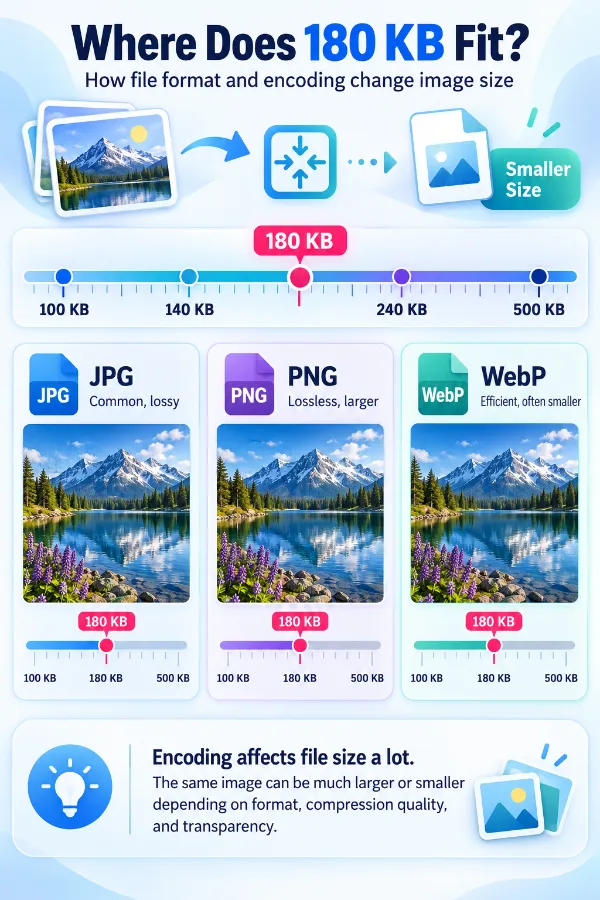
Different formats use different types of compression. JPG/JPEG uses lossy compression, PNG uses lossless compression, and WebP supports both lossy and lossless compression. Choosing the right format can affect both the final file size and image quality.
Why do two images with the same file size have different quality?
File size alone doesn't determine visual quality. Image dimensions, content, format, and compression characteristics all affect how much detail is preserved.
Where can an image under 180 KB be used?
An image under 180 KB can be useful for websites, online forms, profile uploads, email attachments, and platforms that impose a file-size limit. It can also help reduce storage and transfer requirements when a smaller image file is preferred.