FAQ's
What is an 18 KB image compressor?
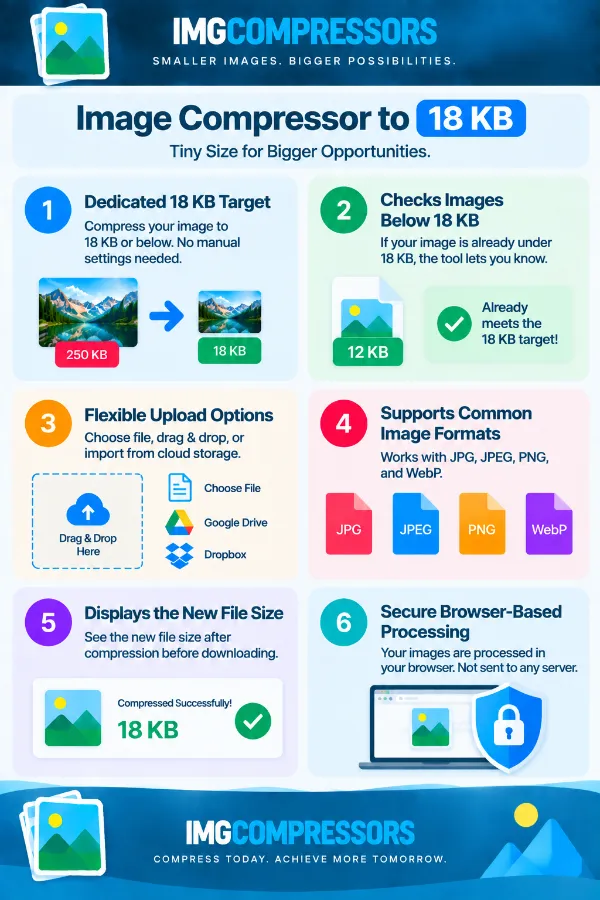
An 18 KB image compressor is designed to reduce an image's file size to 18 KB or below. It is useful when a website, form, application, or other upload system has a very small maximum file-size requirement. Instead of choosing a general compression percentage, you work toward a specific 18 KB target.
Why would I need an image that is 18 KB or smaller?
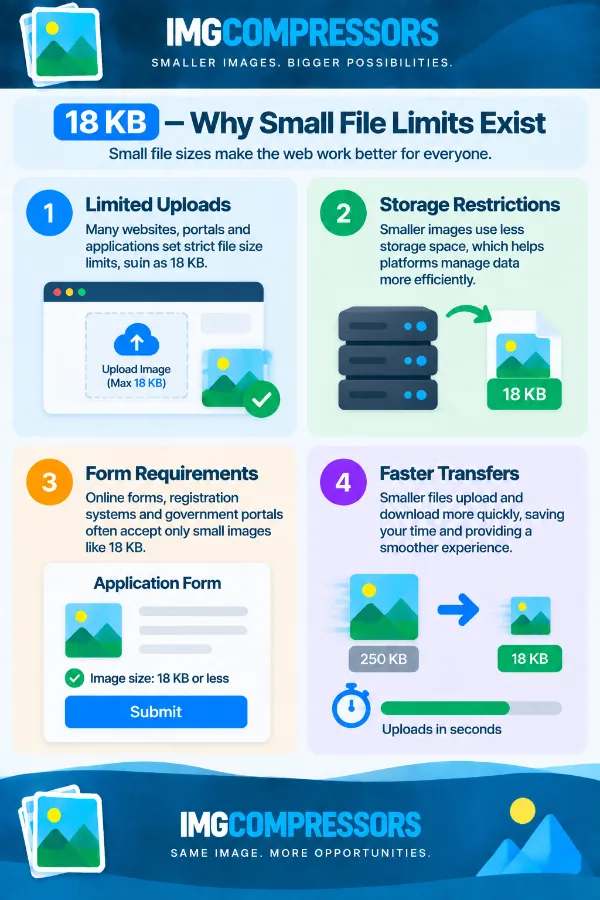
An 18 KB limit can be required by websites, online forms, application portals, or other systems that allow only very small image files. A normal photo may be hundreds of KB or several MB, so it needs substantial size reduction to meet such a strict limit. The 18 KB target is particularly useful when the upload requirement explicitly specifies 18 KB or less.
Can I compress a 1 MB image to 18 KB?
You can upload a 1 MB image and process it toward the 18 KB target. However, reducing a file from 1 MB to 18 KB requires a very large reduction in file size, so the resulting image may look noticeably different from the original. Always inspect the compressed version to make sure it is still suitable for your intended use.
Does the tool create a file that is exactly 18 KB?
The target is 18 KB or below, so you should not expect every processed image to have an exact file size of 18 KB. The resulting size can vary depending on the original image and how it responds to compression. If a website specifies “18 KB maximum,” any result below that limit should satisfy the file-size requirement, provided its other requirements are also met.
What if the website says the image must be less than 18 KB?
Pay attention to the exact wording of the requirement. If the website means strictly below 18 KB, a file that is exactly 18 KB may not qualify. In that situation, check the displayed file size of the compressed result and make sure it is safely below the stated limit.
Will an image compressed to 18 KB still look like the original?
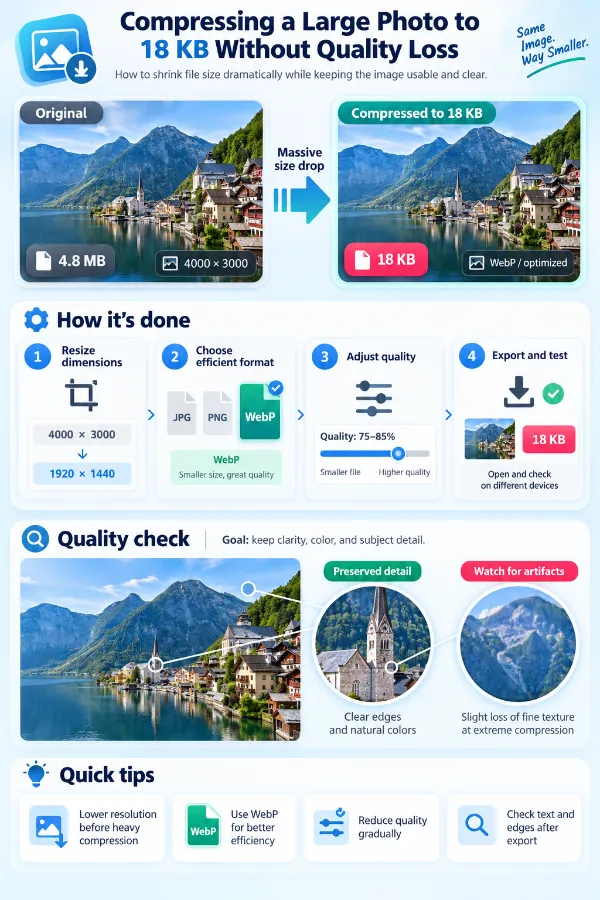
Not necessarily. When an image is significantly larger than 18 KB, reaching such a small target can require substantial compression and may reduce fine details or visual clarity. The effect depends on the original image, its content, dimensions, and file format, so it is important to review the result rather than assuming the original appearance will be preserved.
Why does my photograph look worse after reducing it to 18 KB?
Photographs usually contain a large amount of visual information, including textures, fine details, gradients, and small variations in color. Compressing that information into an extremely small file can cause visible changes, especially when the original photograph is large. If the destination permits a larger file, using a less restrictive size target may produce a better-looking result.
Is 18 KB suitable for a screenshot?
It can be, but screenshots containing a lot of text or fine interface details may become difficult to read after such a significant reduction. This is especially important for screenshots of websites, documents, or applications where small text needs to remain clear. Check the compressed result at its intended display size before uploading it.
Can I compress a scanned document to 18 KB?
Yes, but readability should be your main consideration. A scanned document with small text, signatures, stamps, or other fine details may lose important information when reduced to such a small file size. If the document is being submitted for an official purpose, verify that the compressed version remains readable before using it.
What types of images are more suitable for an 18 KB target?
Simple graphics, basic illustrations, small icons, and images with limited visual detail can generally be more practical at extremely small file sizes than detailed photographs. Complex images may require much more compression to reach 18 KB.
Can I use an 18 KB image for a digital signature?
Yes, if the signature is stored as a supported image file and the destination accepts an image of that size. Since a signature may contain thin lines and fine details, check the compressed result carefully for clarity. If the signature becomes difficult to distinguish, the destination may require a larger file.
Can I use an 18 KB image on a website?
Yes, particularly for small graphics where extreme file-size reduction is more important than preserving a large amount of detail. However, an 18 KB target may be too restrictive for photographs or detailed website visuals. Check how the image looks in its actual website placement before replacing the original.
What happens when an image is much larger than 18 KB?
The greater the difference between the original size and the 18 KB target, the more aggressive the reduction needs to be. For example, an image that is 20 KB needs only a small reduction, while a 2 MB photograph requires a much greater reduction. This difference can affect the visual quality of the final file.
Does the original image size matter when compressing to 18 KB?
Yes. The original file size gives an indication of how much reduction may be necessary to reach the target, although file size alone does not determine the final appearance. Two images with the same starting size can respond differently because their content and compression characteristics may differ.
Why can two images both be 18 KB but look very different?
File size does not describe how much visual information an image contains. A simple graphic can fit into 18 KB while remaining clear, whereas a detailed photograph at the same size may require much more compression and show more visible changes. The original content, dimensions, and format all influence the final result.
Is it safe to compress a confidential image with this tool?
The tool processes images directly in your browser rather than sending them to a server. This means the image does not need to be uploaded to a remote server for the compression process. This can be useful when you are working with personal, professional, or confidential images.
What should I check after creating the 18 KB image?
First, check the new file size to confirm that it meets the required limit. Then open the image and inspect important details such as text, signatures, faces, or other information that must remain clear.