FAQ's
Why does a website require an image to be 16 KB or less?
Some websites, online forms, exams, applications, and document-submission systems set a very small maximum file size to limit upload and storage requirements. If your image exceeds the specified limit, it may be rejected during submission.
What does a 16 KB image file size limit mean?
It means the image file must be no larger than the maximum size specified by the website or application. If the requirement says 16 KB maximum, an image slightly above that limit may not be accepted.
Is 16 KB the same as 16 MB?
No. 16 KB is much smaller than 16 MB. An image that satisfies a 16 MB limit can still be far too large for a 16 KB requirement.
Should my image be exactly 16 KB or below 16 KB?
If a website specifies 16 KB maximum, the safest choice is an image that is at or below that limit. If it says the file must be exactly 16 KB, follow the website's specific instructions because "16 KB or less" and "exactly 16 KB" are different requirements.
Why can't every image be compressed to exactly 16 KB?
Different images contain different amounts of visual information, metadata, colors, and compression-friendly content. As a result, achieving one exact file size can be difficult without making additional changes to the image.
Why is my image still larger than 16 KB after compression?
Some images contain too much data to reach a very small file size while retaining their existing characteristics. Large photographs, detailed graphics, and images with complex textures can be particularly difficult to reduce to such a small size.
Does image resolution affect the ability to reach 16 KB?
Yes. An image with very large dimensions contains more pixels and may require more compression to reach 16 KB. Reducing unnecessary dimensions can sometimes make a very small file size easier to achieve.
Can a high-resolution photo really be reduced to 16 KB?
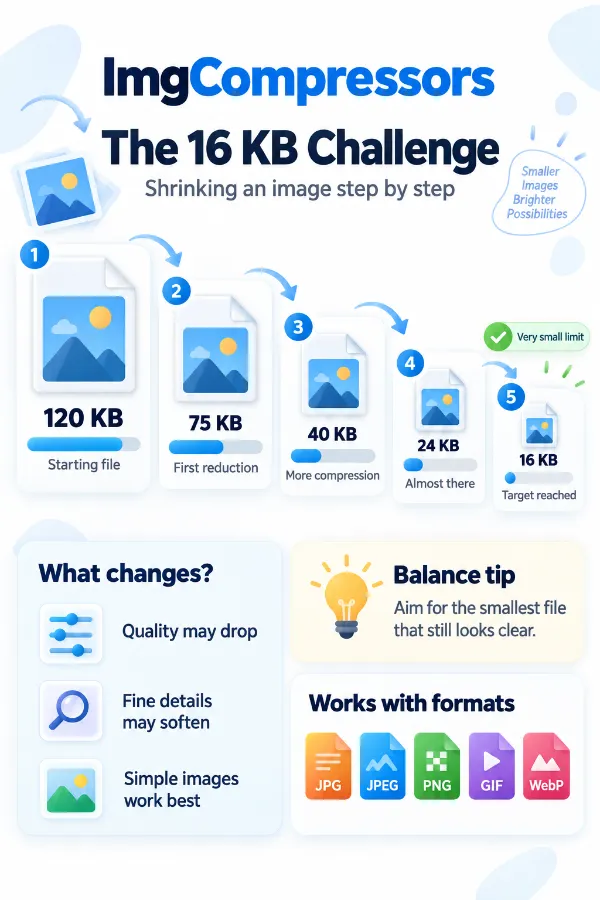
It may be possible, but the smaller the required file size compared with the original, the greater the potential impact on visual quality. Whether the result remains suitable depends on the image and how it will be used.
Why does a 16 KB image sometimes look blurry?
A very small file-size limit can require substantial reduction of image data. Fine details, edges, textures, and other visual information may become less clear when an image is compressed aggressively.
Will compressing an image to 16 KB change its quality?
It can. The amount of visible change depends on the original image, its format, dimensions, and how much reduction is needed to reach the target size.
Is 16 KB enough for a photo?
It depends on where the image will be used. A 16 KB file may be sufficient for a small online form or thumbnail, but it may not provide enough detail for printing or displaying a photograph at a large size.
Why does an image that looks small have a large file size?
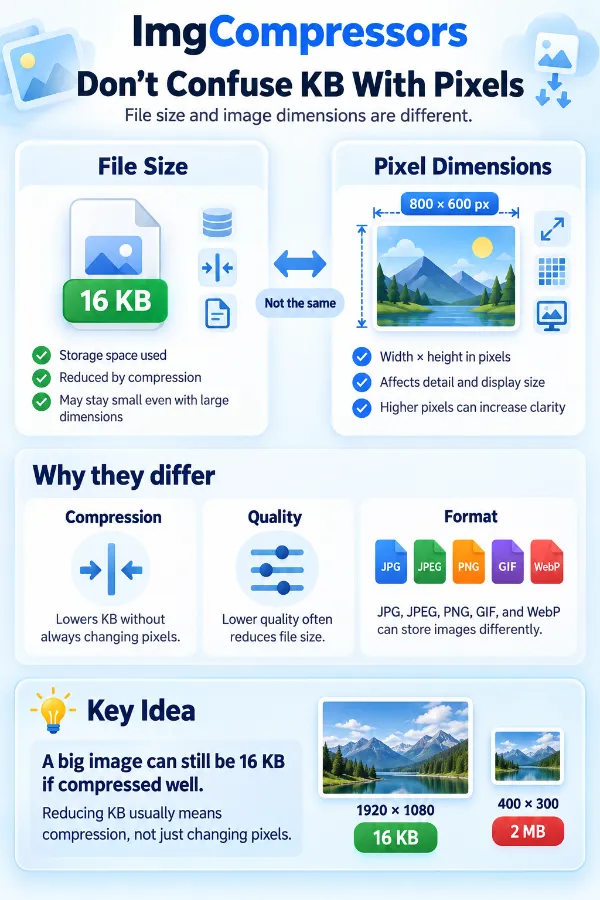
Displayed size and file size are different. An image can appear small on screen while still containing large dimensions, high-quality image data, metadata, or other information that increases its file size.
Does changing the image format help reduce it to 16 KB?
It can. Different image formats use different compression methods, so changing formats may produce a smaller file for the same image. However, the best format depends on the image content and the requirements of the destination.
Which image format is easier to reduce to 16 KB?
There is no single format that is best for every image. Photographs, illustrations, transparent graphics, and animated images can behave differently during compression, so the suitable format depends on the image and its intended use.
Can JPG and PNG images be compressed to 16 KB?
Yes. Both JPG and PNG images can be reduced toward 16 KB, but the result depends on the image's content, dimensions, and original file size. Detailed photos and high-resolution graphics may require more compression and can show greater quality loss.
Does image metadata affect the 16 KB limit?
Yes. Metadata such as embedded information can contribute to the total file size. For extremely small limits like 16 KB, even relatively small amounts of additional data can matter.
Why does my image need to be below 16 KB when it is only slightly larger?
File-size limits are often enforced as maximum values. If a system allows up to 16 KB, even a small amount above the limit can cause the upload to be rejected.
What should I do if the 16 KB image looks too low in quality?
First check whether the destination actually requires 16 KB or simply sets 16 KB as a maximum. If the limit is mandatory, you may need to balance file size with dimensions and visual quality to create an image that is still usable.
Is reducing image dimensions better than heavy compression for a 16 KB requirement?
It depends on the intended use. Reducing unnecessarily large dimensions can remove excess pixel data before compression, while heavy compression preserves dimensions but may have a greater effect on visual quality.