FAQ's
What does a 140 KB image mean?
A 140 KB image is a file whose size is 140 KB or smaller. The number refers to the amount of storage space the image file occupies, not its width, height, or pixel dimensions.
Why would I need to reduce an image to 140 KB?
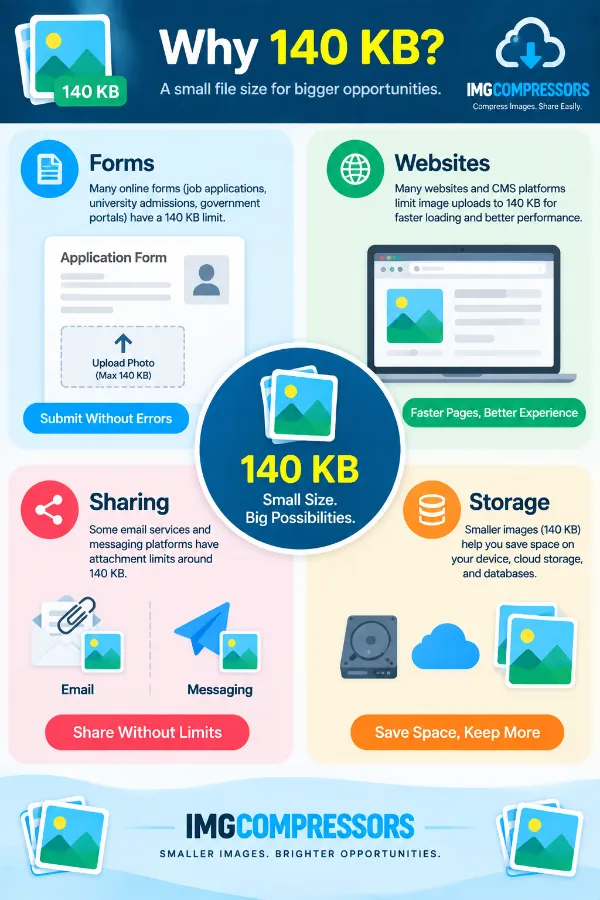
Some online forms, applications, websites, and upload systems set a maximum image size to keep submitted files small. If the stated limit is 140 KB, reducing an oversized image to that range can help you meet the requirement.
What is the difference between 140 KB and 140 pixels?
They describe two completely different things. 140 KB refers to file size, while 140 pixels refers to an image dimension such as width or height; compressing an image to 140 KB does not mean making it 140 pixels wide.
Can I reduce a 500 KB image to 140 KB?
Yes. Upload the 500 KB image, and the tool will process it toward the 140 KB or lower target. The amount of reduction required will depend on the original image and its file data.
Can I compress an image that is only 10 or 20 KB above the limit?
Yes. Even a small amount over the 140 KB limit can be handled by the tool. Upload the image and let it process the file rather than trying to estimate a suitable compression percentage yourself.
What happens when a photo is several times larger than 140 KB?
The tool can process an image that is substantially above the target and work toward 140 KB or below. A larger starting file generally requires a greater reduction, so the resulting image should be checked before you use it for an important submission.
Can I use 140 KB for an online application photograph?
You can if the application specifies 140 KB or less as its file-size requirement. Also check whether the application separately requires particular dimensions, file formats, or image proportions, because meeting the file-size limit alone may not satisfy every requirement.
Is 140 KB useful for profile pictures?
It can be useful when a website or service places a 140 KB maximum on profile images. Before uploading, check the site's other requirements because some platforms also restrict the image dimensions or accepted formats.
Can a scanned document image be compressed to 140 KB?
Yes, if the scanned document is provided in a supported image format. However, if the scan contains small text or fine details, check the compressed result carefully to make sure it remains readable for its intended use.
Will compressing an image to 140 KB reduce its quality?
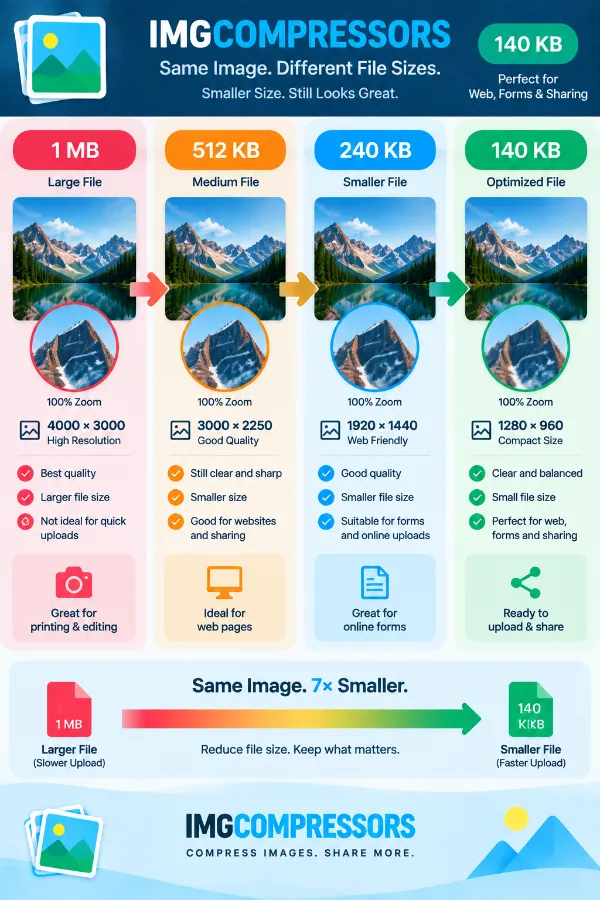
It can, particularly when the original file is much larger than 140 KB and needs substantial reduction. The amount of visible change varies according to the original image, format, detail, and how much compression is required.
Why can two images with the same dimensions have different file sizes?
Image dimensions are only one factor affecting file size. Two images with identical pixel dimensions can occupy different amounts of space because of differences in format, image content, detail, and how the image data is stored.
Can I use the tool if I don't know my image's current size?
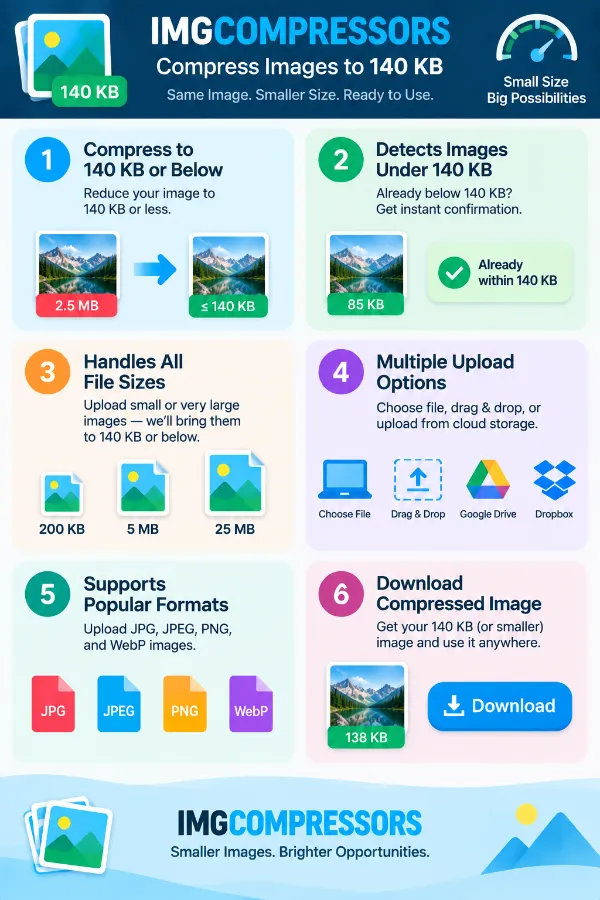
Yes. You can upload the image without first checking its file size manually. The tool can determine whether the file is already below 140 KB or needs to be processed toward the target.
Do I need to choose how much compression the image needs?
No. The tool is built around the 140 KB or lower target, so you don't have to calculate a percentage before uploading. This is useful when you know the required maximum file size but don't know what compression setting would reach it.
Is drag and drop supported for adding an image?
Yes. You can drag an image from your device and drop it into the tool's upload area. If you prefer, you can use the Choose File option instead.
What should I check after compressing an image to 140 KB?
Check the resulting file size first to make sure it meets the requirement you are trying to satisfy. If the image is going to an online form or application, also confirm its required format and dimensions before submitting it.
Is 140 KB the same as 0.14 MB?
They are approximately related, but file-size calculations can use different unit conventions. When a website gives a specific maximum in KB, it is safest to follow that stated 140 KB limit rather than relying on a rough MB conversion.
Can I compress an image to 140 KB without changing its file format?
The tool's purpose is to reduce the file size toward the 140 KB target, rather than requiring you to manually convert the image before using it. If the destination service has a specific format requirement, make sure the resulting file is acceptable before uploading it.
What can I do if the 140 KB result is noticeably less clear?
A substantial reduction can sometimes make fine details less clear, especially in photographs, scans, or images containing text. If quality is important, compare the compressed copy with the original and make sure the 140 KB version is still suitable for the purpose for which you need it.