FAQ's
What is the difference between 130 KB and 130 KB or less?
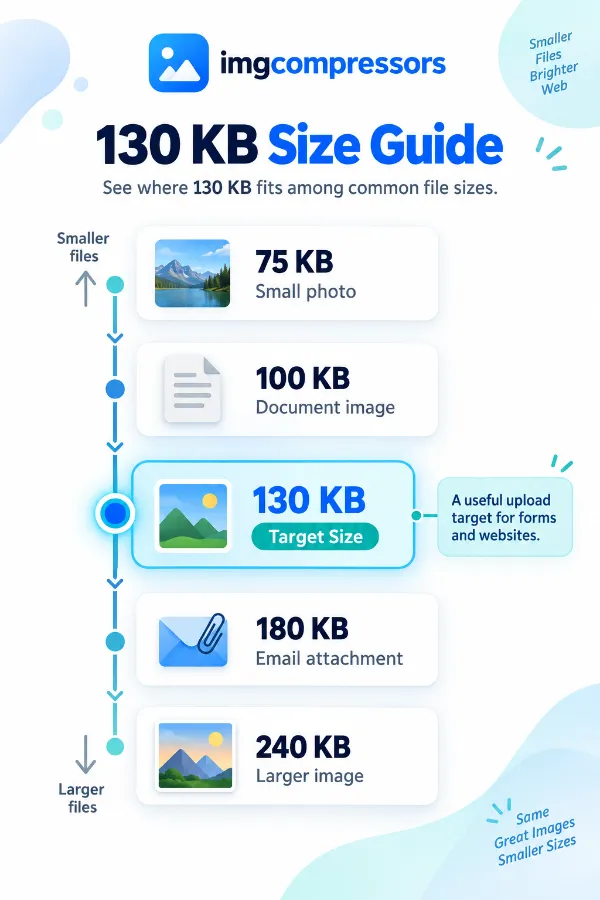
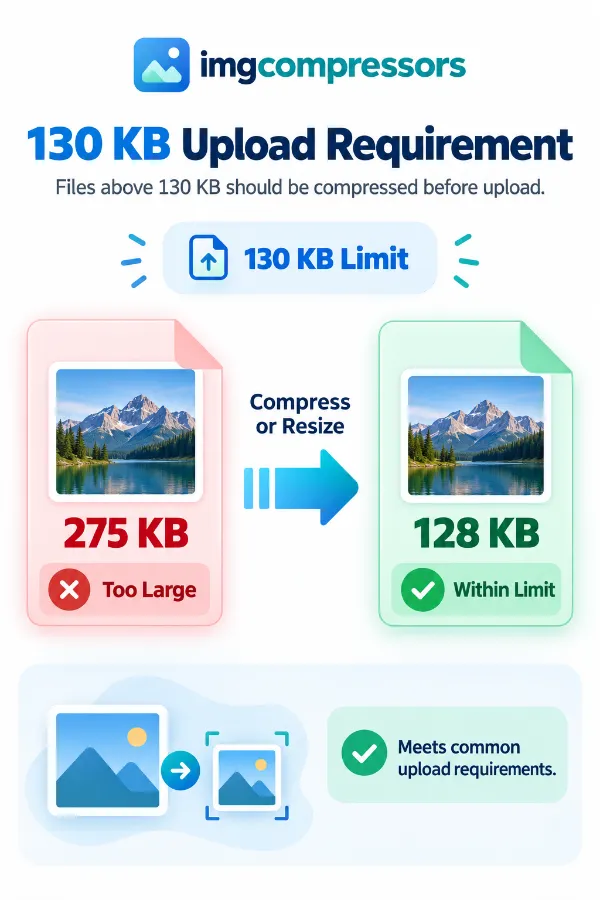
A 130 KB maximum means the file must not exceed 130 KB, so a result such as 115 KB or 128 KB also satisfies the requirement. The target is therefore a maximum rather than a requirement to produce exactly 130 KB. This distinction matters when an upload form checks the file size automatically.
Why do websites use file-size limits such as 130 KB?
A smaller upload limit reduces the amount of storage and data required to handle submitted images. This can be important for forms, profile systems, websites, and applications that receive many uploaded files. A 130 KB limit is therefore usually a technical restriction rather than an indication of the ideal visual quality for every image.
What actually happens when an image is compressed?
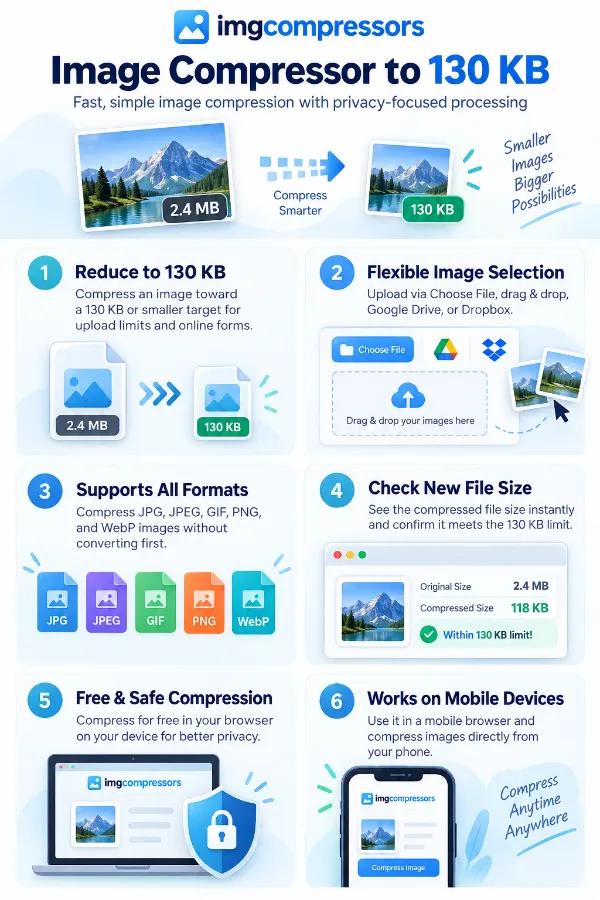
Compression changes how the image data is stored so that the resulting file requires less storage space. With lossy compression, some visual information can be discarded to achieve a greater reduction, while lossless compression reduces data without intentionally removing image information. The method and format used affect both the resulting file size and the appearance of the image.
Why isn't compression percentage a reliable way to target 130 KB?
A percentage describes how much smaller the file becomes, but it does not guarantee a particular final file size. For example, reducing different images by the same percentage can produce completely different results because their starting sizes and contents differ. A direct 130 KB target is therefore easier to relate to an actual upload requirement.
Why does the original file size matter when targeting 130 KB?
The starting size determines how much reduction is needed to reach the target. Reducing a 150 KB image to 130 KB requires a relatively small change, whereas a 5 MB image needs a much larger reduction. A larger reduction can also create a greater risk of noticeable quality changes.
How does image content affect the final compressed size?
Images with large areas of similar colors or relatively simple patterns can often be represented efficiently. Photographs, textured scenes, and highly detailed graphics contain more varied information and can behave differently during compression. This is why two images of the same dimensions may require different amounts of compression to approach 130 KB.
Why can changing the format help when an image is difficult to reduce?
Different formats store image information in different ways, so the same image can occupy different amounts of space depending on its format. JPG is commonly efficient for photographs, while PNG is often preferred when lossless quality or transparency is important. WebP can also provide efficient compression, but the destination must support the format before you use it.
When should I keep PNG instead of using JPG for a 130 KB target?
PNG can be preferable when the image contains transparency, sharp graphics, or other content where preserving the original image data is important. However, PNG files can be relatively large, particularly when they contain complex imagery. If the 130 KB limit is strict, the format choice may therefore require a balance between file size and the type of image.
Why is JPG commonly used for small photographic files?
JPG is designed to compress photographic imagery efficiently by reducing some visual information that is less noticeable to the viewer. This allows photographs to occupy substantially less storage than an uncompressed or losslessly stored version. At a restrictive target such as 130 KB, JPG can therefore be practical for many photographic images.
Why can an image become smaller without changing its dimensions?
Compression can reduce the amount of data used to represent the existing pixels without changing the image's width and height. For example, the same 1600 × 1200 image can have different file sizes depending on its format and compression. This is why file-size reduction does not automatically mean that the image has been resized.
When is resizing more appropriate than compression?
Resizing is useful when the image has unnecessarily large pixel dimensions for its intended destination. A photograph that is several thousand pixels wide may contain far more pixels than an online form actually needs. Reducing those dimensions can sometimes make reaching a 130 KB target easier while producing a more appropriately sized image.
Why shouldn't I assume that a 130 KB file has a particular resolution?
File size and resolution measure different things. Resolution describes the number of pixels, whereas KB describes how much storage the resulting file occupies. A 130 KB image could therefore have relatively small or relatively large dimensions depending on its format, content, and compression.
What does the new file size tell me after compression?
The new file size tells you how much storage the resulting copy requires after processing. It is the figure you should compare with a destination's stated maximum, rather than relying only on how much smaller the image appears to be. For a 130 KB requirement, the important check is whether the final file is at or below that limit.
Is a 120 KB result better than a 129 KB result?
Not automatically. Both files satisfy a 130 KB maximum, and the slightly smaller file is not necessarily better if achieving that reduction caused additional quality loss. Once the required limit has been met, image usability and visual quality become important considerations.
What is the difference between file size and image quality?
File size tells you how much storage the image uses, while quality describes how much useful visual detail remains. A smaller file is not automatically a lower-quality file, and a larger file is not automatically better. Format, dimensions, image content, and compression all contribute to the final appearance.
Why might a 130 KB image look fine at first but lose detail when enlarged?
An image can appear acceptable at its normal display size while showing compression changes when viewed much larger. Enlargement makes fine details, softened edges, and compression artifacts easier to notice. This is why an image should be judged according to the size at which it will actually be viewed or used.
What should I do when 130 KB is the maximum but the image needs to remain clear?
Use 130 KB as the file size limit, then verify if the compressed image retains the necessary details. For photos, ensure key visual elements remain clear; for screenshots and documents, focus on text clarity.