FAQ's
What does it mean to compress an image to 12 KB?
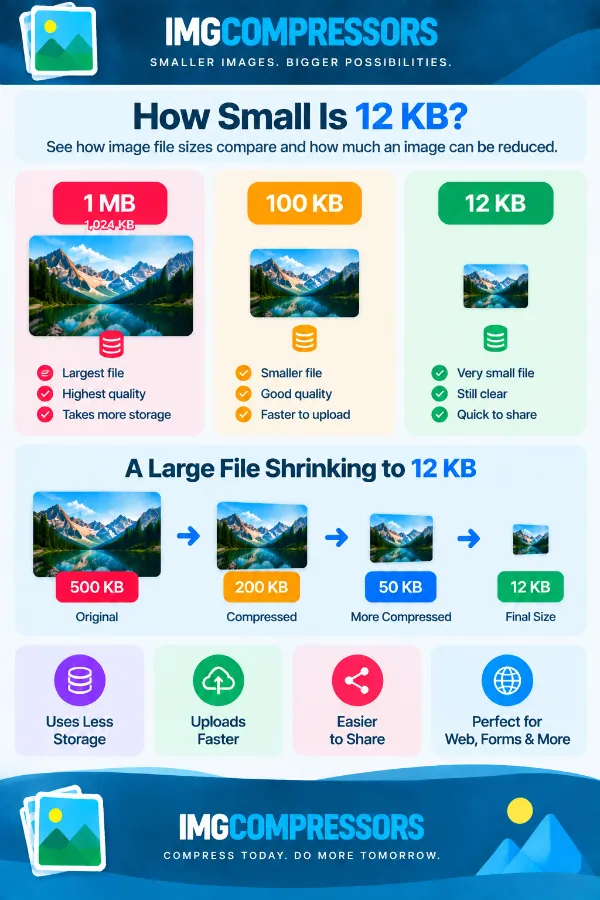
It means reducing the image's file size so the resulting file is 12 KB or smaller. This is useful when a website, form, or application specifies a very small maximum file size. The target refers to the file size, not the image's width or height.
Why would I need an image that is 12 KB or smaller?
Some online forms, application portals, websites, and older upload systems impose very small file-size limits. A normal photograph can easily be hundreds of KB or several MB, making it unsuitable for these requirements. A 12 KB compressor helps prepare an image for situations where the maximum allowed size is particularly restrictive.
Can I compress a large image, such as a 1 MB photo, to 12 KB?
The tool can work toward the 12 KB target, even when the original image is much larger. However, reducing a 1 MB image to 12 KB requires a substantial reduction in file size, so the final image may lose noticeable detail. Always check the resulting image before using it for an important submission.
What if my image is already smaller than 12 KB?
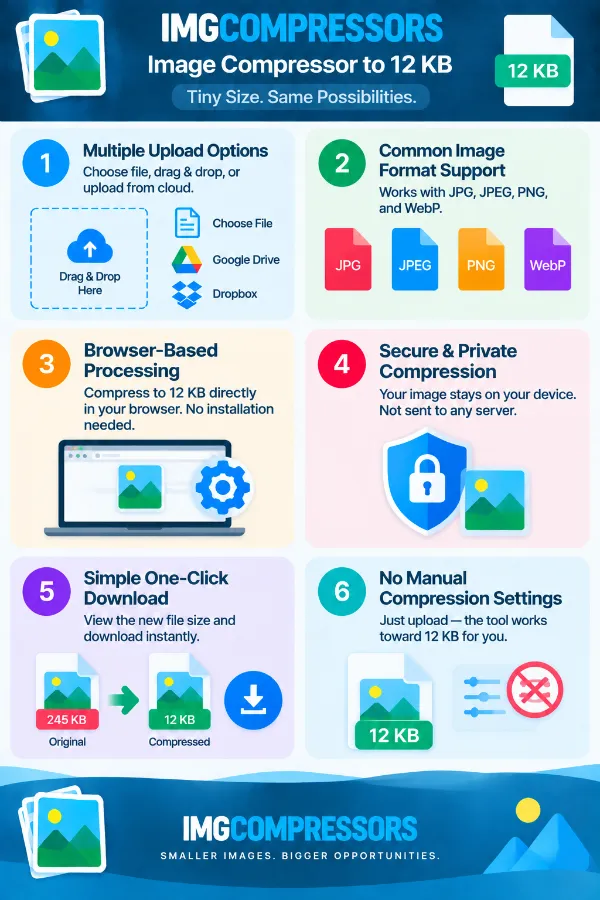
If the original file is already below 12 KB, it already meets the target. For example, a 10 KB image does not need to be reduced further just to satisfy a 12 KB maximum. The tool can provide feedback when the uploaded image is already within the target.
Does the tool make the final image exactly 12 KB?
No. The target is 12 KB or below, so the resulting file can be smaller than 12 KB. For example, a result of 11 KB or 9 KB can still satisfy a requirement that says the image must not exceed 12 KB.
What if a website says “less than 12 KB” instead of “12 KB or less”?
These two requirements can be interpreted differently. If the requirement is strictly less than 12 KB, an image exactly at 12 KB may not qualify. Check the displayed result and make sure the file is safely below the limit when the wording requires it.
Does reducing an image to 12 KB change its dimensions?
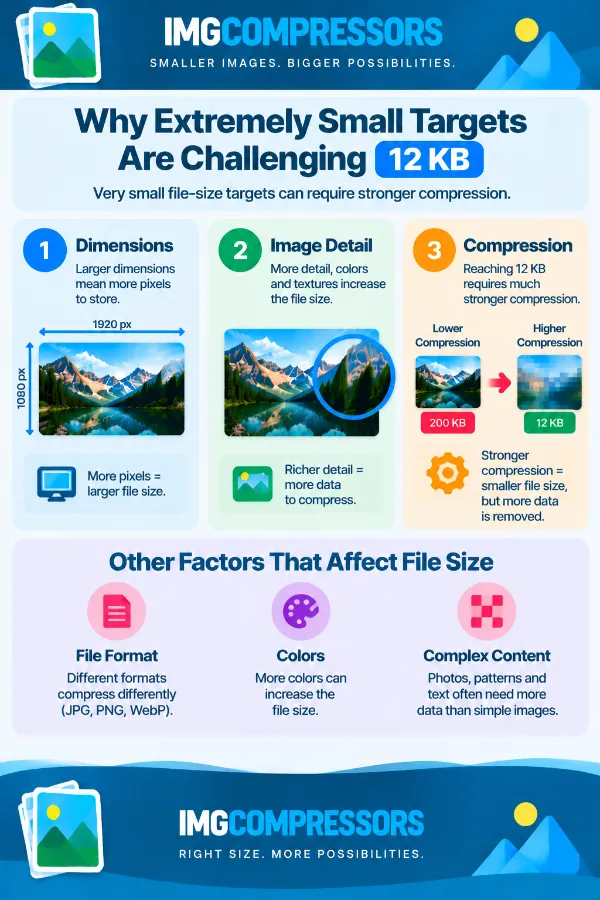
File size and image dimensions are separate properties. Compressing an image toward 12 KB does not mean that the image will automatically meet a required width or height. If an application specifies both file size and pixel dimensions, check those requirements separately.
Why can a 12 KB image look different from the original?
An image contains visual information such as colors, textures, edges, and fine details, and reducing that information to an extremely small file can affect its appearance. The effect is usually more noticeable when the original image is large or highly detailed. Simple graphics may remain more usable at 12 KB than detailed photographs.
Is 12 KB a practical size for photographs?
It can be difficult to preserve much detail from a photograph at only 12 KB. A simple or small image may remain usable, but a detailed photo can show noticeable quality loss after such a significant reduction. If the destination allows a larger file, a less restrictive target may provide a better result.
Can I use a 12 KB image for an ID or application photo?
Yes, if the application specifically allows an image of 12 KB or less. However, applications often specify additional requirements such as pixel dimensions, file format, or minimum image quality. Check the compressed image carefully and make sure it satisfies all of those requirements before submitting it.
Is 12 KB suitable for a logo or small graphic?
It can be more practical for a simple logo or graphic than for a detailed photograph because simple images may contain less visual information. However, thin lines, small text, or transparent details can still be affected by heavy compression. Review the final result to make sure the important elements remain clear.
Why do two images of the same size behave differently when compressed to 12 KB?
The original file size alone does not determine how an image will respond to compression. Two images can have the same starting size but contain very different amounts of detail, colors, textures, or other visual information. As a result, one may remain clearer than the other when both are reduced toward the same 12 KB target.
Can I use a 12 KB image for a website?
Yes, when the website has a 12 KB or higher file-size allowance and the resulting image is visually suitable. This can be useful for very small graphics where minimizing file size is important. For larger or detailed website images, however, 12 KB may be too restrictive.
Should I keep my original image after compressing it to 12 KB?
Yes. Keep the original file separately because the 12 KB version may be suitable only for a specific upload requirement. You may later need a higher-quality version for another website, printing, editing, or a different file-size limit. Keeping the original prevents you from having to recreate or recover the source image.
What should I check after compressing an image to 12 KB?
First, check the new file size to confirm that it meets the required limit. Then open the image and inspect important details such as text, signatures, faces, or other information that needs to remain clear.