FAQ's
Why is my image still larger than 1 MB after compression?
Some images contain a large amount of visual information and may be difficult to reduce significantly without affecting their appearance. Very large dimensions, detailed photographs, and already-compressed files can make it harder to reach a 1 MB target.
Why does reducing an image to 1 MB affect its quality?
A substantial reduction in file size may require stronger compression, which can remove some image detail. The effect can be more noticeable in photographs, screenshots, text, and graphics with fine details.
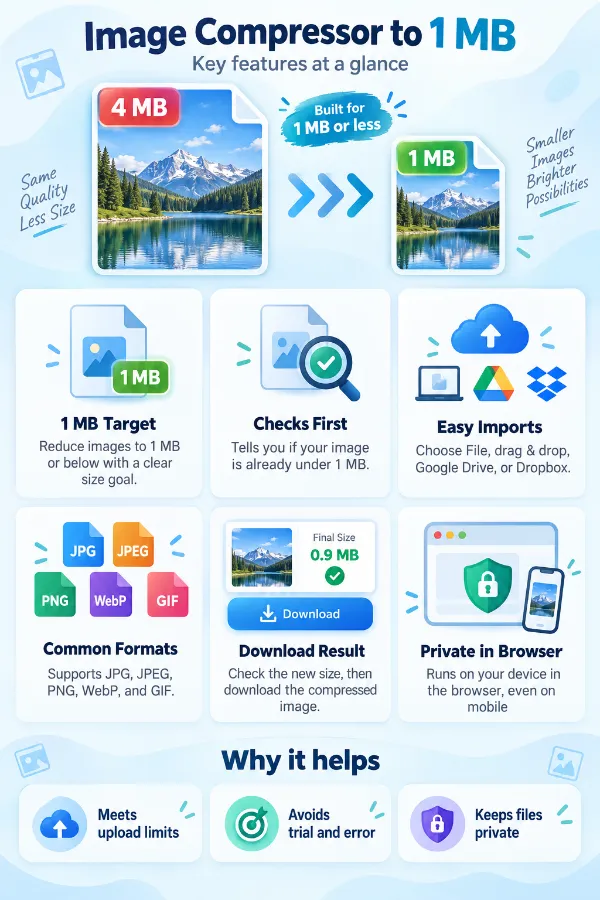
What happens if my image is already below 1 MB?
An image that is already below the 1 MB limit does not need further compression for that requirement. Keeping the existing file can help avoid unnecessary quality changes.
Why does the same image compress differently at different sizes?
The amount of compression needed depends on the starting file size and the amount of data contained in the image. A 1.5 MB image may require a much smaller reduction than a 10 MB image.
Why does a scanned document become less readable after compression?
Scanned documents can contain small characters and fine lines that require sufficient image detail. Strong compression may reduce this detail, so the compressed copy should be checked before an important submission.
Why is my PNG still larger than 1 MB?
PNG uses lossless compression and can remain relatively large when an image contains many colors, detailed graphics, or transparency. Depending on the intended use, another supported format may produce a smaller file.
Why does changing the image format change the file size?
JPG, PNG, GIF, and WebP use different compression approaches and handle image content differently. As a result, the same image can have noticeably different file sizes depending on the selected format.
Why can two 1 MB images have different visual quality?
File size alone does not determine how much image detail is preserved. Format, pixel dimensions, image content, and compression characteristics can cause two similarly sized files to look quite different.
What happens when a very large image needs to be reduced to 1 MB?
A large file may require a substantial reduction to meet the target. When the size difference is significant, the resulting image should be checked carefully for changes in sharpness, detail, or readability.
Why is an image under 1 MB still rejected by an upload form?
The form may have additional requirements for dimensions, format, or other image properties. Meeting the 1 MB file-size limit does not necessarily mean the image satisfies every upload requirement.
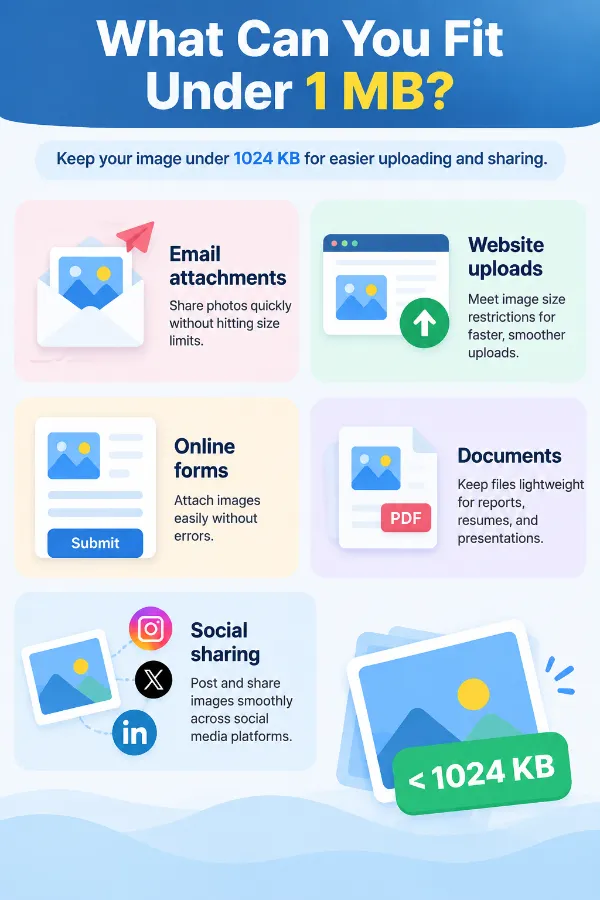
Where is a 1 MB image file-size limit commonly used?
A 1 MB limit may be used for online applications, profile uploads, document forms, websites, and other services that restrict image uploads. The exact requirements vary, so the destination's instructions should be checked before submission.
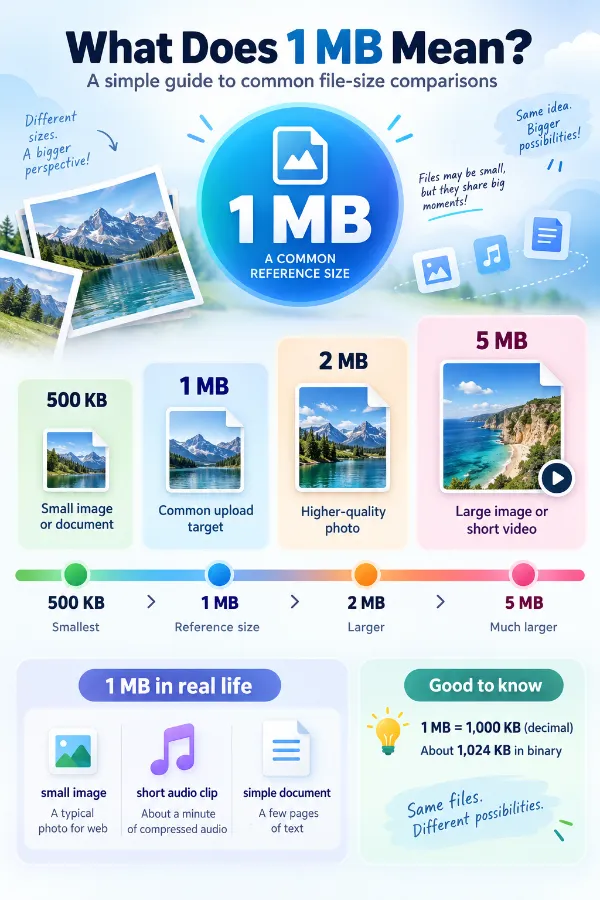
Does 1 MB refer to image resolution?
A 1 MB refers to the file size, while resolution refers to the image's pixel dimensions, such as 1920 × 1080. An image can therefore be under 1 MB while still having relatively large pixel dimensions.