FAQ's
Why would I need an image under 25 MB?
Some upload systems allow large files but still impose a maximum size. If your image exceeds 25 MB, reducing it to or below that limit can make it acceptable for the intended upload.
Can I compress a 30 MB photograph to 25 MB?
Yes, you can upload the image and let the tool work toward the 25 MB target. Since the required reduction is relatively small, check the downloaded result before replacing or submitting the original.
Can this be used for high-resolution photographs?
Yes, supported high-resolution photographs can be uploaded. Keep in mind that file size alone does not tell you whether an image has enough dimensions or quality for a particular use.
Is 25 MB a large image file?
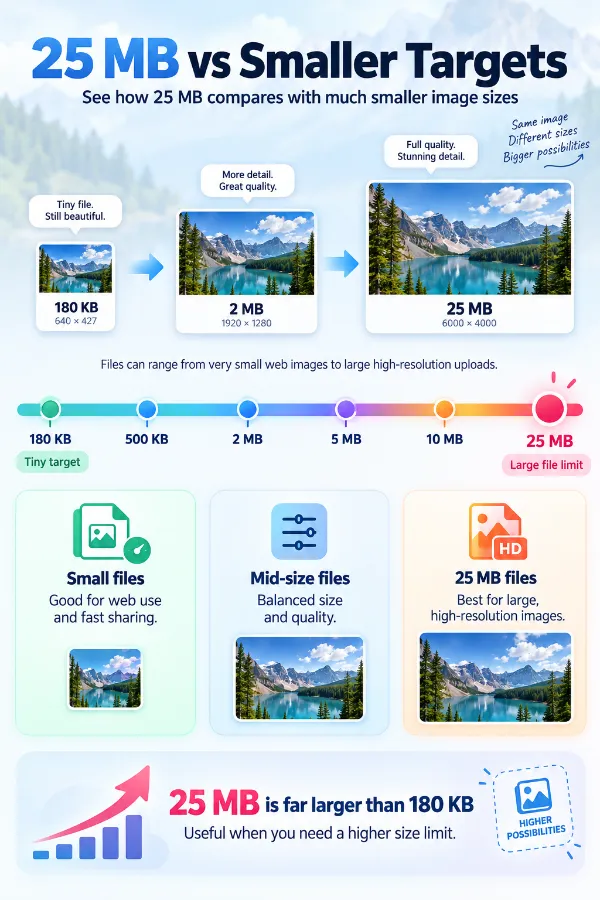
For many everyday web images, 25 MB is quite large. High-resolution photographs and certain image files can reach that size, so a 25 MB target is more relevant to large-file situations than typical web uploads.
Can I reduce a camera photo before sharing it?
Yes, if the original is larger than what your sharing method allows. A compressed copy can be useful while the original remains available for other purposes.
Can I compress a high-resolution JPG?
Yes. JPG is supported and can be processed toward the 25 MB target.
Is drag and drop available for large files?
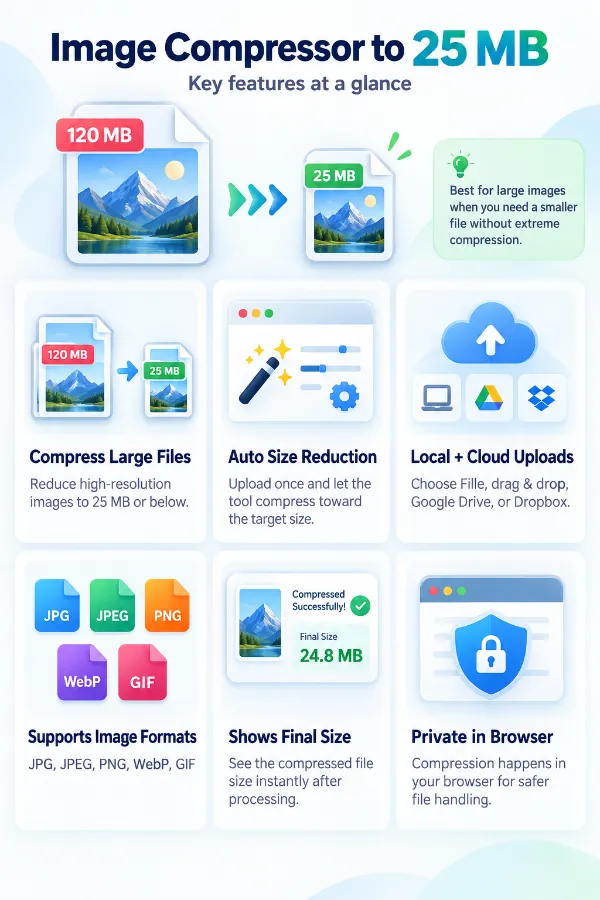
Yes. You can drag the image from your device into the upload area.
Does the tool require me to choose a quality percentage?
No. The tool is centered on the 25 MB target, so you don't need to determine a compression percentage before uploading.
Can compression change the visual quality?
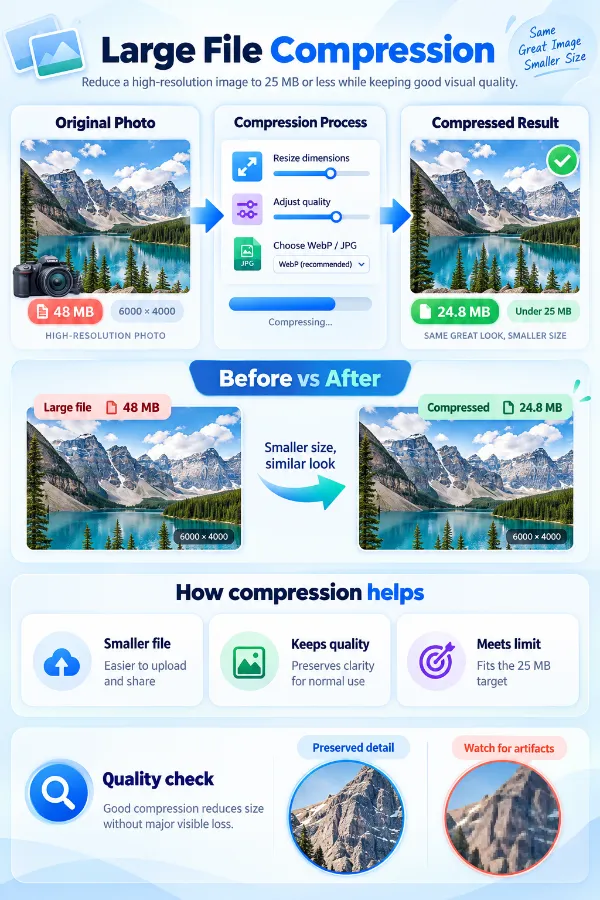
Yes, compression can affect image appearance depending on the original file and the amount of reduction required. A small reduction may be less noticeable than a substantial one, but the result should always be checked.
What if the image is 24 MB?
It is already below the 25 MB target, so there is no need to reduce it simply to meet a maximum-size requirement.
What if my destination requires 10 MB rather than 25 MB?
If your destination requires a file size of 10 MB instead of 25 MB, and your file is still too large, please visit the compress image to 10 MB page.
Can a compressed 25 MB image still be high quality?
File size alone doesn't determine image quality. The result depends on the source image and the compression applied, so open and inspect the downloaded file before using it for an important purpose.
Can I use the tool on a phone?
Yes, you can access the online compressor through a mobile browser. The available upload options let you select a local image or use supported cloud storage.
Can I compress several 25 MB images simultaneously?
The current interface is designed around the individual upload workflow rather than a batch-compression feature. You can process additional images separately as needed.